
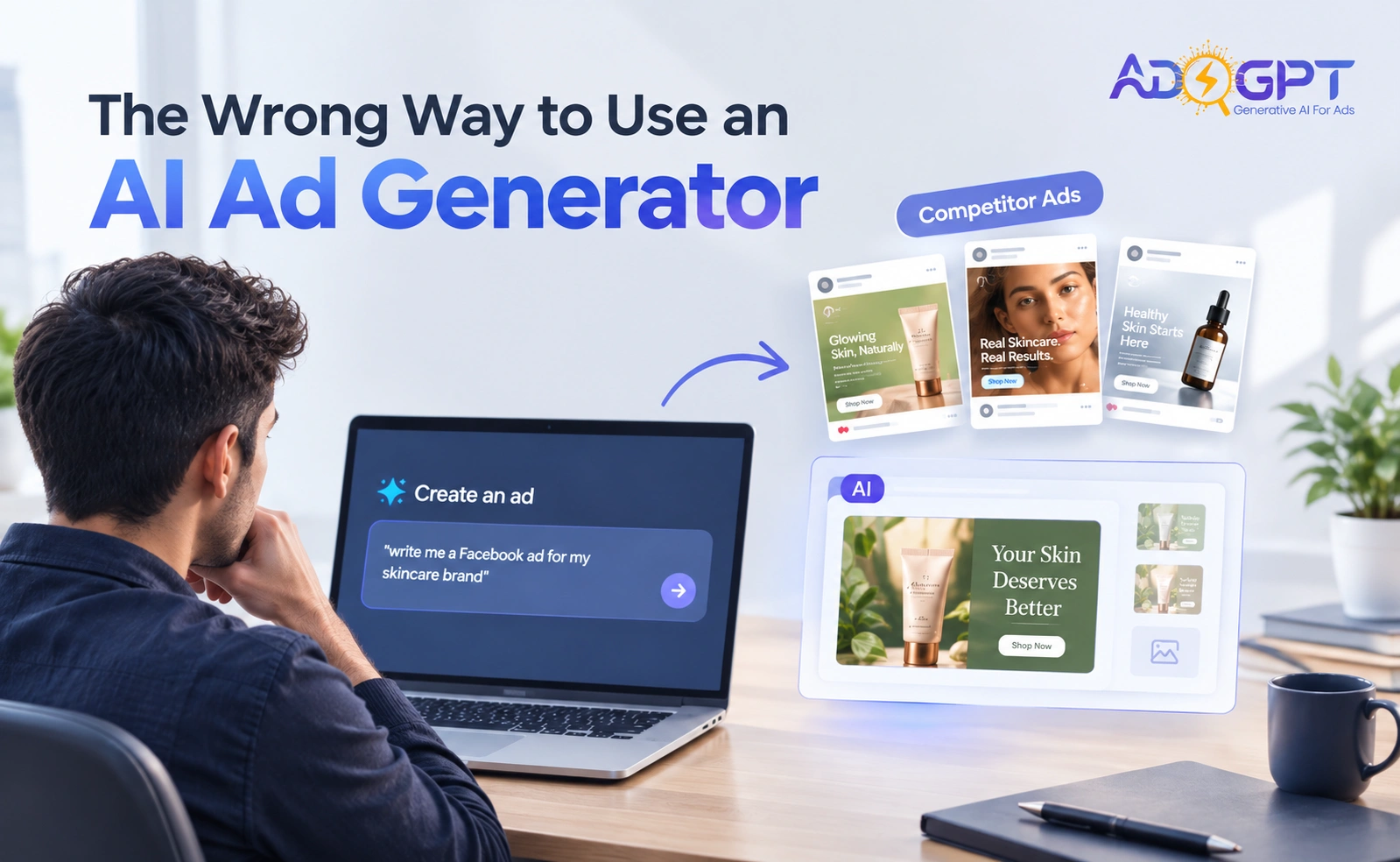
Most marketers open an AI ad generator, stare at a blank prompt field, and type something like “write me a Facebook ad for my skincare brand.” Then they wonder why the output feels generic. The problem isn’t the tool. It’s the starting point.
Blank prompts produce blank results. Not literally- you’ll get words, images, even video. But the creative will lack the one thing that actually makes ads work: proof that a similar message, angle, or format has already stopped a scroll for a real audience. Starting from zero means you’re guessing. Starting from a competitor’s proven winner means you’re testing a hypothesis the market has already partially validated.
After watching thousands of ad accounts go through creative production cycles, I’ll say it plainly: the single most expensive mistake in AI-assisted ad creation is treating the generator as a blank-canvas tool rather than a remix engine. Here’s the workflow that changes that.
Why the “Prompt From Scratch” Reflex Is Costing You
There’s a psychological comfort to the blank prompt. It feels creative. Original. Like you’re building something uniquely yours.
It’s also slow, expensive, and structurally wrong for paid advertising.
Paid ads aren’t art. They’re hypotheses. The faster you can generate, test, and iterate on hypotheses that carry some prior signal, the faster you find a winner. The IAB’s 2025 State of Data report was direct: generative and agentic AI “will radically alter the entire digital media ecosystem,” with AI set to power every aspect of media campaigns. The shift isn’t toward AI as a creative assistant; it’s toward AI as the production and optimization engine. That changes how you should enter the workflow.
Entering with a blank prompt puts you at the ideation phase. Entering with a competitor’s ad puts you at the iteration phase. One is slower by an order of magnitude.
The Competitor-First Workflow (Step by Step)
AdsGPT is built around this distinction in a way most tools aren’t. The Competitor Intel database holds over 500 million ads across platforms. That’s not a search index for curiosity; it’s a signal library. Here’s how to use it as the actual beginning of your creative process.
Step 1: Search Before You Prompt
Before you type a single word of your own, search the competitor database for your category. Filter by platform, format, and recency. You’re not looking for inspiration in a vague, mood-board sense. You’re looking for structural patterns: what hooks appear repeatedly, what visual formats dominate, what CTAs show up across multiple advertisers spending real money.
Ads that have been running for weeks or months in competitive categories are almost certainly performing. Nobody keeps spending on a creative that’s bleeding money. That longevity is your signal.
Also Read!
Step 2: One-Click Remix for Your Brand
Once you’ve identified an ad with the structure you want to test, use the one-click remix to adapt it for your brand. This is the step most tutorials skip, and it’s the most important one. You’re not copying the ad , you’re borrowing the proven format and replacing the brand-specific elements with your own. The hook structure, the pacing of a video, the ratio of product-to-lifestyle imagery: these are the transferable parts.
This is also where the tool earns back production cost immediately. Traditional agency workflows to produce a single tested creative, brief, concept, copy, design, and revisions can run into thousands of dollars per asset. AdsGPT accounts report 80% lower production costs compared to that workflow. The remix step is a big reason why.
Step 3: Batch Generate Across Formats in One Pass
Here’s where most marketers underuse the tool even after they’ve solved the blank-prompt problem. They generate one creative, launch it, and wait.
Don’t do that. From a single prompt or remixed brief, generate image ads, UGC-style videos via UGC Video Ads, B-roll clips via Product B-roll Video, and AI Avatar Ads in batch. Different formats perform differently across placements; what works as a static image on Meta may fall flat as a Reel, and vice versa. Generating them together from the same source brief keeps messaging consistent while format coverage stays complete.
The UGC format specifically is worth singling out. UGC Video Ads convert up to 4× better than polished brand content on average. If you’re only generating static image ads, you’re leaving a significant performance gap on the table. AI Avatar Ads close it , UGC-style creative at scale, without sourcing real creators for every SKU or angle you want to test.
Step 4: Export Sized-to-Spec, Not Resized Manually
Small thing that adds up: AdsGPT exports creatives sized to spec for eight platforms automatically. This sounds administrative, but manual resizing and reformatting is one of the most common places where production cycles stall. A creative that’s done but not exported in the right dimensions isn’t done; it’s stuck. Eliminating that step keeps your testing cadence tight. For teams running multiple campaigns simultaneously, this alone compresses launch time meaningfully.
Step 5: Use Recreate on Winners, Immediately
This step is where the competitor-first workflow compounds. When a creative starts performing, the instinct is to keep running it until performance drops. That’s how creative fatigue happens quietly; ROAS erodes before you notice because you were watching the wrong metric, or just busy.
The right move is to click Recreate on a winning creative the moment it shows early signal, not after it peaks. Recreate generates five fresh variations from the same winning structure. You now have a queue of tested-adjacent creatives ready before the original fatigues. The ad optimization discipline here is timing: you want the next test running before you need it.
Accounts using this kind of continuous testing loop report 4.8× higher ROAS from winning creatives within six weeks. That’s not from a single great creative , it’s from finding a winner and systematically iterating on its structure before performance declines.
Step 6: Let Autopilot Close the Loop
Once you have an active creative portfolio, Autopilot audits and optimizes your Meta ads around the clock. It comes with an undo log , important because automated optimization without an override mechanism is a real operational risk that most marketers don’t think about until something goes wrong at 2 am on a holiday weekend.
The loop is now complete: competitor intel → remix → batch generate → export → launch → recreate winners → Autopilot optimizes. Every step is informed by prior signal. Nothing starts from zero.
What Goes Wrong When You Skip Steps
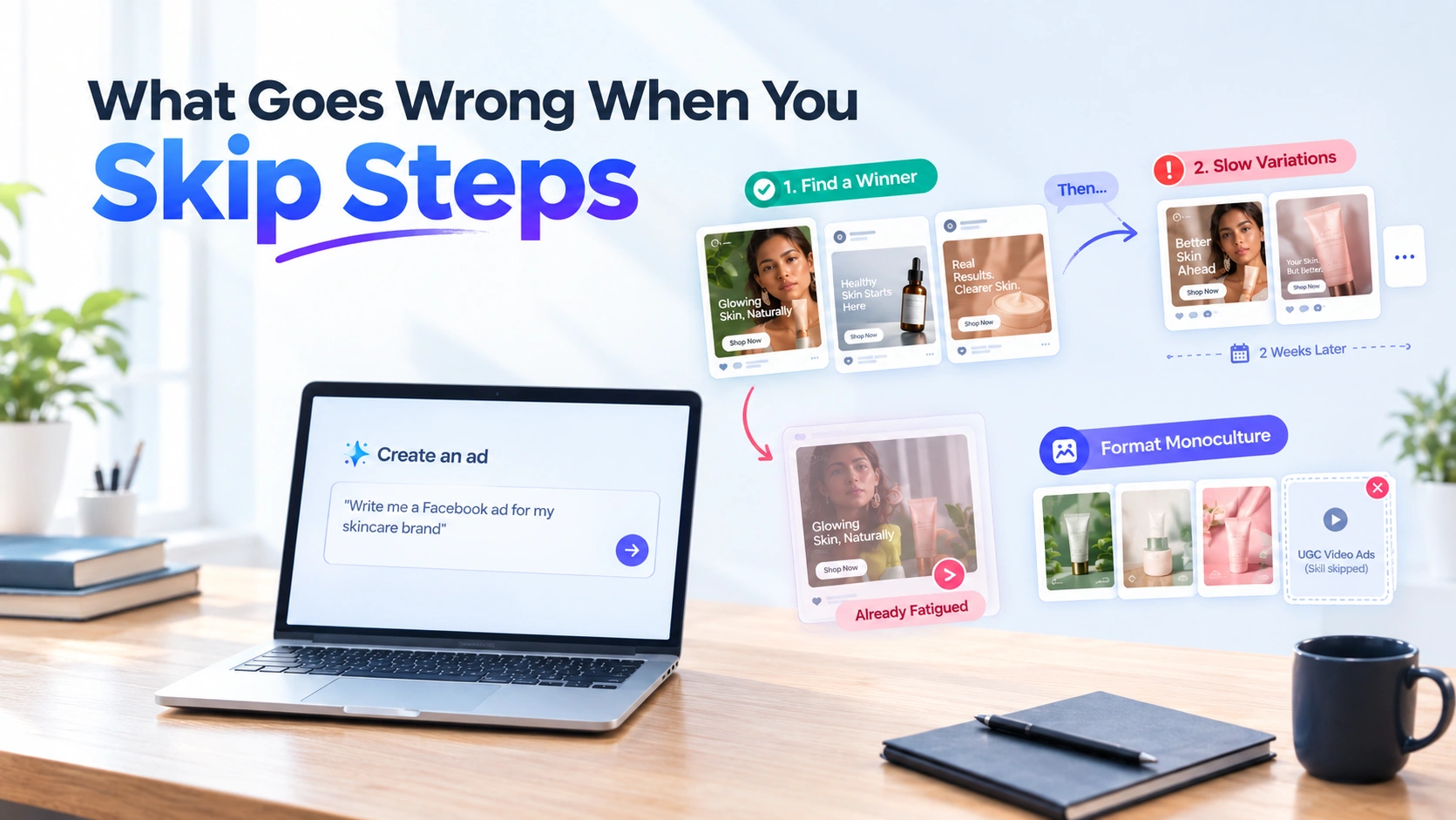
The most common failure mode: marketers do steps 1–4 well, launch a solid batch of creatives, find one that works. Then they manually create two or three variations over the next two weeks while the original keeps running. By the time those variations are ready, the original is already fatiguing. They’ve lost the compounding window.
The second failure mode is format monoculture. Teams generate only what they’re comfortable reviewing, usually static images, and skip UGC Video Ads because they feel harder to evaluate. Given that UGC-style creative outperforms polished brand content by a significant margin, that comfort-driven choice is expensive.
A 2025 MiQ global report found that 72% of marketers plan to apply AI in more ways over the next year. The competitive gap between teams that use AI as a production engine versus teams that use it as a brainstorming assistant will widen. The workflow above is the difference.
Who This Workflow Is Built For
DTC brands running daily creative tests on Meta will feel the compounding effect fastest; the Recreate and Autopilot steps are designed for exactly that cadence. Product-focused brands creating B-roll for YouTube Shorts and Reels get the most from batch generation across the Product B-roll Video and Product Shot Studio features. Agencies managing multiple clients benefit from the Growth and Scale plans and the agency-specific creative workflow that batch generation enables across accounts.
If you’re just starting out, the free plan provides 35 creatives with no credit card required, enough to run the full competitor-first workflow once and judge the output quality yourself. The Creator plan at $99/month gives you 1,250 Ad Credits, which is enough volume to run a real testing loop.
The Real Lesson
AI ad generators are not idea machines. They’re production and iteration machines. The creative thinking happens when you identify which competitor ads have proven structural merit and decide what to test, not when you stare at a blank prompt and try to conjure a breakthrough hook from nothing.
Use the database. Remix first. Batch generate across formats. Recreate before you need to. Let the undo-protected Autopilot handle overnight optimization. That’s the workflow. The blank prompt is optional, and almost always the wrong place to start.
Start your free AdsGPT trial and run the competitor-first workflow on your next campaign. 500 million competitor ads are already indexed and waiting.


MOST POPULAR


