

Your best Meta ad ideas are already public, you just haven’t looked in the right place. This guide shows you how to use meta ads library in 2026 with a simple workflow you can repeat every week.
Go to facebook.com/ads/library, pick a country and ad category, search by brand or keyword, then filter by platform, media, status, and dates. After that, review each ad’s details, note the hooks, formats, and messages, and save examples to a swipe file. Finally, turn those notes into tests for your next campaign.
Why this matters: you spend real budget on creative. A one-hour sweep of the Library can reveal angles, offers, and formats your audience already sees, and which gaps you can fill. The steps below are plain, fast, and built for a small team or a solo founder. You won’t need paid data to start. However, you will need discipline to track what you find and ship fresh tests.
What Is the Meta Ads Library and Why Should You Care?
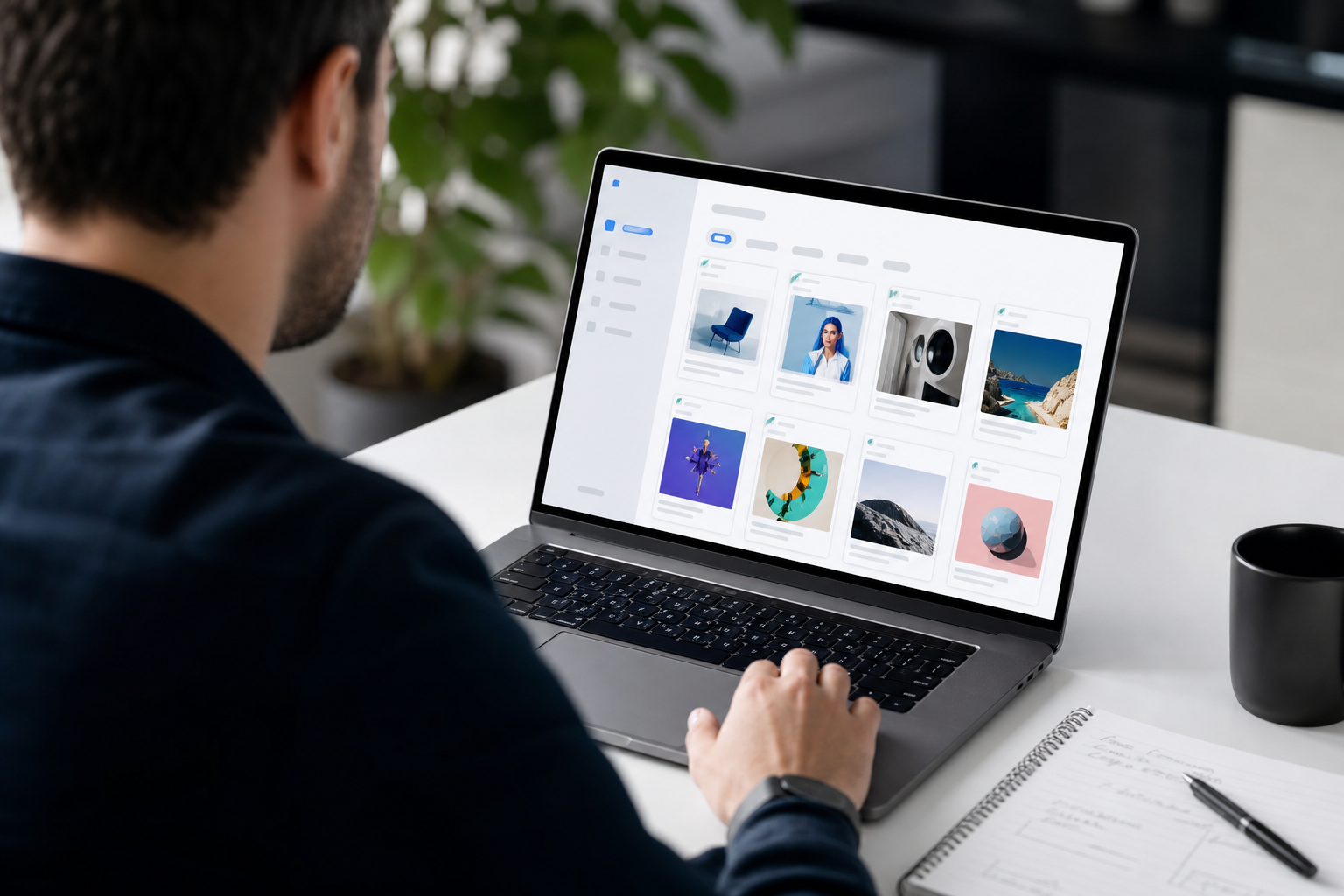
The Meta Ads Library is Meta’s free public transparency tool. It shows current and historical ads that brands run across Facebook, Instagram, Messenger, and the Audience Network. You can open it in a browser, search by keyword or advertiser, and view each ad’s creative and basic metadata. As a result, anyone can review live messaging in their market without a paid subscription.
Importantly, the Library exists to show the public what ads run across Meta’s apps. It’s not an analytics dashboard. You won’t see spend, CTR, or ROAS. Still, you will see dates, platforms, and different versions. That’s enough to study creative patterns and spot the tests your rivals ship.
Who can use it? Marketers, researchers, journalists, and students. You don’t need a Meta ad account to browse. In fact, it’s useful even if you’ve never run an ad before. If you’re a small shop or early startup in 2026, it’s a fast way to see what “good” looks like in your niche.
What the Library Indexes
- Facebook ads (Feed, Stories, Reels placements where applicable)
- Instagram ads (Feed, Stories, Reels)
- Messenger ads
- Audience Network placements
For broader company context, see the overview of Meta’s products and properties on Meta Platforms.
Pro tip: If you serve multiple countries, repeat the same search per region. Different markets see different hooks, even for the same brand.
How to Search the Meta Ads Library Step by Step
Here’s the clean, repeatable path to results. You can complete one full sweep in 30–45 minutes. You’ll learn the UI while you build a working swipe file.
- Navigate to facebook.
- Open a new tab and go to facebook.com/ads/library.
- Bookmark it for weekly use.
- No login is required to browse.
- Select Country and Ad Category
- Use the Country/Region dropdown at the top left.
- Set Ad Category to “All ads” for general research.
- If you work on policy content, choose “Issues, Elections or Politics.
- Search by Advertiser Name or Keyword
- In “Search ads,” enter a brand name (e.g., your closest rival).
- Or enter a product keyword (e.g., “email marketing” or “vegan snacks”).
- Then scan the grid for ad previews that match your niche.
- Use Filters to Narrow Noise
Click “Filters” and apply:
- Platform: Facebook, Instagram, Messenger, Audience Network.
- Media Type: Image, Video, Carousel.
- Ad Status: Active or Inactive.
- Date Range: Last 7 days, Last 30 days, or a custom range to match a promo window.
- Analyze Ad Details
Click an ad tile to open its details pane.
-
Start date: When did the ad first appear? – Platforms: Where it runs. – Variations: Watch for small text or asset changes across versions.
-
Copy structure: Hook, body, CTA. Mark any claims, offers, or price points. – Creative format: UGC face-cam, product b-roll, before/after, lifestyle, meme, or press quote.
- Save and Organize Findings
- Take screenshots or copy ad links into a spreadsheet or a swipe file app.
- Tag each with brand, date, hook type, format, and offer.
- Add a one-line takeaway: “UGC demo with clear before/after — strong social proof.
What “Good” Looks Like in Your Notes
- Hook options: problem, promise, proof, POV, price, press.
- Asset notes: vertical 9:16 vs. square 1:1, captions, overlays, subtitles.
- Offer types: free trial, bundle, discount, free shipping, limited-time.
- CTA verbs: Get, Try, Start, Book, See.
Therefore, your goal isn’t to collect hundreds of ads. It’s to spot 3–5 repeatable patterns you can test. Keep your notes lean so you can ship.
Also Read!
How to Spy on Competitor Ads for Ecommerce: A Step-by-Step Guide
How to Choose and Use an AI Ad Copy Generator for Your Small Business
Common Mistakes When Using the Meta Ads Library
First, you can search too broadly. A raw keyword like “software” pulls noise from dozens of verticals. Instead, combine a niche term plus a clear feature (e.g., “CRM pipeline”).
Second, you might ignore inactive ads. That’s a miss. Inactive ads reveal what brands tried and paused. That can show failed angles or short tests. As a result, you learn what to avoid.
Third, you may only look at direct rivals. However, adjacent categories can spark better ideas. If you sell fitness gear, look at wellness apps, supplements, and active apparel as well.
Fourth, some folks don’t track over time. A single pass shows a snapshot, not a trend. Therefore, log a weekly view for six weeks. You’ll spot true patterns.
Fifth, people confuse ad longevity with results. A long-running ad may be a DR evergreen, a brand unit with low spend, or a retargeting creative. Without metrics, don’t read too much into it. Instead, focus on the hook, the format, and the offer.
Sixth, teams neglect country filters. If you sell in the US and UK, check both. Language, price framing, and seasonality shift by region.
Quick Fixes
- Use filters before you scroll.
- Add inactive status to see “what didn’t stick.
- Include three adjacent categories in every sweep.
- Repeat searches weekly and date-stamp your notes.
- Compare variants, not just one top ad.
- Check at least two regions you serve.
By adjusting these habits, you’ll use meta ads library time to surface stronger tests, not just screenshots.
Tools That Extend Your Meta Ads Library Research
The native Library is perfect for raw creative research. However, it has limits: no performance metrics, no change alerts, and no cross-platform view. In 2026, that’s where neutral research tools can help you move faster and keep your notes in one place.
For swipe files, Foreplay helps teams save, tag, and organize examples across campaigns. It’s handy when you want to search your own library by hook or niche instead of scrolling a folder of PNGs.
For broader competitor intel, one option is AdsGPT. It includes a 500M+ competitor ad database, supports 9 ad platforms, and highlights Competitor Intel features you can query. Moreover, AdsGPT offers a free plan with 35 ad credits and no credit card required, plus SOC 2 Type II certification for peace of mind. That means you can research and draft test creatives in one workspace without adding risk. As social proof, 10K+ happy marketers use the platform across brands and agencies.
If you want programmatic access, Meta’s Ad Library API is available to developers. You can ingest ad metadata into your own dashboard and pair it with your UTM logs for deeper context. You won’t get spend or results from the API, but you can automate snapshots and compare copy changes over time.
What Each Option Adds
| Tool | What It Adds | Best For |
|---|---|---|
| Foreplay | Centralized swipe files with tagging and notes | Creative teams who save and reuse examples |
| BigSpy | Broad ad search across multiple networks | Scanning formats outside Meta to spot trends |
| Meta Ad Library API | Programmatic access to ad metadata | Analysts and engineers building custom views |
Therefore, think of the Library as your source of truth for what ran. Then, use a research app or your own spreadsheet to turn those findings into a plan.
Key Takeaways
Before you jump back into your ad account, pause and lock in the core habits that make research useful. Your goal is not more screenshots. It’s better tests shipped on a schedule.
- Start narrow, then widen: Use filters for platform, media, and dates before you scroll. Add one adjacent category only after you audit your top three rivals.
- Study changes, not singles: Compare versions of the same ad to see hooks, overlays, and CTAs that brands iterate. That’s where clues live.
- Log, tag, decide: Save every keeper with tags for hook, format, offer, and region. End each batch with three clear test ideas you’ll run next.
- Don’t guess at results: The Library has no performance data. Treat longevity and spend as unknown. Borrow hooks and formats, not “winners.
- Make it weekly: A 30-minute sweep every week beats a three-hour binge once a quarter. Consistency builds a real sense of your market.

As you apply these points, you’ll use meta ads library time to find strong angles, not just cool creatives. In addition, you’ll build a habit that compounds: a living view of hooks that keep showing up month after month.
What to Do This Week: Turn Research into Better Ads
You don’t need a big team to turn research into results. You need a short checklist and a scorecard you’ll stick to every week.
First, pick five competitors. Choose three direct rivals and two adjacent brands. Second, set Country/Region to your main market and Ad Category to “All ads.” Third, search by each brand name and by two product keywords.
Fourth, add filters. Choose Platform (Instagram first if you’re heavy on Reels), Media Type (start with Video and Carousel), Ad Status (Active), and Date Range (Last 30 days). Fifth, open each ad and log the hook, offer, and asset format in a spreadsheet.
Sixth, choose three hooks to test.
- Problem-led opener (“Struggling with X?”) in a 9:16 UGC face-cam.
- Social proof (“10K+ teams trust…”) in a square carousel with clear captions.
- Price/offer (“Free plan. No card.”) with bold overlays and a direct CTA.
Seventh, ship the tests. Match one creative format per hook. Keep headlines tight. Use the same CTA verbs you saw in your sweep. Then monitor your own metrics.
Your Working Sheet (Copy This)
- Columns: Brand | Date | Hook | Format | Offer | CTA | Region | Notes | Link
- Rows: 15–20 entries per week is enough to see patterns in a month.
Moreover, block 30 minutes on the same day each week. As a result, you’ll compare like with like. Over four weeks, you’ll see which hooks saturate and which gaps stay open. That’s where your next tests come from.
By the way, you can use meta ads library time to sanity-check your own ads too. Search your brand name, confirm variants show up, and review how they look in the wild across placements.
See pricing, free plan inside →
“We moved from random swipes to a simple weekly sweep and shipped three new tests every Friday. The process keeps us honest.” — Growth lead at a DTC brand
This steady, action-first approach is how small teams create better ads in 2026 without guesswork.

MOST POPULAR


