If you have been trying to grow your business online, you already know how powerful Facebook advertising can be. But knowing where to start is a different story. Learning how to create Facebook ads the right way from setting up your account to writing copy that converts, can feel overwhelming, especially for beginners.
This guide walks you through everything you need to know to create Facebook ads that actually work. Whether you are just starting out or looking to sharpen your existing strategy, you will find practical, actionable steps right here.
Hit ‘Play’ Button & Tune Into The Blog!
Why Facebook Advertising Still Matters In 2026?
With over 3 billion monthly active users, Facebook remains one of the most effective platforms to reach your target audience. Businesses of all sizes use it to generate leads, drive website traffic, and boost sales.
The platform gives advertisers unmatched targeting options, you can reach people by location, age, interests, behaviors, and even life events. That kind of precision is exactly why so many brands continue to create Facebook ads as a core part of their digital marketing strategy.
But precision alone does not guarantee results. You need the right approach, the right message, and a solid understanding of how the platform works.
How Do You Get Started With Facebook Ads Manager?
Before you can create Facebook ads, you need access to Facebook Ads Manager. This is the central hub where you build, manage, and track all your advertising campaigns.
Head to business.facebook.com and set up a Business Manager account if you do not already have one. From there, you can access the platform, add your payment method, and connect your Facebook Page.
Once everything is in place, you are ready to start building your first campaign. The interface might feel complex at first, but it becomes intuitive once you understand its three-level structure: Campaign, Ad Set, and Ad.
How To Create Facebook Ads Step By Step?
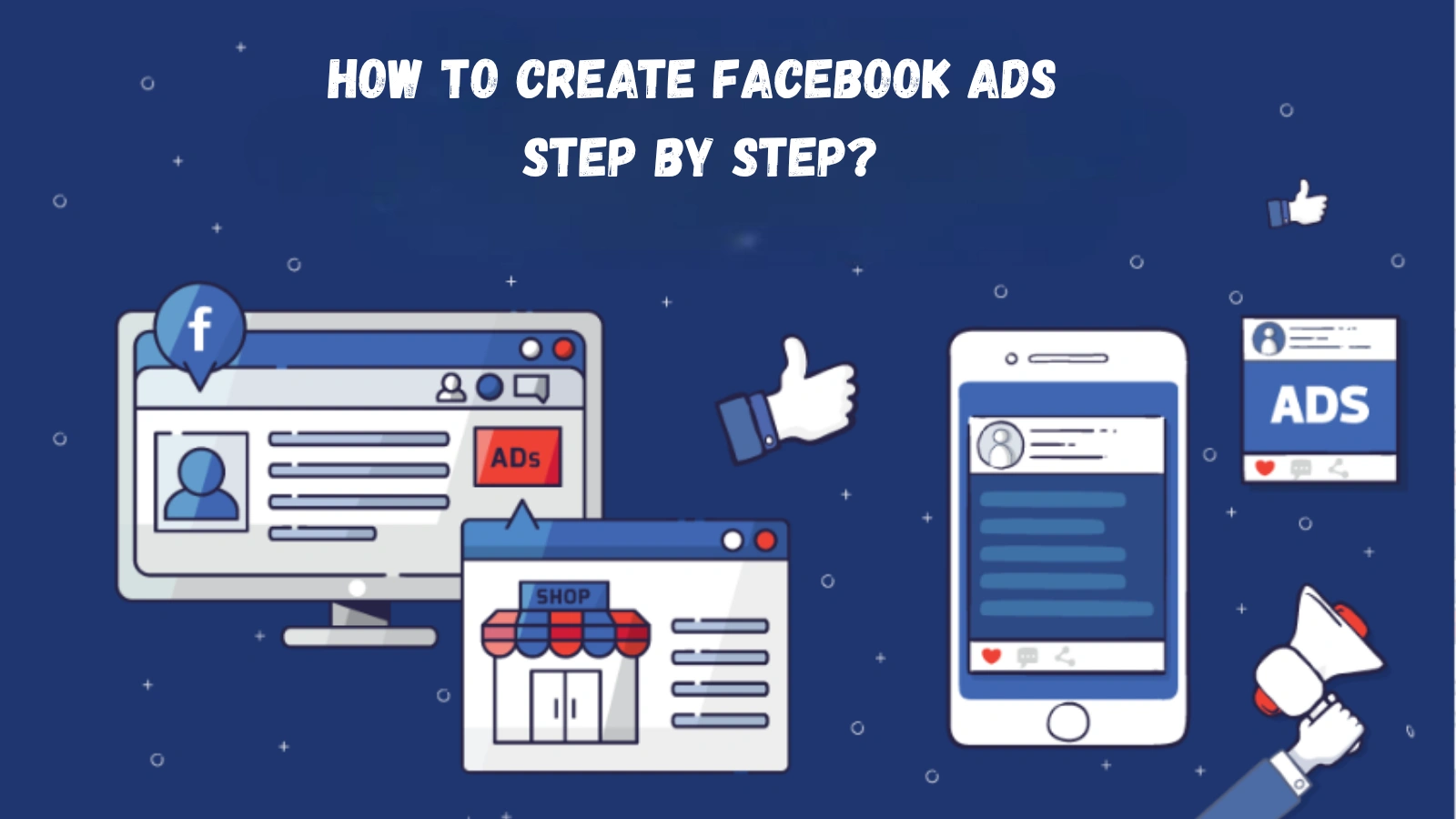
Here is a clear breakdown of how to create Facebook ads step by step, from picking your objective to hitting publish.
1 — Choose Your Campaign Objective:
The first thing Facebook asks when you create Facebook ads is what you want to achieve. Options include Awareness, Traffic, Engagement, Leads, App Promotion, and Sales. Pick the one that aligns directly with your business goal.
Choosing the right objective is critical because it tells Facebook’s algorithm who to show your ad to.
2 — Define Your Target Audience:
This is where Facebook advertising truly shines. You can build a custom audience based on demographics, interests, and behaviors. You can also upload a customer list or create a Lookalike Audience to reach people similar to your existing buyers.
A well-defined audience is often the difference between a campaign that performs and one that drains your budget.
3 — Set Your Budget and Schedule:
Facebook lets you choose between a daily budget or a lifetime budget. Start small — even $5 to $10 a day can give you meaningful data. Once you see what works, you can scale up with confidence.
4 — Select Your Ad Placement:
By default, Facebook uses Advantage+ placements, spreading your ads across Facebook, Instagram, Messenger, and the Audience Network. For beginners, this is usually a solid starting point.
5 — Design Your Ad Creative:
This is where you create Facebook ads at the creative level, choosing your format (image, video, carousel, or collection), writing your headline and body copy, and adding a strong call to action.
Your copy needs to grab attention fast. Lead with a hook, speak directly to your audience’s pain point, and make your CTA impossible to ignore. This is where most advertisers struggle, especially when writing copy across multiple platforms and formats.
Also Read:
How Do You Create a Facebook Ad That Stands Out?
Facebook Ad Pricing Guide: Budgeting, Bidding & ROI
Struggling To Write Ad Copy? There Is A Smarter Way
Writing high-converting ad copy is genuinely hard. You need the right words, the right tone, and a clear understanding of what works on each platform. Most business owners spend hours drafting and redrafting, only to end up with copy that still feels flat.
This is where a tool like AdsGPT changes the game. AdsGPT is an AI-powered ad copy generation tool that helps you create Facebook ads, Google ads, LinkedIn ads, and more, all in seconds. Instead of staring at a blank page, you describe your product or offer and let the AI handle the rest.
It is built for speed and performance, making it a genuinely useful addition to any advertiser’s workflow.
Step 6 — Review and Publish:
Before publishing, review every element, the visual, headline, body copy, URL, and call to action. Check how everything looks on both mobile and desktop. Once you are satisfied, click Publish and your ad enters Facebook’s review process, usually completed within 24 hours.
Why Is AdsGPT The AI-Powered Facebook Ad Creator You Need For Real Results?
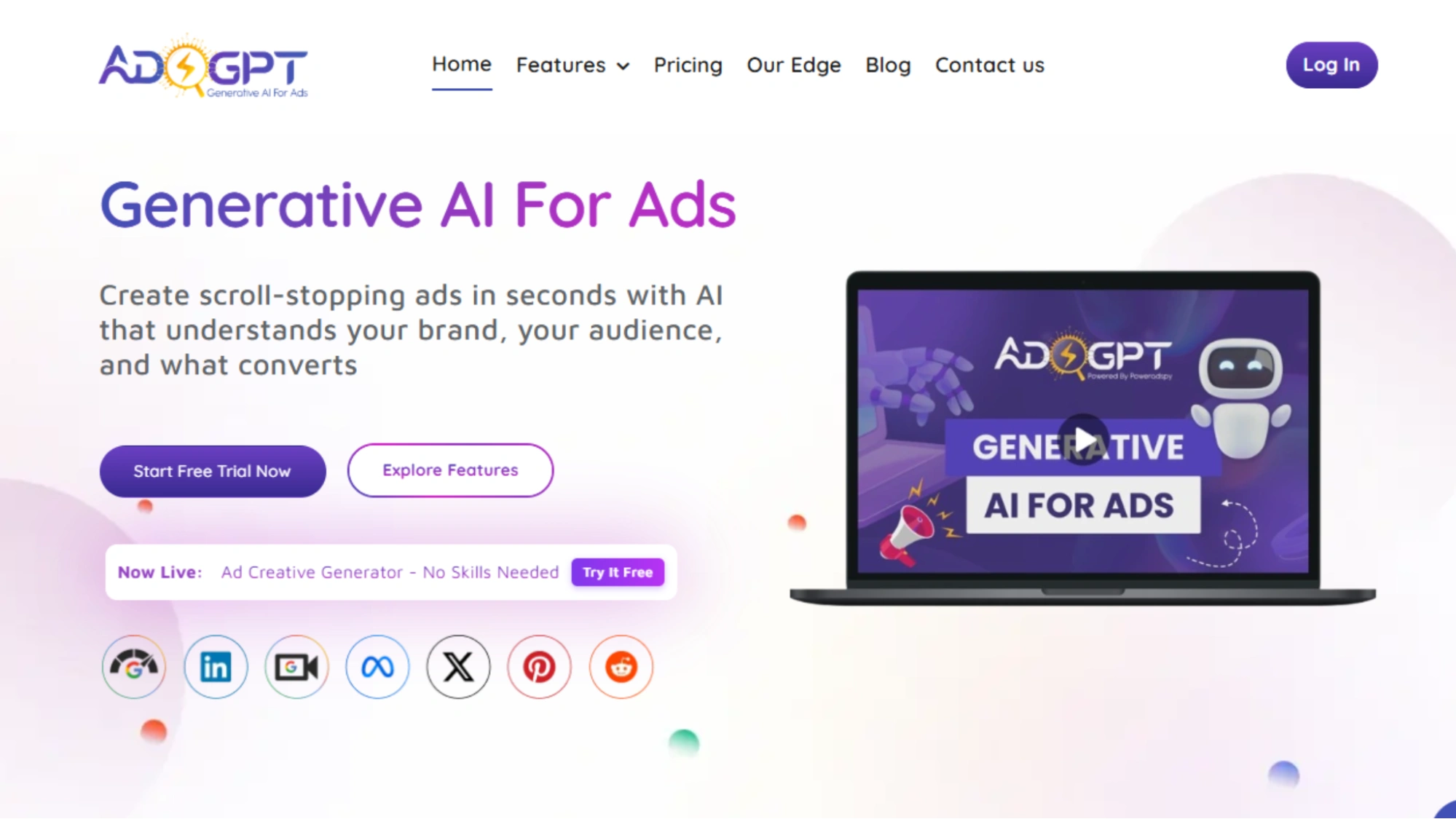
If you are serious about scaling your Facebook advertising, AdsGPT deserves a closer look. It is designed to help marketers and business owners create Facebook ads and platform-specific copy faster, smarter, and with far less guesswork.
Here is what makes AdsGPT stand out as a facebook ad creator:
Instant Ad Copy Generation:
AdsGPT generates compelling ad copy in seconds, no writing experience required. You describe your product, your offer, or your audience, and the AI produces ready-to-use copy tailored for Meta, Google, LinkedIn, Twitter, and more. This is especially valuable when you need to create Facebook ads at scale.
AI-Powered Creativity:
AdsGPT does not produce generic filler text. It crafts high-performing, engaging ads based on your input and industry best practices. The output matches the tone and format that works best on each platform, giving your ads a better chance of standing out in a crowded feed.
Platform-Specific Optimization:
Each platform has different character limits, formats, and audience behaviors. AdsGPT generates copy optimized for each platform’s unique requirements automatically, so your ads always hit the mark without you needing to memorize every spec.
Get Inspired by Competitor Ads:
AdsGPT lets you browse competitor ads that are already running, pick one that stands out, and have the AI generate a similar version for your own brand in seconds. It is a powerful feature for staying inspired without starting from scratch every time.
Keep Track of Your Creations:
Every piece of copy you generate is saved in your history. You can revisit past campaigns, identify patterns in what worked, and refine your strategy over time, a simple feature that makes a big difference when managing multiple campaigns.
Tips For Creating High-Performing Facebook Ads
Knowing how to create Facebook ads is one thing, knowing how to make them convert is another.
Here are a few tips that genuinely move the needle:
- Use eye-catching visuals. Your image or video is the first thing people see, so make it count.
- Write a strong hook in the first line. People scroll fast, and you have about one second to stop them.
- Test multiple ad variations. Run A/B tests with different headlines or images to find what resonates.
- Keep your landing page aligned with your ad. The message in your ad should match what users find when they click.
- Monitor your metrics. Cost per click, click-through rate, and return on ad spend tell you exactly what is working.
Each of these elements plays a role when you create Facebook ads that go beyond just getting impressions. The goal is always to drive action.
How To Measure The Success Of Your Facebook Ads?
Once your campaign is live, tracking performance is just as important as the setup. Inside Facebook Ads Manager, keep a close eye on impressions, reach, clicks, cost per result, and ROAS.
If your cost per click is high, revisit your targeting or creative. If your click-through rate is low, the problem is likely in your copy or image. When you understand what the data is telling you, it becomes much easier to create Facebook ads that improve with every single campaign.
Final Thoughts
Facebook advertising is one of the most powerful channels available to modern businesses, but only when used correctly. Knowing how to create Facebook ads effectively, from navigating the platform to writing copy that converts, gives you a real competitive edge.
And with AI-powered tools like AdsGPT in your workflow, the copy-writing side of things no longer needs to slow you down. Whether you are launching your first campaign or scaling an existing one, the right strategy combined with the right tools makes all the difference.
Start with the basics, test consistently, and keep improving. The brands that win on Facebook are the ones that never stop learning.
FAQs
Q1. How long does Facebook ad approval take?
In most cases, Facebook reviews and approves ads within 24 hours. During high-traffic periods like the holiday season, the process can take up to 48 hours or more. If your ad gets rejected, Facebook will notify you with a reason so you can edit and resubmit it.
Q2. Can I run Facebook ads without a website?
Yes, having a website is not a requirement to advertise on Facebook. You can direct users to your Facebook Page, open a WhatsApp conversation, or use Facebook’s built-in lead forms to collect information directly within the platform. This makes it a great option for small businesses that are just starting out.
Q3. What is the best ad format for beginners?
Single image ads are the best starting point for beginners as they are simple to create and perform well across most objectives. Once you get comfortable, you can explore video ads for higher engagement or carousel ads to showcase multiple products. Starting simple lets you focus on learning the platform before adding complexity.
Q4. How often should I refresh my Facebook ads?
You should plan to refresh your ad creative every 2 to 4 weeks to avoid ad fatigue. When the same audience sees your ad repeatedly, engagement drops and your costs rise. Even small changes like swapping the image or tweaking the headline can give your campaign performance a noticeable boost.

MOST POPULAR