

Start Free Trial, 35 Credits →
Creative fatigue, not bids, kills performance faster than anything in paid social. An AI ad creative generator helps you beat fatigue by shipping more good ideas, faster, across every channel you buy. Here’s the answer in one line: choose a tool that increases variant volume in minutes, enforces brand rules, supports your target platforms, and proves lift in a holdout test before you scale. In 2026, that mix of speed, controls, and proof is the difference between flat ROAS and new headroom.
As a senior media buyer, I treat AI like a force-multiplier, not a magic button. You still need a sharp offer, a clear angle, and a ruthless test plan. Tools speed the grunt work: crops, captions, hooks, aspect ratios, and video cuts.
You set the brief. You judge the results. Then you let data pick the winners.
For context, if you need a primer on how AI shifts concepting and production, see this overview on AI-powered ad creative. If you live on Meta and IG, this guide to an AI Facebook ad generator is a good companion.
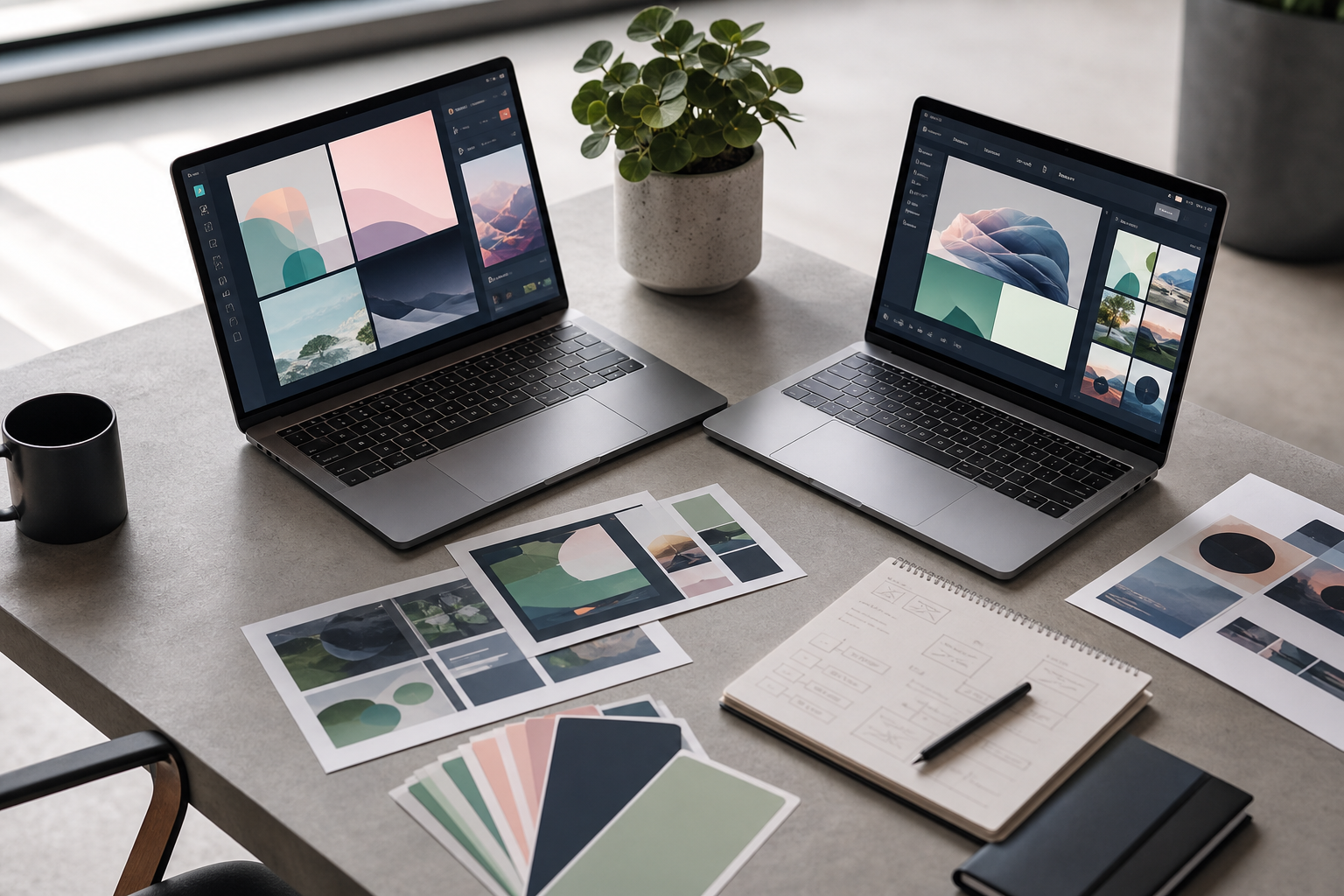
 , generation (image ads, UGC video, product b-roll), multi-platform outputs (Meta, TikTok, YouTube, Google), and an A/B testing loop; muted brand-neutral palette, annotations for speed and variant count)
What Performance Marketers Actually Need from AI Ad Creative Tools
Creative fatigue kills ROAS because your best ad decays while you sleep. CPMs rise. CTR slides. CPA creeps up.
You’re left paying more for the same clicks. The fix is simple to say and hard to do: push fresh, on-brief variants every few days, trimmed to each placement. That is where AI shines.
Traditional design flows in batch work. Brief on Monday, first comps on Thursday, new sizes next week. The right tool compresses that to minutes. The best systems can generate 60 high-converting ads in 60 seconds across image, UGC video, and product B‑roll. You still curate, but you start from a stack of plausible options instead of a blank file.
Volume and structure
Beyond speed, volume matters. More variants mean more chances to find a breakout hook or thumb-stopping frame. But volume without structure burns the budget. You need platform-specific formatting out of the box: 1:1, 4:5, 9:16, 16:9; safe text zones; subtitles baked in; policy-safe copy lengths. You also need smart templates that respect brand rules, so every ad still looks like you.
Moreover, reach across channels is non-negotiable. Your tool should support 9 ad platforms or more so you can ship once and deploy to Meta, TikTok, YouTube, Google, X, Pinterest, Snapchat, LinkedIn, and programmatic with the right specs. That reach reduces ops drag and keeps testing momentum.
What “good” looks like in 2026
- Fast generation: dozens of on-brief variants in under a minute.
- Format coverage: Image ads, UGC video ads, and product b-roll video.
- Platform output: auto-sized, policy-aware assets for each placement.
- Brand controls: fonts, colors, logos, and voice locked by default.
For deeper creative examples and image workflows, bookmark this walkthrough on an AI ad image generator.
Step-by-Step: How to Evaluate and Implement an AI Creative Tool
You don’t need a six-month rollout. You need a one-week proof. Here’s the exact path I use with peers.
1.
Measure your last 30 days. How many net-new concepts shipped? How many format sizes per concept? What was the time from brief to live? If you average fewer than 10 fresh variants per week per account, you have headroom.
2.
List your active channels and target placements. Note must-have sizes (e.g., 9:16 Reels, 1:1 Feed, 16:9 YouTube In-Stream). Also list policy traps per platform to avoid repeats. If Meta is core, confirm your tool has direct Meta Integration to cut launch friction.
3.
Confirm it can output image ads, UGC-style video, and product B‑roll in one run. Look for subtitle automation, hook overlays, and 17‑second cuts for short placements. If you produce UGC, test voiceover timing and caption accuracy.
4.
Upload your brand kit. Stress-test “hard mode”: wrong hex, off-fonts, logo misuse. Good systems keep you on-brand by default. Tools that offer BrandIQ-style controls help align tone and visual identity without manual checks.
5.
A 500M+ competitor ad database speeds ideation. Search your category, map angles, and note offers that recur. Pair that with region filters to pull insights on ad performance by region and plan geo-specific variants.
- Run an A/B test vs.
Hold out 20–30% of spend. Launch matched campaigns: manual creative vs. AI-assisted creative.
Track CTR, CPC, CVR, and CPA for 3–7 days. Keep the test honest: the same bids, budgets, and audiences. For test design basics, this primer on A/B testing is a solid refresher.
7.
Kill the bottom quartile fast. Duplicate the top 10–20% into new ad sets, widen audiences, and expand to adjacents. If the tool offers Autopilot features, use them only for narrow tasks (e.g., auto-sizes, subtitle passes), not for budgets or bids.

Guardrail: Keep the human in charge of concept strategy and kill decisions. AI drafts. You decide.
Moreover, anchor your test to a real business goal. If CPA drops and volume holds, it’s working. If CTR pops but CVR tanks, your hooks may be clickbait. Fix message-market match before you scale.
Also Read!
Best AI Ad Copy Generator for Agencies in 2026
Best AI Ad Creative Generator for Performance Marketers in 2026
5 Mistakes Performance Marketers Make with AI Ad Generators
Mistake 1: Over-relying on AI without a creative strategy
AI helps you explore angles. It can’t invent your offer or your reason to believe. Start with a clear brief: audience, pain, promise, proof. Then let the tool riff. Treat outputs as drafts, not finals.
Mistake 2: Ignoring brand guidelines
Loose brand control erodes trust and hurts CVR. Use ads based on your brand identity features so every asset lands on-tone, with correct fonts and colors. Lock logo placement and set safe text zones to avoid “ad made by robots” vibes.
Mistake 3: Not testing across platforms
One size does not fit all. A hook that wins on Reels may stall on YouTube. Export true platform variants and test them where they live. Use region filters to pull Insights on ad performance by region and localize copy or price cues to match demand.
Mistake 4: Skipping competitor research
You’re not guessing in a vacuum. Use Competitor Intel to see angles, offers, and formats that persist in your niche. If a theme repeats across months, it’s likely tied to real conversion. Borrow the structure, not the words.
Mistake 5: Treating AI output as final instead of iterating
Your first batch is the start. Kill fast, then feed back data to the system. Double down on winning hooks. Swap CTAs.
Test alt frames at second 0–2. In addition, refresh winners before they die. Don’t wait for ROAS to slide; rotate variants every 5–7 days.
For a quick companion on message testing, this guide to an ad copy AI generator shows how to spin headline and CTA combos fast without losing intent.
Top AI Creative Generators for Performance Marketers in 2026
Your stack should match your constraints: budget, formats, security, and team size. Here’s a fair snapshot of five options media buyers ask me about. Validate specs on each vendor’s page before you buy. I care about speed, brand controls, platform reach, pricing clarity, and data safeguards.
| Tool | Formats | Platforms | Entry Pricing Tier | Standout Features |
|---|---|---|---|---|
| AdsGPT | Image, UGC Video, Product B‑roll | Supports 9 ad platforms | Free plan with 35 ad credits; Starter plan at $49 per month | 500M+ Competitor Ad Database; ad chat platform for generating ad copies and discussing ad analytics; SOC 2 Type II; 10K+ Happy marketers |
| AdCreative.ai | Static + Video | Major ad networks | Check vendor | Scales batch image ads; strong text overlays |
| Pencil (by Brandtech) | Static + Video | Major ad networks | Check vendor | Concept-to-variant workflows; creative learning loops |
| Creatopy | Static + Light Video | Major ad networks | Check vendor | Design system for multi-size exports; team approvals |
| Canva AI | Static + Basic Video | Major social/video | Check vendor | Fast mockups; templates and brand kits |
A note on security and compliance: If you work with sensitive data or strict clients, look for clear attestations like SOC 2 Type II. For AI features, insist on human review gates. If your tool can post to Meta, confirm permissions and audit logs for every launch.
For broader creative systems thinking, this explainer on creative ai
What to Do This Week: Your AI Ad Creative Action Plan
Day 1.
Pull the last 30 days. Log creative count, size, and time to launch. Draft a 1‑page brief with audience, pain, promise, proof, and offer. Set success targets: CTR lift of +0.3–0.5 points, CPA drop of 10–20%, or both.
Day 2.
Start your free trial with 35 ad credits/creatives in one tool and spin up a second as a control. No credit card needed on many trials. Load brand kit, product images, and your brief.
Launch and read
Day 3.
Create three concepts with 6–10 variants each across image, UGC, and B‑roll. Export 1:1, 4:5, and 9:16. Write two headline and two CTA options per concept. Keep the matrix tight so you can read results.
Day 4.
Split budget 70/30 between your stable winners and the new test set. Keep bids, targeting, and placements matched. Track CTR, CPC, CVR, and CPA at 12, 24, and 72 hours. Tag by concept and hook for clean reads.
Day 5.
Kill the bottom half. Promote the top quartile to more spend and broader audiences. Plan two new concepts based on what worked (hook, frame, offer). If the tool saved you >6 hours and hit CTR or CPA goals, keep it and scale.

Key Takeaways
- Creative fatigue kills ROAS; speed and variant volume are your antidote.
- Pick a generator that enforces brand rules and supports your live platforms.
- Prove lift with a clean holdout test before you scale; measure CTR and CPA, not vibes.
- Use competitor intel and regional insights to guide angles, not to copy.
- Favor tools with clear security (e.g., SOC 2 Type II) and a risk-free trial so you can test fast.

MOST POPULAR


