

Start your free trial, no card →
Great ecommerce ads don’t start with ideas, they start with control tests and fast feedback. The right AI ad copy generator helps you ship more tested variants across Meta, Google, and TikTok without burning hours. Choose the tool that matches your channels, gives tight brand voice control, and speeds up iteration you can A/B test against current winners. In 2026, that means checking real product outputs first, not feature checklists.
As an ecommerce marketer, you’re judged on ROAS, not prose. You need headlines, primary text, descriptions, and hooks tuned to a product feed, seasonality, and audience signals, at scale. AI can help with speed and volume, but only if it respects platform limits, pulls real product details, and gives you variants you can test this week, not next quarter.
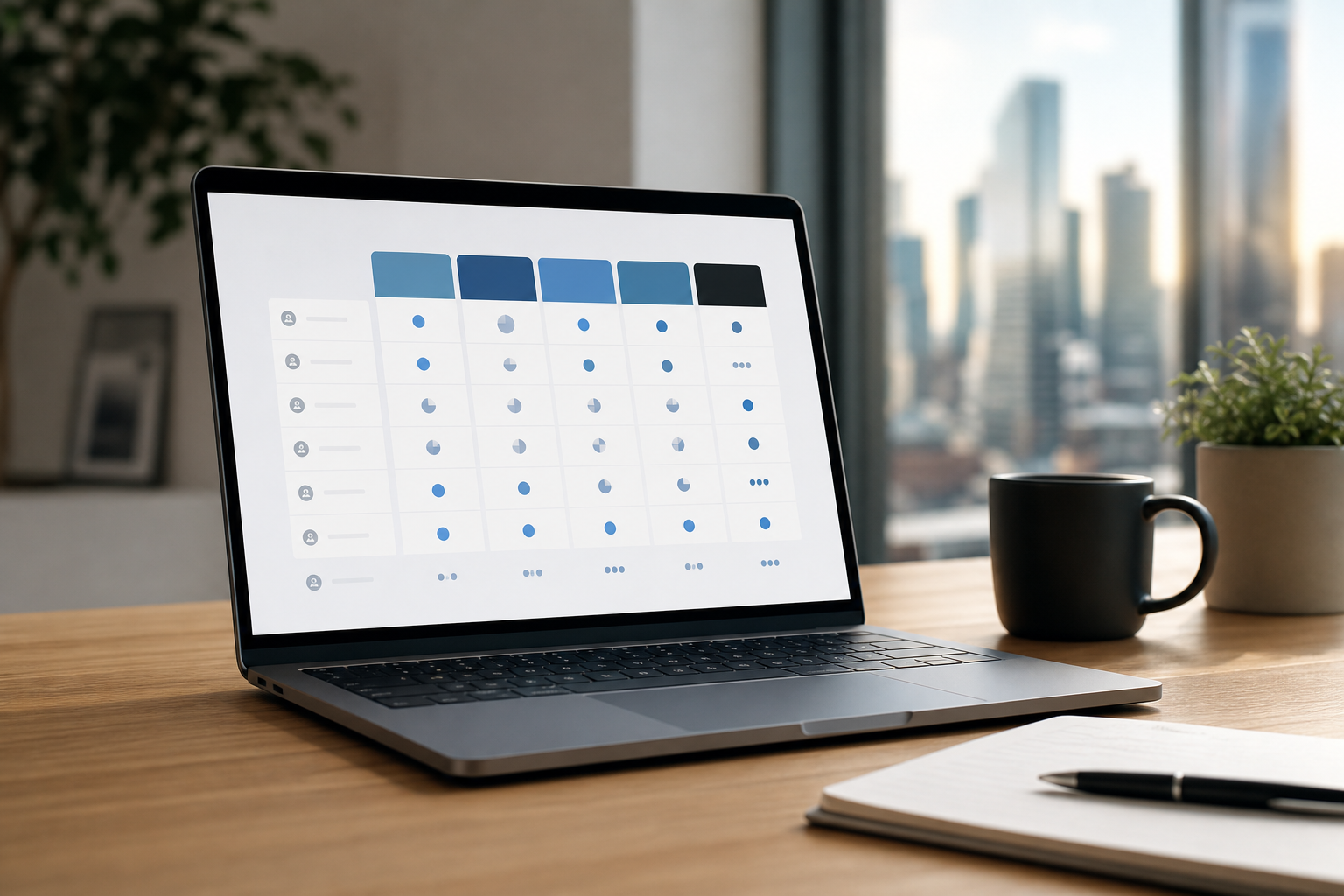 , brand voice control, speed (ads per minute), competitor intel, price tiers; bright ecommerce color palette; legible labels; 16:9 aspect ratio)
What Ecommerce Sellers Actually Need from an AI Ad Copy Generator
Ecommerce ad copy has a different job than SaaS or service ads. You sell products with clear benefits, short buying cycles, and price sensitivity. Strong ads call out value, social proof, and urgency in a handful of lines. For example, a Meta carousel needs punchy benefits per card, while a Google headline must fit tight character limits and include a price or promo.
By contrast, SaaS ads tend to lean on pain points, outcomes over months, and feature education. Service ads focus on trust and expertise. Your product ads, though, must move fast: “Ships in 24 hours,” “4.8★ from 12,143 reviews,” “Buy 2, get 1 free, ends Sunday.” The best AI ad copy generator for ecommerce mirrors these tactics and helps you scale them across platforms.
AI is strong at pattern spotting, style mimicry, and spinning variants. It can convert product specs into hooks, rephrase benefits for different placements, and draft CTAs that match each network. It also keeps you from staring at a blank page when you need 20 angles by noon.
However, AI still struggles with nuance without clear input. It won’t know your top review proof point, margin limits, or claims you can’t make. It may miss cultural or seasonal context. And it can trip over ad policies if you don’t guide it. You still need to feed it rich product details, check claims, and prune outputs that don’t fit your brand.
What AI does well vs. where you step in
- Good at speed, structure, and on-brief variants for each placement.
- Good at turning bullet specs into benefit-led hooks and CTAs.
- Needs your product data, best reviews, and policy guardrails to stay accurate.
- Needs human edits to nail voice and ensure on-brand claims.
Tip: Build a short brand voice sheet with 5 dos, 5 don’ts, and 10 approved phrases. Feed it to the tool each time to keep outputs consistent.
Step-by-Step: How to Evaluate and Pick the Right AI Ad Copy Tool
Start with your channels and volume. If 70% of spend is on Meta, you need strong primary text and headline controls plus video hooks. If Search drives most sales, prioritize Google-friendly assets and dynamic keyword insertion. Then test with real products and real metrics. Don’t judge on sample templates.
Here’s a simple framework I use with teams choosing an AI ad copy generator in 2026:
- List your ad platforms
- Write down Meta, Google, TikTok, and any others. Confirm the tool supports all, not “coming soon.
- Test with real products
- Run 3 SKUs through the free tier. Compare outputs to your current winner in each channel.
- Check brand voice controls
- Look for reusable brand profiles or a feature like BrandIQ that learns your tone and rules.
- Copy-only or creative too?
- Decide if you need copy only or full creative tools. If you want image or short video (e.g., 17‑second clips) with copy, choose a suite.
- Competitor intelligence
- Prioritize tools with a large competitor ad database (e.g., 500M+ ads) and filters by platform and region.
- Pricing vs.
- Map credits to your monthly asset needs. Don’t overpay for unused seats or underbuy for peak promo weeks.
- Iteration speed
- You want fast variants you can refine in minutes, not drafts that take longer to fix than to write.
What “good” looks like in practice
- Meta: Primary text, headline, and CTA variations that align to your audiences and placements.
- Google: Headline 1–15 and description 1–4 options that read well in any order for RSAs.
- TikTok: Hook lines for the first 3 seconds, plus on-screen text that pairs with UGC.
- Brand: A saved brand profile that keeps your tone, banned phrases, and review snippets on hand.

For deeper prompt work, bookmark these resources on prompt craft and channel nuances:
- Use this guide for prompt ideas tailored to ecommerce: prompt ideas.
- If you plan to add images or video, explore full creative tools here: full creative tools.
- For Search formats and RSA thinking, skim this explainer: Google-specific formats.
Also Read!
Best AI Video Ad Maker for Ecommerce in 2026
AdsGPT vs Creatify for Performance Marketers: Which Is Better for AI Video Ad Making?
5 Mistakes Ecommerce Sellers Make with AI Ad Copy Tools
Mistake 1: Using generic prompts
- Problem: “Write an ad for sneakers” yields bland copy. Fix: Paste product title, 3 benefits, price/promo, top review line, and audience. Add a ban list for off-brand words. Then save it as a template.
Mistake 2: Publishing AI copy without A/B tests
- Problem: You can’t tell if it beats your control. Fix: Always test one variant against a proven ad. Use split tests and run to significance. For a primer on controlled tests, see A/B testing.
Mistake 3: Ignoring format rules per platform
- Problem: Great hooks get cut off. Fix: Align to slot types (e.g., primary text, headline, description) and preview for placements. Build variants for carousel vs. single image vs. short video.
Mistake 4: Choosing the cheapest tool, not the right fit
- Problem: Savings vanish if outputs don’t match your channel mix. Fix: Price it against your monthly creative needs. A plan with 35 ad credits may be fine for a niche store, not for a scaling catalog.
Mistake 5: Skipping competitor review
- Problem: You repeat stale angles. Fix: Scan competitor ads before you brief the tool. Look for angles and offers that show up in your region. A strong Competitor Intel feature with insights by region helps you spot gaps fast.
Pro move: Name your tests with clear labels (SKU, angle, offer, channel, date). You’ll save hours in analysis and avoid duplicate work during Q4.
Try instant ad variants, free →
Top AI Ad Copy Generators Worth Testing for Ecommerce
You have three broad categories. Start with free tiers, run your top SKUs, and grade outputs against your current winners. Judge on what ships, not on a feature grid.
All-in-one platforms (copy + creative + video)
These suites generate copy plus images and short videos, and many include competitor research. Tools like AdsGPT are built for fast turnarounds and cross-platform launch. One option in this class can generate 60 ads in 60 seconds, supports 9 ad platforms, and taps a 500M+ competitor ad database for inspiration and gaps. For teams trialing without budget risk, there’s a free plan with 35 ad credits and a 17‑second limit on video ads. Brand identity features (e.g., BrandIQ) help keep tone and banned phrases consistent across assets.
Copy-only generators
These focus on text quality. They’re great if your design team owns creative or you rely on UGC partners. Look for strong controls for tone, banned words, and compliance hints. Ensure exports match your workflow (CSV, direct to Ads Manager, or copy/paste).
Platform-native AI features
Meta Advantage+ and Google’s built-in AI asset suggestions can help with small lifts. They’re handy for filling missing assets, but they won’t give you the same brand control, speed of variant creation, or competitor context as a purpose-built suite. Use them as a backup, not your main creative engine.

Key Takeaways
- Match the tool to your channels, volume, and need for visuals — then test with real SKUs before you buy.
- Feed rich product data and brand rules to get outputs you can ship the same day.
- Grade tools by speed of iteration, brand voice control, and how well they fit Meta, Google, and TikTok.
- Always A/B test AI variants against a proven control for at least 7 days before you scale.
- Look for trust signals: SOC 2 Type II, clear pricing, and a free plan you can trial without a credit card.
What to Do This Week: Your AI Ad Copy Action Plan
First, pick your top-selling product. Grab its title, 3 key benefits, price, promo, target audience, and a 5‑star review line. Then choose 2–3 tools with free tiers and run the same brief through each one. Save your brand voice rules as a profile or paste them at the top of every prompt.
Second, select the best variant from each tool and compare it to your current control ad. For Meta, check primary text, headline, and CTA. For Google, collect 10–15 headlines and 2–4 descriptions that can mix and match well in RSAs. For TikTok, pull a strong 3‑second hook and on-screen text.
Third, set up a simple A/B test. Run one AI-generated variant against your control for 7 days. Track CTR and ROAS daily, and note comments for voice cues. If the variant is within 5–10% of your control by day 7, refine and retest. If it wins, roll out 2–3 more angles.
Finally, document what worked. Save winning lines to your brand sheet and teach the tool with those examples. AI is the starting point; your edits make it on-brand and safe. If you need more depth on full creative workflows, skim this primer on suite tools: full creative tools. For channel-specific guides, keep this close: Facebook ad advice.
As you scale, lean on risk and security signals. A free plan (no credit card) lets you trial without spend, SOC 2 Type II shows mature security, and 10K+ happy marketers signals product-market fit for creative teams. Those are green lights when you’re betting a big Q4 on faster creative cycles.

MOST POPULAR


