

Most creators overthink the name and underthink the plan. You can choose youtube channel name in under a day if you use a clear process and test it fast. In 2026, your handle and name show up everywhere, search, comments, Shorts, and collabs, so the right pick speeds up growth and makes a solid first impression.
Here’s the short answer: pick a name that’s easy to say, hard to misspell, hints at your niche, and is easy to claim on YouTube and the socials you care about. Then pressure-test it with five people you trust and lock the domain. The steps below make that simple, with examples you can copy.

What Actually Makes a Great YouTube Channel Name?
A great name is memorable, searchable, brandable, and available. That sounds obvious, but each word points to a real check you can run. If you can say it once and have a viewer type it right without asking “how do you spell that?”, you’re on track. If it also hints at your niche, you’ve done even better.
Memorable means short words, strong sounds, and a rhythm that sticks. For example, “PixelPasta” is easier to recall than “PixellatedGourmetAdventures.” Alliteration helps with recall, think “Film Fix” or “Build Better”, and there’s a long history of it in names and slogans. For a quick primer, see this overview of alliteration.
Searchable means it works in YouTube search and on Google. If viewers type a topic plus your name, will you show? “Keegan Carpentry” will surface for “carpentry keegan” and “keegan woodworking” more than “KC Crafts.” Therefore, add a topic word if you’re new and still building authority.
Brandable means it can stretch as you grow. “Swift SwiftUI Tips” boxes you into one tool. “Swift Startup Lab” leaves room to cover iOS, monetization, and dev life. As a result, you avoid a rebrand later.
Quick Evaluation Checklist
- Say it out loud: does it pass the “phone test” on first try?
- Spell it once: can a friend write it without you repeating?
- Niche hint: does one word signal your topic or style?
- Visual check: does it fit on a banner and avatar?
- Room to grow: will it still fit in 2-3 years?
Tip: Use the exact phrase you want to rank for in your About blurb and early video titles; that supports the work you do to choose youtube channel name that’s findable.
Step-by-Step: How to Generate Your YouTube Channel Name
You’ll move faster with a clear path. Follow these seven steps from idea to locked-in name. Aim to finish this in 48 hours so you keep momentum and publish your first video in 2026, not “someday.
-
Define your niche keywords
List 5-10 words your ideal viewer searches: “budget travel,” “air fryer,” “lofi beats,” “CAD for beginners.” Add tone words like “daily,” “snackable,” “no-fluff. -
Brainstorm word combos
Mix a topic word with a vivid noun or verb. Examples: “CircuitSage,” “FrugalFlight,” “SketchSprint,” “BeatBench.” Keep a fast pace, 50 rough ideas in 20 minutes. -
Use alliteration or wordplay
Pairs like “Map & Munch,” “Crypto Crisp,” or “Fix & Finish” stick. Light puns work if they’re clear. Avoid inside jokes that only you get. If unsure, see how alliteration works and pick punchy consonants like B, D, F, K, P, or T.
Check and Validate
-
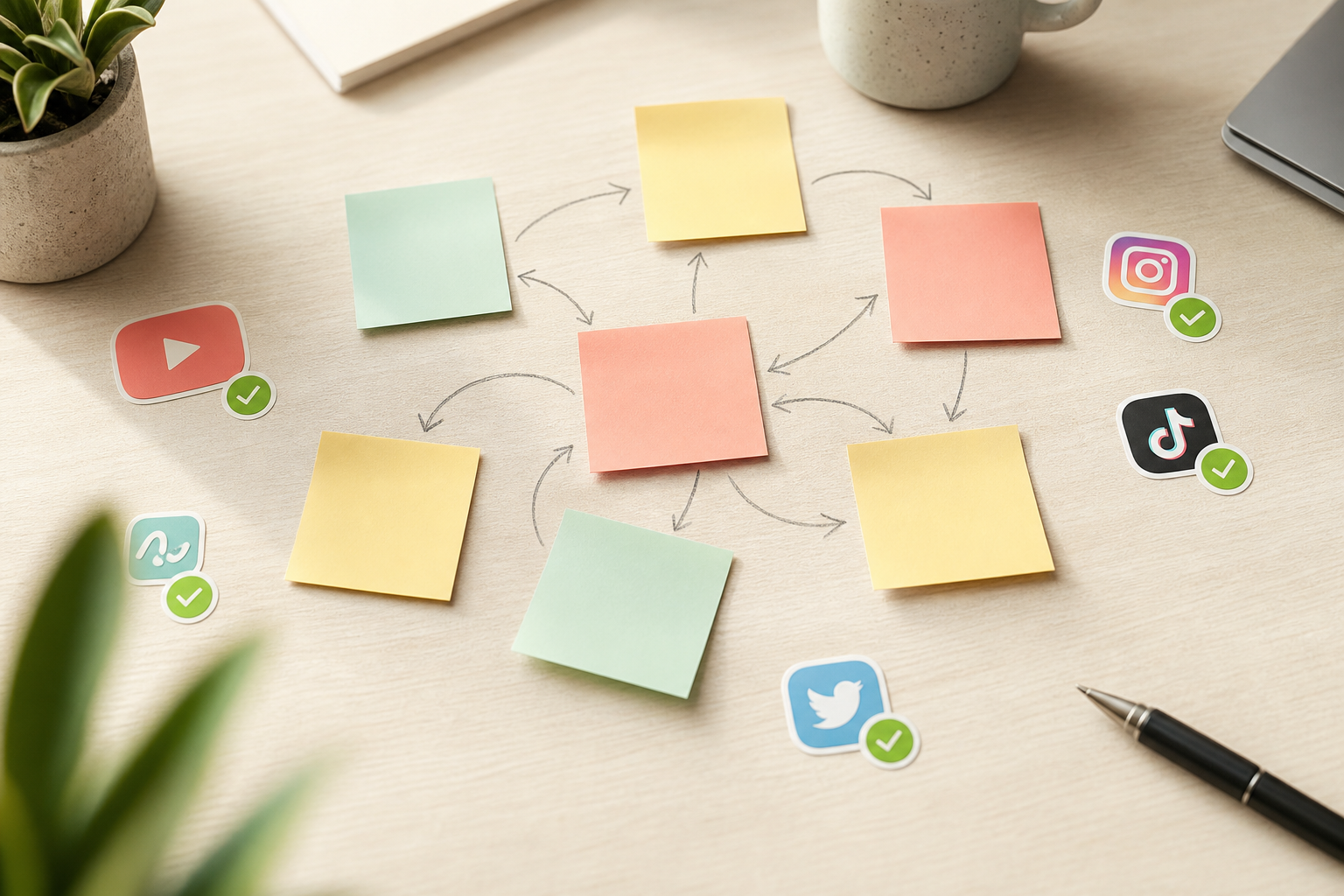
Check availability on YouTube and socials
Search your top 5 on YouTube, then check handles on the platforms you plan to use. Look for close matches that could cause confusion. If a name is taken by a dormant account, move on. -
Test with friends (fast feedback)
Send 3-5 options to five people who match your audience. Ask two questions: “What do you think this channel covers?” and “How would you spell it?” Drop any name that gets mixed guesses. -
Verify domain availability
Check the.com first, then consider.io,.tv, or a regional TLD if you must. If the exact.com is gone, try a clean modifier like “get”, “watch”, or “studio. -
Finalize and commit
Pick one. Grab the domain and handles the same day. Update your banner, avatar, and About. Then script your first upload, momentum beats more brainstorming.
Example Walkthrough (From Niche to Name)
- Niche words: “beginner CAD, 3D print, Fusion, build, learn”
- Combos: “FusionFoundry, PrintPilot, CADCamp, LayerLab, MakerMap”
- Tests: three friends spell “LayerLab” right; two think “CADCamp” is a summer program
- Availability: “LayerLab” open on YouTube and Instagram; dot-com available
- Final: “LayerLab” — clear, short, and future-proof
Also Read!
5 Common Mistakes That Make YouTube Names Forgettable
New creators run into the same traps. You can skip months of friction by dodging these five.
First, random numbers. “LucyMakeup12345” looks like a temp account. Bad: “CookWithTom_987.” Good: “Tom’s Tiny Kitchen” or “Tiny Kitchen Tom.” Numbers are fine if they are the brand (e.g., “Studio 54” style) and easy to recall.
Second, names that are too long. Over 20 characters gets hard to read on mobile. Bad: “TheUltimateGourmetAdventures.” Good: “Gourmet Sprint” or “Pan & Palette.” Short wins on thumbnails and in comments.

Third, copying popular creators. “PewDiePie Reacts” or “MrBeast Budget” invites confusion and, worse, distrust. Bad: “Ali Abdaal Notes.” Good: “Study Sprint” or “NoteCraft.
Fourth, picking a name you’ll outgrow. Bad: “Final Cut Fixes” if you plan to cover DaVinci and Premiere next year. Good: “Edit Clinic”, still niche, more room.
Fifth, ignoring search. If your channel is “Anya’s Arc,” viewers won’t guess it’s about travel points. Bad: “Anya’s Arc.” Good: “Anya Points” or “Miles with Anya.” Make search work for you as you choose youtube channel name that supports discoverability.
Bad vs. Good at a Glance
- “Crypto4U999” → “Crypto Bench”
- “HealthyRecipesWorldChannel” → “Fresh Pan”
- “GuitarLessonsByMikeSmithOfficial” → “Chord Camp”
- “AIThingsAndMore” → “AI Snack”
Best YouTube Name Generator Tools and Resources
Tools speed up ideation, but the best names still come from clear inputs. Use generators to explore sounds and roots, then refine with human judgment and quick tests.
- SpinXO: Good for fast mashups; feed niche words and style notes.
- Kparser: Pulls real search terms so your name can match how viewers talk.
- Namelix: Short, brandable names with logo drafts to check visual feel.
- Business Name Generator: Wide net; skim for patterns that spark better ideas.
- NamingForce: Crowdsourced options if you want outsider angles.
- Thesaurus and rhyme tools: Manual method to vary word roots and endings.
One AI option for brand identity brainstorming is AdsGPT. It can suggest names based on traits, tone, and audience, and its BrandIQ feature aligns ideas with your brand style. It also brings social proof and safety to the table, 10K+ happy marketers, SOC 2 Type II, plus a free plan with 35 ad credits to try ideas without risk. If you already run ads or plan to, the 500M+ competitor ad database across 9+ ad platforms can show how names and hooks show up in real creatives.
Manual Methods That Still Work
- Word buckets: list 10 topic words, 10 verbs, 10 vivid nouns; mix and match.
- Sound tests: swap hard consonants (K, T, P) and soft ones (L, M, N) to change mood.
- Sandwich test: put the name in a sentence (“I binge [Name] every night.”).
- Thumbnail mock: place the name on a 1280×720 thumbnail; shrink to mobile size to check legibility.
What to Do After You Pick Your Name
You’ve locked it in. Now ship the brand so viewers feel the same vibe across touchpoints. This is where a good decision earns you quicker trust.
First, secure the handle and name on YouTube and the 2-3 socials you’ll use in 2026. Then, buy the domain, even if you only point it to your channel now. Consistency keeps impostors away and makes cross-promo clean.
Next, design matching channel art. Use the same colors, two fonts max, and an avatar that reads at 40×40 pixels. Moreover, write an About section with a clear promise in the first 120 characters. As you choose youtube channel name, echo it in your banner tagline to anchor recall.
Finally, set a brand voice. Are you crisp and how-to, or warm and chatty? Draft 5 title templates that fit your name and stick to them for your first 10 uploads. Then publish your first video this week to lock the habit.
Post-Name Checklist
- Claim YouTube handle and socials
- Buy domain
- Update banner, avatar, watermark
- Write a 1–2 line About promise
- Create 5 title templates and a description block
- Upload your first video and pin a comment
Key Takeaways
- Use a clear process to choose youtube channel name: niche words, combos, tests, and availability checks.
- Aim for names that are short, easy to say, and hint at your topic without boxing you in.
- Dodge the five traps: random numbers, too-long names, copies, boxed-in niches, and weak search signals.
- Tools can help, but your inputs — audience, tone, and promise — matter more.
- After you pick, ship the brand fast: claim handles, design art, and publish your first video.
What to Do This Week
Block two 45-minute sprints to brainstorm and test names, one 30-minute slot to check availability and buy the domain, and a final 60 minutes to update your banner, About, and upload your first video. By Sunday night, you’ll have a name that fits, a brand that matches, and a video live.

MOST POPULAR


