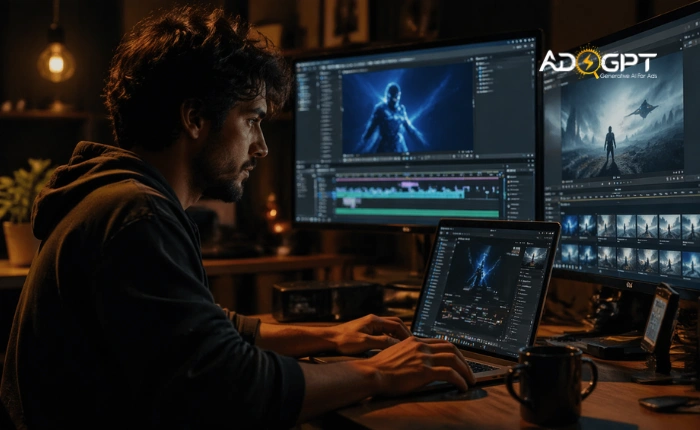
If you’re looking to create AI videos, you’re tapping into a powerful competitive edge. What once took days of editing and a full production crew can now be done quickly with AI. Whether you’re a solo creator, a marketer, or a business looking to scale content, AI is revolutionizing video production.
This isn’t just about cutting down production time; it’s about unlocking creative possibilities. AI handles the tedious, time-consuming parts of video creation, freeing you to focus on what really matters: your message, your story, and connecting with your audience.
As the video production landscape rapidly evolves, tools that once required professional-grade skills are now accessible to anyone with an idea. From personalized marketing campaigns to explainer videos that simplify complex concepts, AI is empowering creators, marketers, and businesses alike. The question isn’t whether AI belongs in video creation; it already does. The real question is, how will you use it to elevate your content?
In a hurry? Listen to the blog instead!
Can AI Really Help You Create AI Videos?
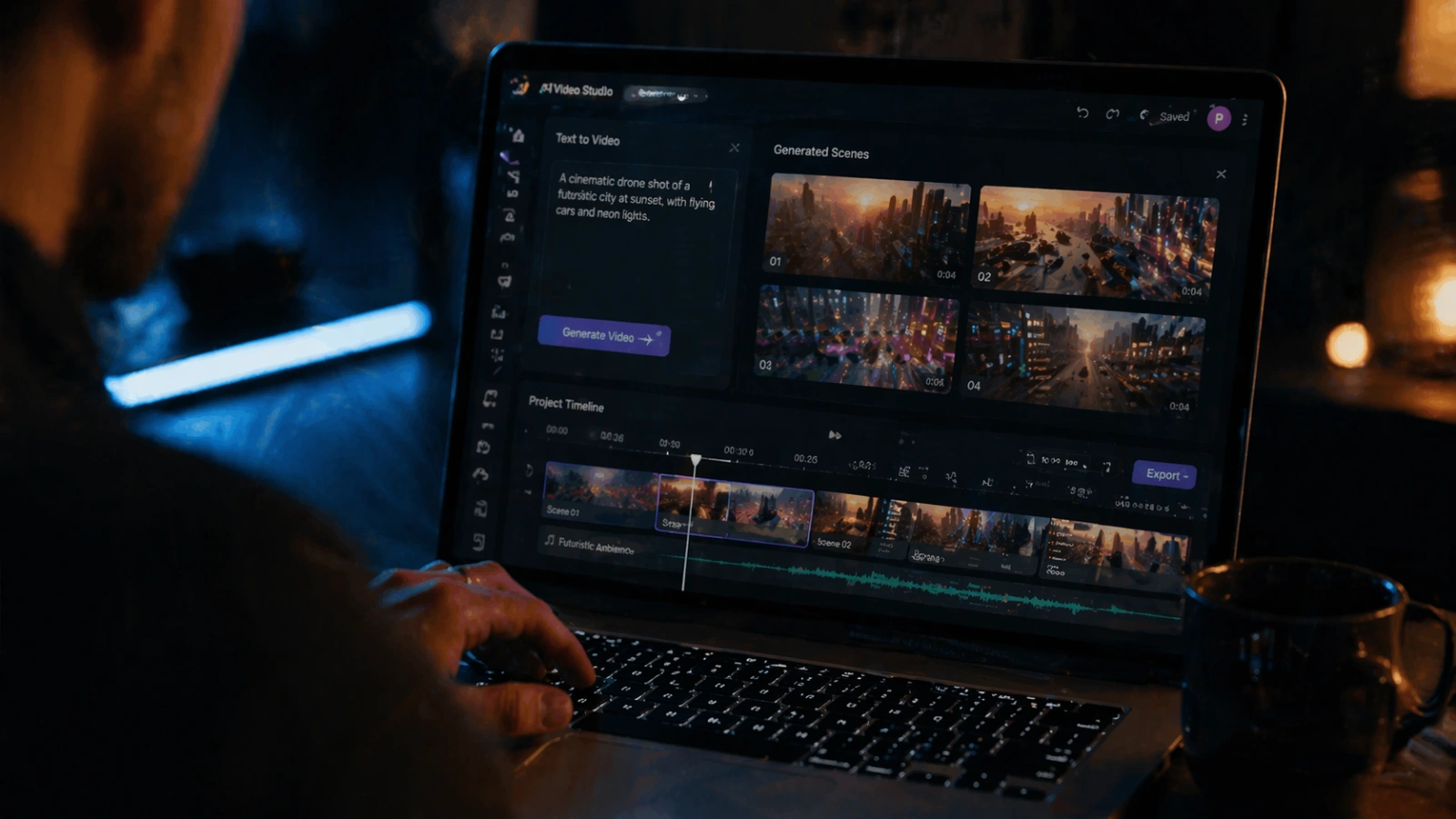
Yes, and more effectively than most people expect. Creating AI videos can take a script, a text prompt, or even a basic concept and transform it into a fully produced video complete with voiceovers, visuals, captions, and transitions.
The core value lies in speed and scalability. What once took days can now be done in hours. A video series that used to require a dedicated editor can now be produced by a single person with the right tool. To create AI videos, you typically input your content, choose a style or template, and let the platform generate a draft that you can then refine.
That said, AI doesn’t replace creative thinking; it amplifies it. The best results come from those who bring a clear vision to the tool, not from those who expect the tool to do all the thinking.
Step-by-Step Guide to Create AI Videos: From Start to Finish
Creating AI videos is simpler than ever, and with the right tools, you can quickly turn your ideas into high-quality video content. Here’s a step-by-step guide to creating AI videos that resonate with your audience and deliver results.
Step 1: Conceptualize Your Video Idea
Before opening any tool, get clear on the purpose. What do you want this video to accomplish? Who is it for? What should the viewer think, feel, or do after watching?
A vague concept produces a vague video. Spend five minutes defining the goal, the audience, and the core message. That clarity directly improves what the AI generates.
Step 2: Choose the Right AI Tool
Not every AI video platform works the same way. Some specialize in turning text into video. Others focus on avatar-based presentations, animated explainers, or social media clips. Matching the tool to the project type saves time and frustration.
Look for platforms that align with your use case, skill level, and budget. A few worth exploring include Synthesia, Runway, Pictory, and HeyGen, each suited to different workflows.
Step 3: Generate Your Content
This is where you create a video with AI in a real, hands-on sense. Most platforms let you input a script, a text prompt, or a URL (like a blog post) and generate a video draft automatically. The AI selects visuals, arranges scenes, adds narration, and syncs everything together.
If the platform supports it, use a detailed text prompt. Specificity matters. “A 60-second explainer video for a B2B SaaS product targeting HR managers” will produce a far better output than “a business video.” The more precise your direction, the better the AI video creation tool will deliver.
Step 4: Customize the Output
Raw AI output is a starting point, not a finished product. Adjust the pacing, swap out visuals that don’t fit, tweak the tone of the voiceover, and make sure the branding is consistent. Most platforms offer drag-and-drop editing that makes this accessible even without a design background.
This step is where your brand voice enters the picture. Creating AI videos offers a framework, but it’s your creative touch that makes it resonate.
Step 5: Review, Optimize, and Export
Watch the full video before exporting. Check for pacing issues, awkward transitions, or anything that feels off. If the platform offers subtitle generation, use it to caption significantly improve watch time, especially on mobile.
Export in the format suited to your platform. Vertical for Reels and TikTok, horizontal for YouTube, square for LinkedIn. Most tools let you export in multiple formats from a single project, making it easier to create AI videos optimized for each platform.
Real-Life Use Cases: How Marketers and Creators Are Leveraging AI Videos

One of the most practical applications is the AI-generated explainer video. SaaS companies use them to onboard new users, walk through product features, or answer common support questions, all without booking a studio or hiring a voiceover artist. The turnaround time is fast enough to keep pace with product updates. If you’re looking to create AI videos, this is a perfect solution that saves time and resources while still delivering high-quality content.
Personalized video marketing is another area gaining real traction. Brands are using AI to create personalized videos at scale by embedding viewer-specific details like names, locations, or purchase history directly into each video, where viewer-specific details like names, locations, or purchase history are embedded directly into the video. The result feels tailored, which tends to perform significantly better than generic content.
On the creative side, artists and YouTube creators are using AI video tools to produce short-form content, animated storytelling, and stylized visual essays. The tools lower the barrier to production, making consistent publishing more realistic for independent creators. Whether you want to create AI videos for your brand or personal projects, these tools make high-quality content production accessible to everyone.
Each of these use cases shares one thing: the human still directs the creative strategy. AI handles execution.
Extend Your Campaigns Beyond Video with AdsGPT
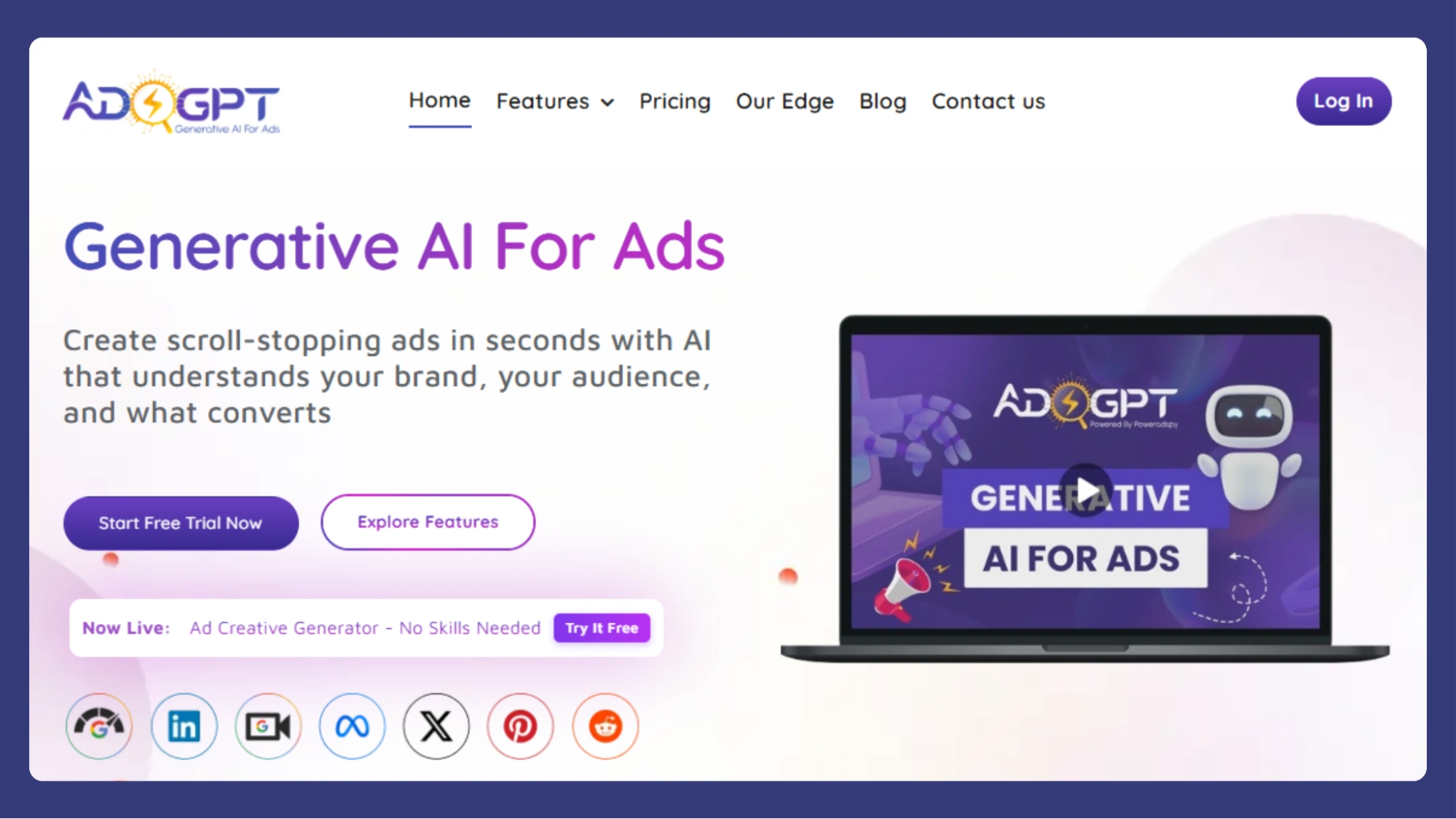
Creating AI videos is only part of a high-performing content strategy. Brands also need static ads, social creatives, and display visuals that match the same campaign messaging across every platform. That’s where AdsGPT helps streamline the creative process.
AdsGPT enables marketers to generate platform-ready ad creatives quickly without relying heavily on manual design workflows. From social media promotions to display campaigns, it helps maintain visual consistency across channels while accelerating creative production.
Key Features
- Multi-Platform Creative Formats
Generate optimized creatives for platforms like Meta, Google, LinkedIn, and Pinterest with support for multiple aspect ratios, including 1:1, 3:4, 9:16, 16:9, and Auto. - AI-Assisted Creative Inspiration
Use competitor ads or existing campaign references as inspiration to generate fresh visuals tailored to your own messaging and positioning. - Consistent Brand Identity
Save brand assets such as logos, colors, and descriptions so they can be applied automatically across future creatives. - Faster Creative Testing
Generate multiple creative variations at once to experiment with different visual directions, messaging styles, and campaign concepts. - Customizable Visual Styles
Adjust the tone and aesthetic of creatives using different image styles such as realistic, cinematic, 3D, or illustrated formats.
As AI-generated content becomes a larger part of digital marketing workflows, tools like AdsGPT can help teams scale creative production more efficiently alongside video-focused platforms.
Practical Guidance: How to Choose the Right AI Tool for Your Video Project
Start with the type of video you need. An animated explainer requires different functionality than a talking-head presentation or a social media reel. Using the wrong tool for the job creates friction and often produces mediocre results. If you’re looking to create AI videos, make sure the platform matches the content type you want to produce for the best results.
- Ease of Use: A platform loaded with advanced options isn’t helpful if the learning curve kills your momentum. Most creators are better served by a tool they can move quickly in than one they spend weeks figuring out. The ability to create video with AI should be intuitive and let you focus on your creative vision.
- Cost and Scalability: If you plan to produce a high volume of videos, per-export pricing models can get expensive fast. Look for plans that match your production cadence. Whether you want to create AI videos for marketing or educational purposes, choosing a cost-effective plan is crucial for long-term success.
Finally, consider how the tool fits into your existing workflow. Does it integrate with your content calendar, social platforms, or team collaboration tools? A seamless workflow means fewer bottlenecks and more consistent output.
Also Read:
Top 7 Features To Look For In A Video Ad Maker
7 AI Video Makers To Boost Your Content Fast
Common Mistakes to Avoid When Creating AI Videos

Creating AI videos can be a powerful tool to streamline your content production, but it’s easy to fall into some common traps that can affect the quality of your output. While AI offers incredible capabilities, it still requires thoughtful oversight and adjustments to ensure the final product aligns with your goals. Here are the most common mistakes to avoid when creating AI videos.
- Relying Too Much on AI Output: The biggest mistake is simply accepting whatever the AI generates without human review. AI doesn’t understand your brand, audience, or the tone nuances that make content authentic. Always review and adjust the AI-generated content to ensure it meets your standards when you create AI video content.
- Not Matching the Brand Voice: Using AI-generated content without tailoring it to your brand voice is another frequent issue. Generic AI outputs tend to sound generic. Customizing even the smallest details makes a significant difference in how the video resonates with your audience. When you create an AI video, ensure it reflects your unique tone and style.
- Choosing the Wrong Tool: Picking the first AI video platform you come across can lead to frustration. Not all tools are suited for every type of video project. A little upfront research to pick the right tool for your needs can save you hours of rework. Whether you’re looking to create AI videos for marketing or personal use, selecting the right platform is essential.
- Underestimating Post-Production: AI-generated videos may be good, but they aren’t perfect. Small refinements like trimming, adding transitions, and adjusting audio levels are essential to make the video polished and professional. Even after you create AI video content, post-production is key to enhancing the final result.
Conclusion:
AI is not just a tool for speeding up the video production process
it’s a game-changer that opens up new creative possibilities.
By taking over the time-consuming elements of video creation,
AI empowers creators, marketers, and businesses alike to produce high-quality content with less effort and more innovation.
As AI continues to evolve, the future of video production looks brighter than ever,
offering a world of opportunities for those ready to embrace this transformative technology.
Whether you’re looking to streamline your production process or push the boundaries of your creative vision,
AI video creation is the way forward.
FAQ
How to Create AI Video for Free?
To create an AI video for free, use platforms like Pictory or Lumen5, which offer free plans or trials. Simply upload your content, choose a style, and let the AI generate your video. Note that free versions may come with limitations, like watermarks or restricted export options.
How to Create an AI Video from Text Prompt?
To create an AI video from a text prompt, choose tools like Synthesia or Runway. Input your script, and the AI will generate a video with visuals and voiceovers. The more detailed your prompt, the better the video will align with your vision.
What types of videos can I create with AI?
AI tools can be used to create a wide variety of videos, including explainer videos, marketing ads, social media content, training videos, and personalized video messages. AI platforms can transform text, scripts, or even blog posts into engaging visual content.
Are AI videos good for marketing purposes?
Absolutely! AI-generated videos are increasingly being used in marketing for everything from personalized ads to product demonstrations. They allow brands to create high-quality, engaging videos at scale, saving time and resources while maintaining a professional look.
How accurate is AI in video creation?
AI video tools are quite advanced, but they still require human input for optimal results. While AI can quickly generate video drafts, it’s important to review and customize the content to ensure it aligns with your brand, tone, and specific message.
MOST POPULAR