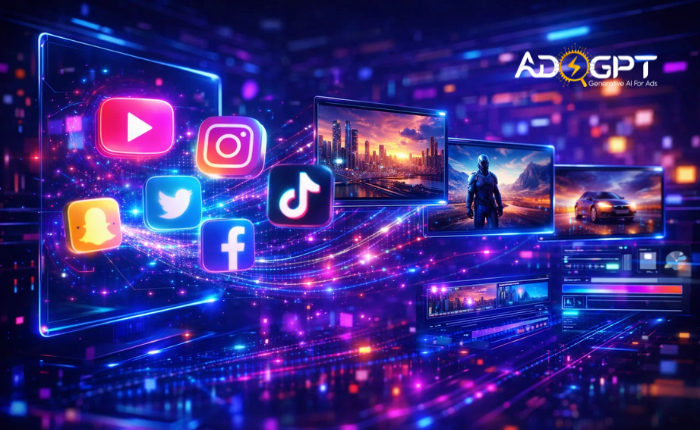
An AI video maker is not just making things easier; it is changing how fast you can turn ideas into real content.
Open any app today, and it’s hard to miss that videos are everywhere. Creators are posting constantly, trends change overnight, and keeping up can feel exhausting.
If you’re still spending hours editing videos, it’s easy to fall behind.
That’s where an AI video maker can make things much easier. Most creators don’t run out of ideas; they run out of time. Turning ideas into finished videos is where things usually stop.
A good video maker helps you move faster. You can create videos without requiring advanced skills or expensive tools.
In this blog, you’ll discover simple tools that help you save time, stay consistent, and create videos without the stress.
Listen To The Podcast Now!
Best AI Video Makers at a Glance
If you just want the highlights, here’s a quick breakdown of the top tools:
- Best overall: Synthesia
- Best for beginners: Pictory
- Best for ads & conversions: Adsgpt
- Best for faceless videos: InVideo AI
- Best for social media: Runway
- Best for marketing & ads: HeyGen
- Best for branding control: Descript
Each AI video maker here solves a different problem, and choosing the right one depends on your workflow.
What Makes a Great AI Video Maker in 2026?
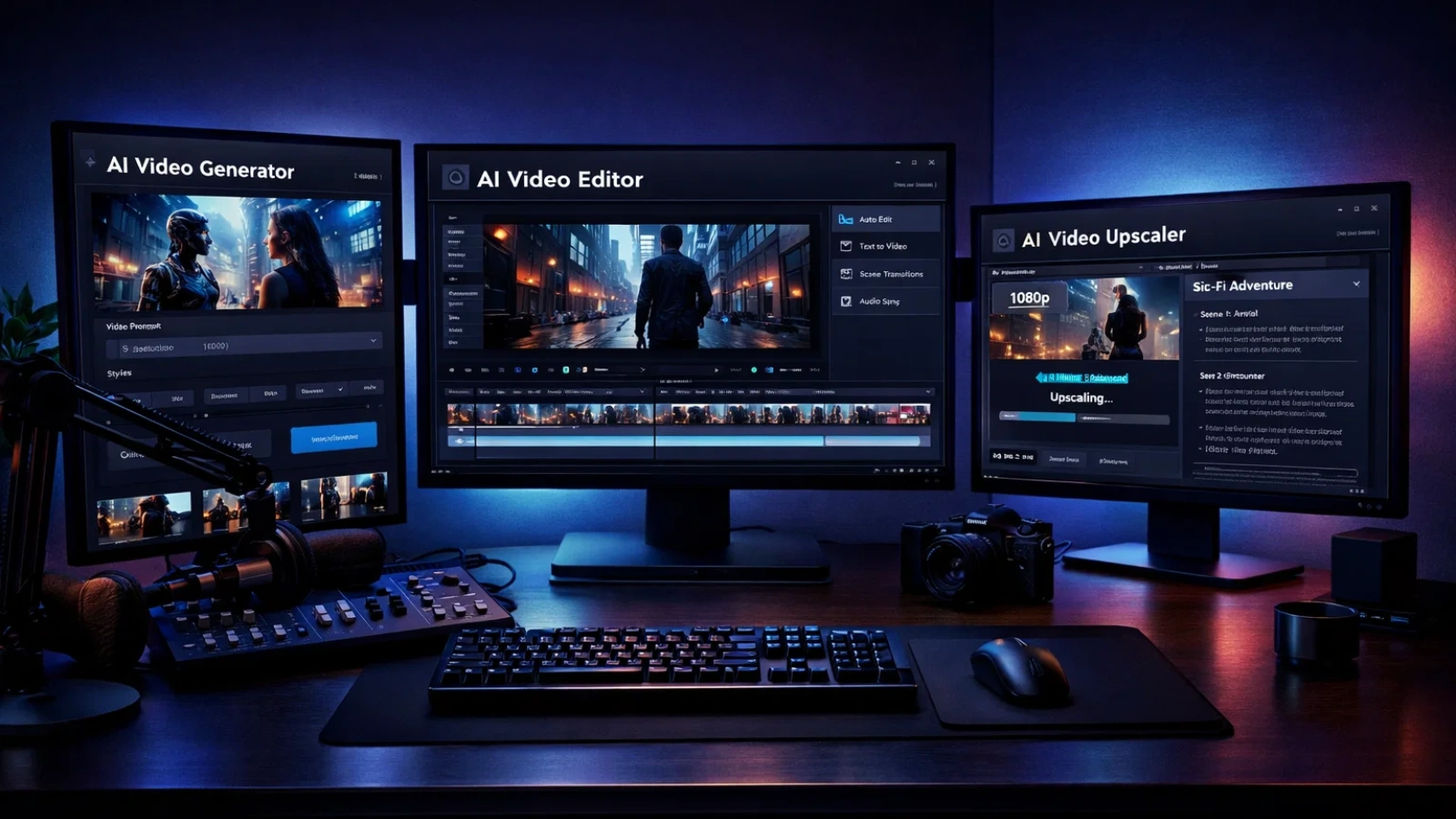
Not every video maker works the same way. Some prioritize speed, while others give you more control.
Before picking one, it helps to understand what actually matters.
First, script-to-video automation. A strong video maker doesn’t just paste your script into slides; it understands context, adds visuals, and structures the video naturally.
Next is voice quality. Earlier tools sounded robotic, but newer platforms offer voices that feel surprisingly human. Still, the difference between tools is noticeable.
Then there’s the balance between speed and customization. Some tools generate videos instantly but limit editing options. Others let you fine-tune everything but take more time.
Finally, consider the output format. A good AI video maker for YouTube might not work well for TikTok or Reels. Choosing the wrong one can make your workflow frustrating.
7 AI Video Makers That Actually Save You Time
Not all tools are worth your time.
Some promise speed but create more work. Others actually do what you need to turn your ideas into videos fast. The right video maker doesn’t just save time; it changes how consistently you can create.
Here are 7 that actually deliver.
1. Synthesia — Best for Instant Script-to-Video Creation
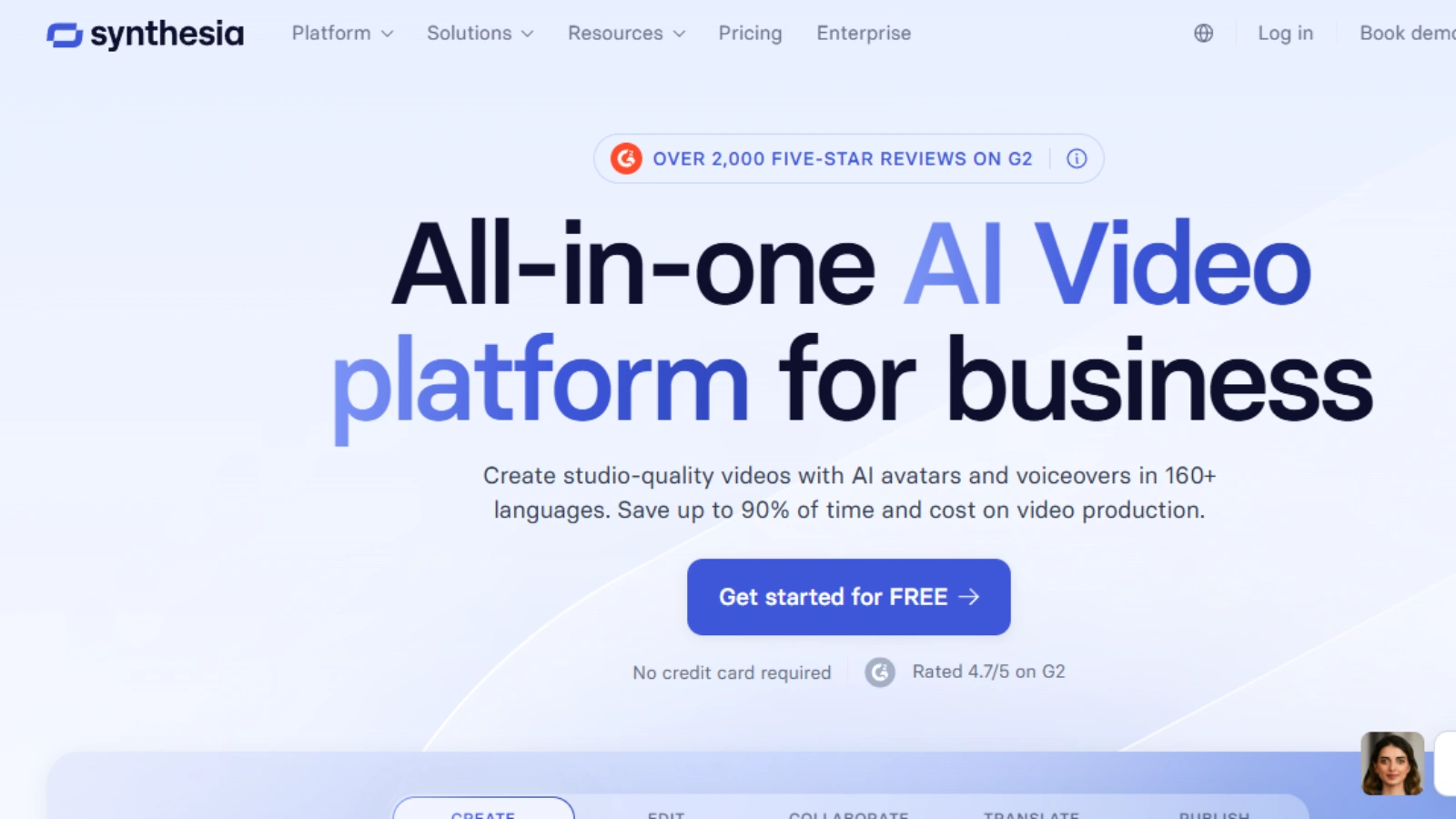
This AI video maker focuses on turning scripts into presenter-style videos using AI avatars.
Best for: Training, tutorials, corporate content
Highlights:
- AI avatars with natural delivery
- Multi-language support
- Custom avatar creation
It’s a powerful AI-generated video maker when you need polished, professional output without filming.
2. InVideo AI — Best for Faceless YouTube Channels
If you want volume and speed, this AI video maker AI tool is built for it.
Best for: Faceless YouTube content
Highlights:
- Script generation from prompts
- Automatic visuals and voiceovers
- Fast publishing workflow
A strong video maker for creators who want consistent uploads.
3. Adsgpt — The Best AI Tool for Creating High-Impact Ads & Performance Videos
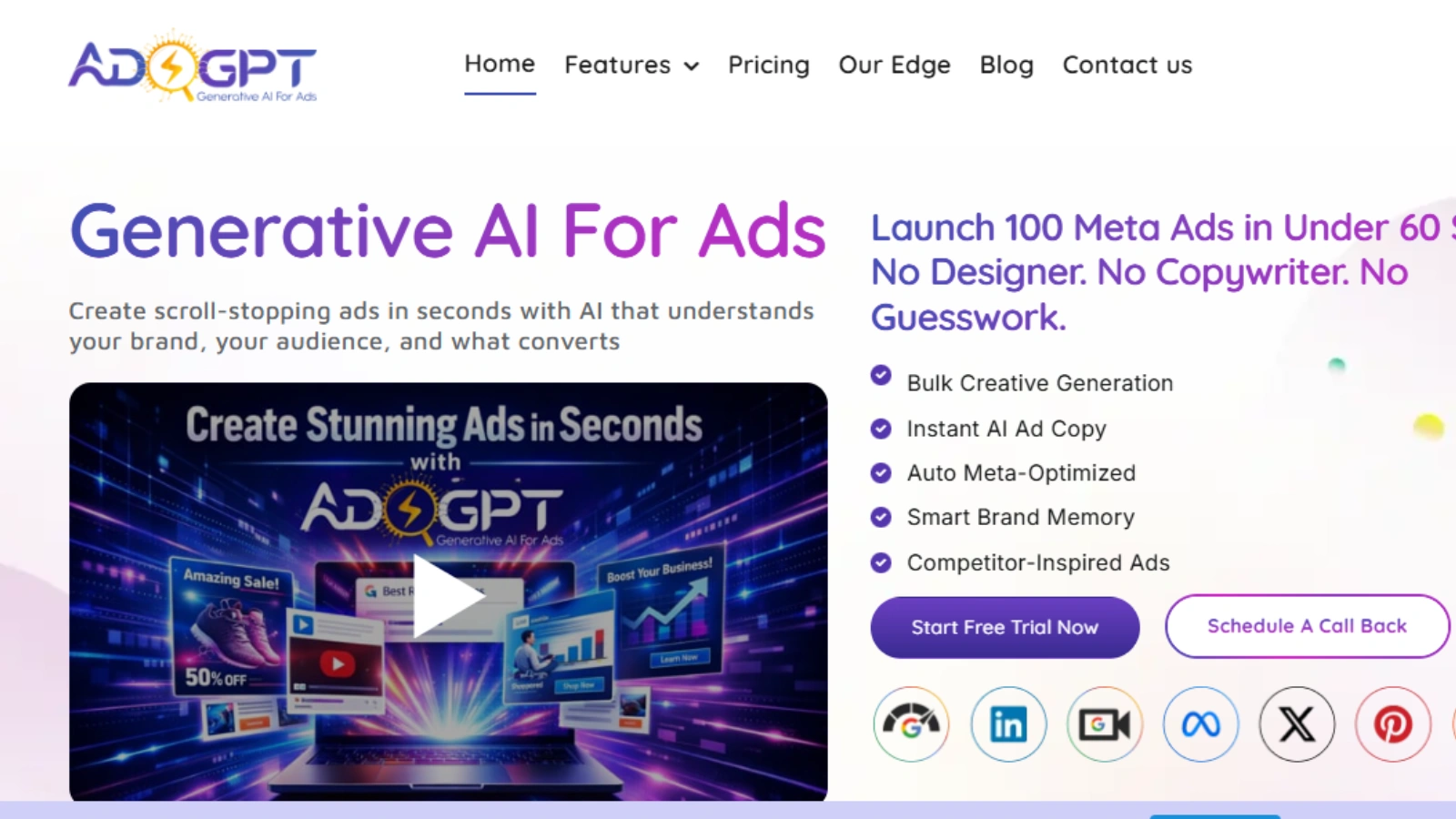
Adsgpt isn’t just another AI video maker; it’s built specifically for creators and marketers who care about results, not just visuals.
While most tools focus on generating videos, Adsgpt focuses on creating videos that convert. That makes it especially valuable if you’re running ads, selling products, or trying to drive clicks and revenue.
Who it’s for:
Performance marketers, content creators running ads, dropshippers, and anyone focused on ROI-driven video content.
Key features:
- AI-generated ad scripts designed for conversions
- Fast video creation optimized for paid ads
- Built-in hooks and scroll-stopping formats
- Multiple variations for A/B testing
- Platform-ready formats for Meta, YouTube, and TikTok
Pros:
Strong focus on conversions, fast production workflow, ideal for scaling ad creatives, beginner-friendly.
Best use case:
Creating high-performing ad creatives, testing multiple video variations quickly, and scaling paid campaigns using a focused AI video maker.
4. Runway — Best for Social Media Content
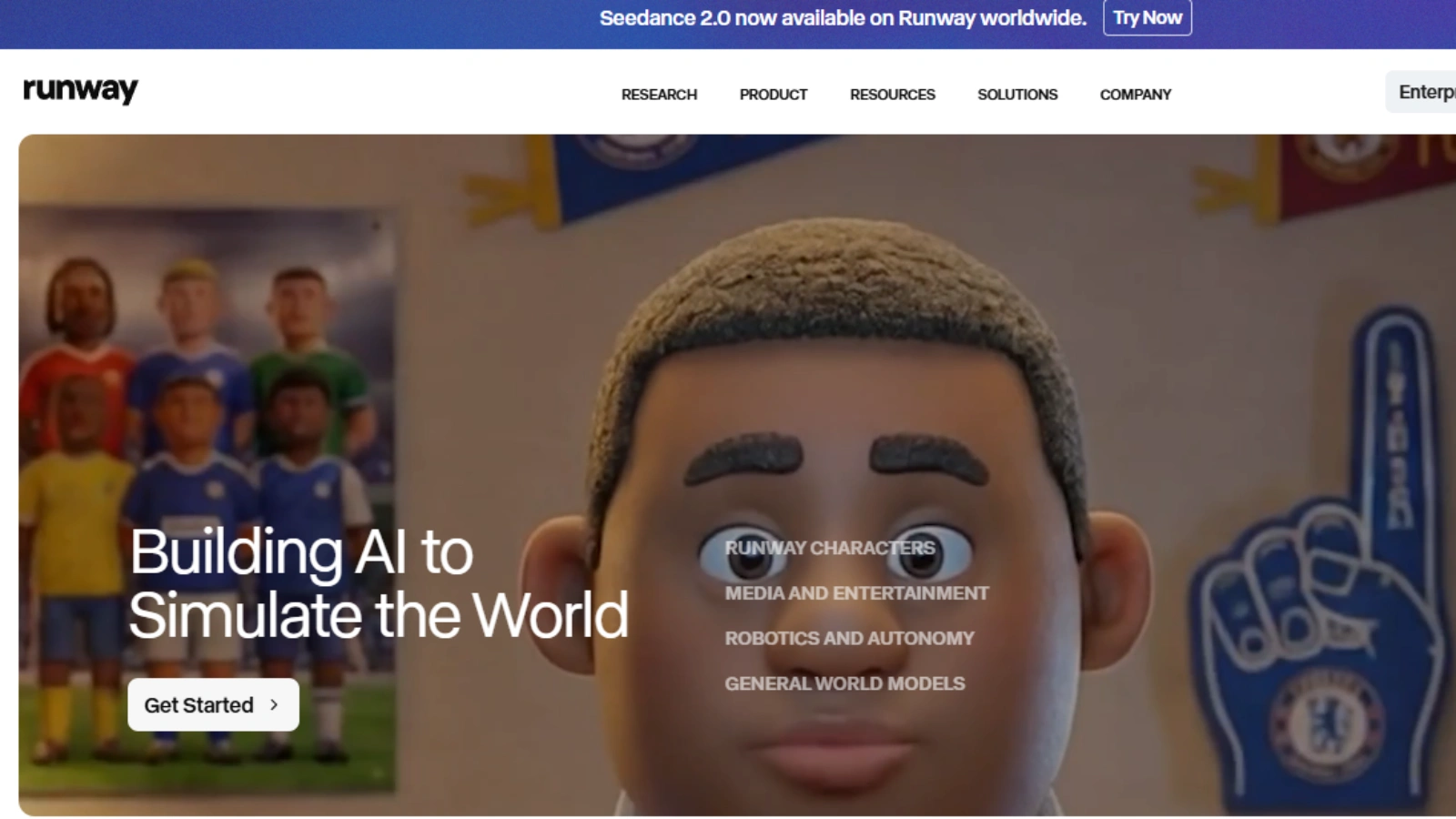
Runway takes a creative approach. Instead of just assembling videos, it generates visuals.
Best for: Short-form content
Highlights:
- Text-to-video generation
- Visual effects tools
- Creative editing features
This video AI maker is ideal if you want content that stands out visually.
5. HeyGen — Best for Marketing & Ads
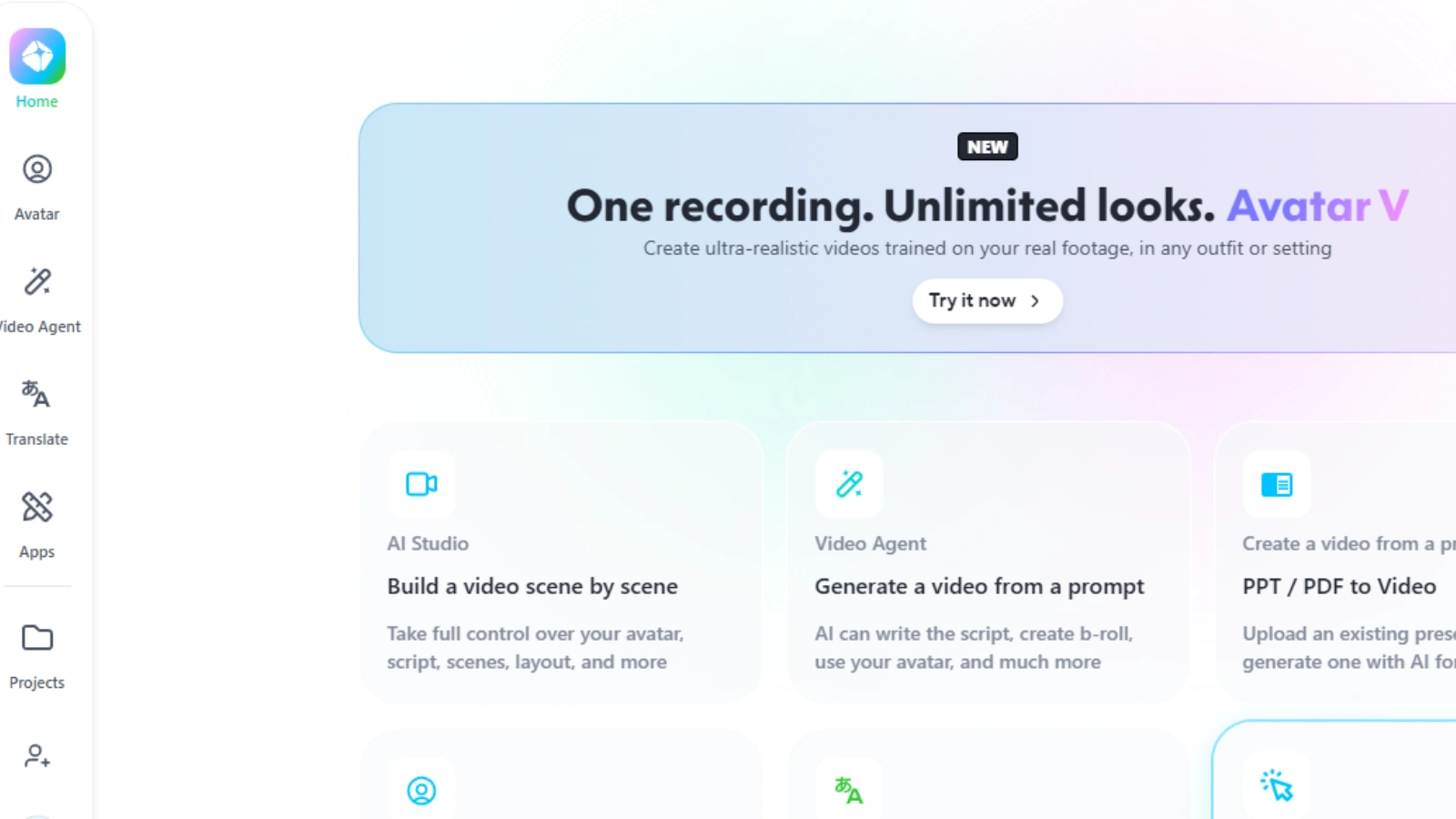
HeyGen focuses on personalized and multilingual videos.
Best for: Marketing campaigns
Highlights:
- Voice cloning
- Video translation
- Personalized outreach videos
A great video maker AI option for businesses scaling global content.
6. Pictory — Best for Beginners
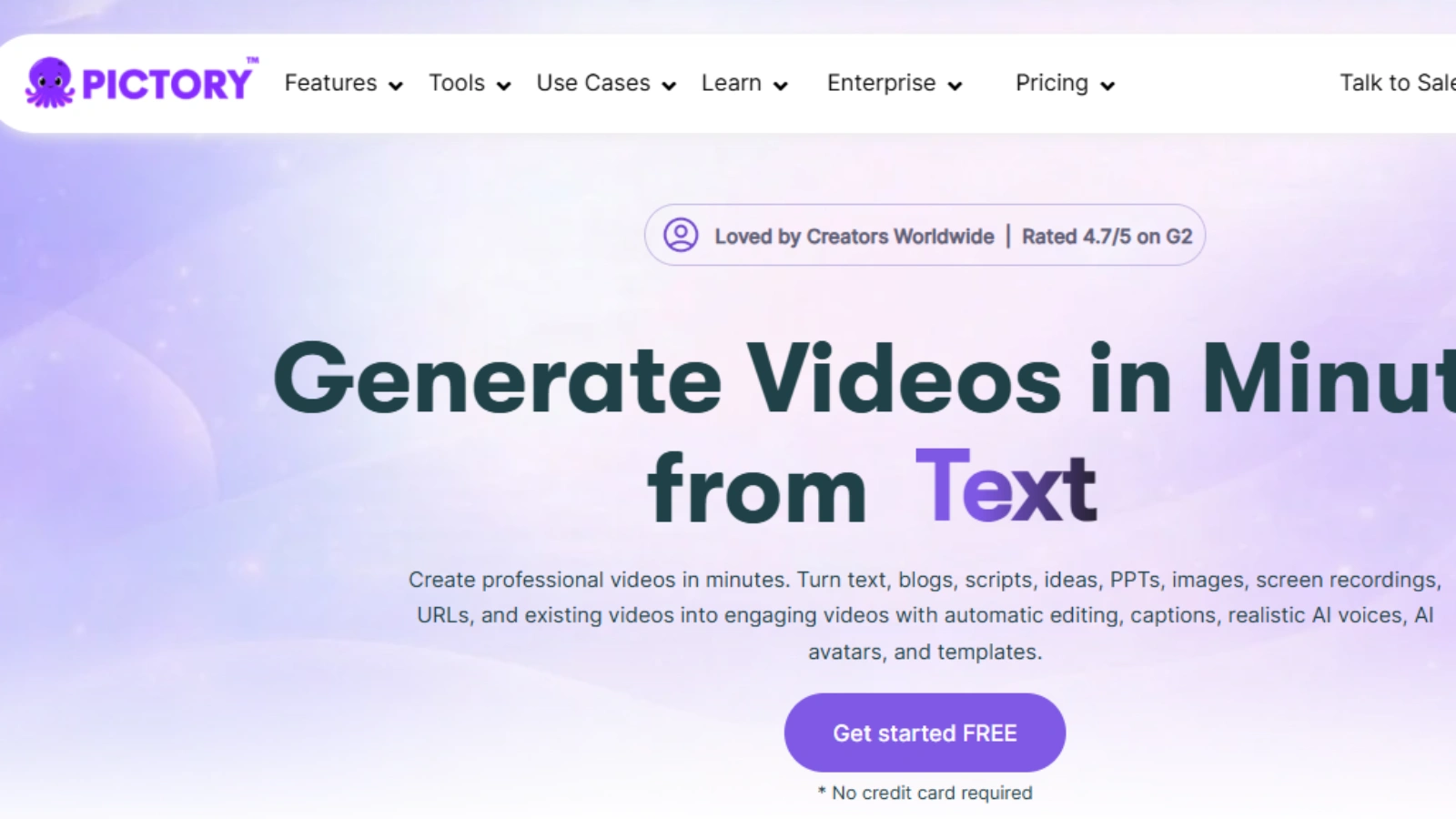
Pictory makes it easy to turn existing content into videos.
Best for: Repurposing blogs and podcasts
Highlights:
- Article-to-video conversion
- Auto highlights from long content
- Simple interface
This AI video maker is perfect if you’re just starting out.
7. Descript — Best for Custom Branding & Control
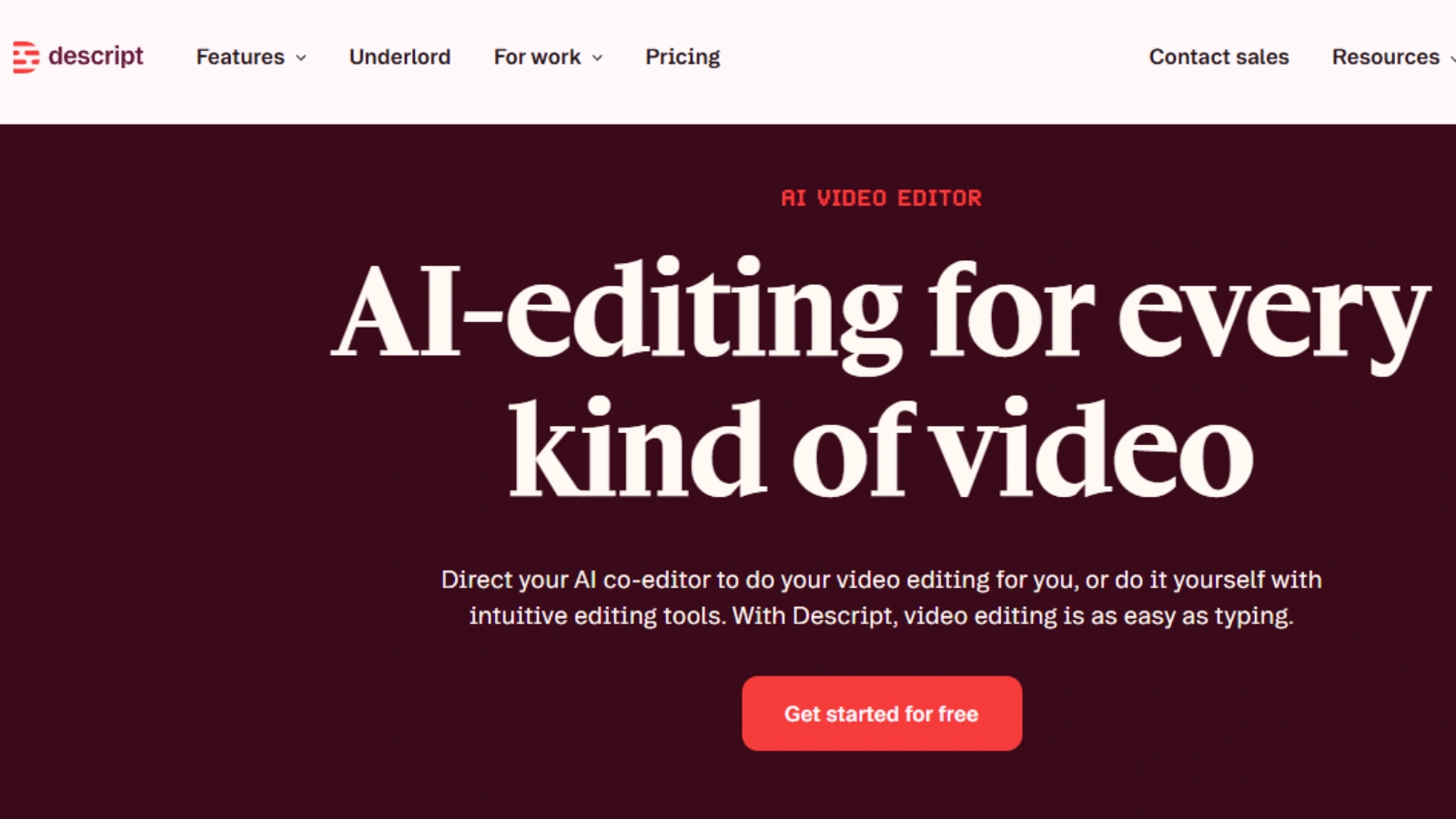
Descript edits video like a document. Change the text, and the video updates.
Best for: Long-form content
Highlights:
- Transcript-based editing
- Voice cloning
- Collaboration tools
A powerful AI video-maker if control matters more than speed.
Bonus Recommendation
While the above 7 tools are our primary recommendations, we recently evaluated Higgsfield and found it to be a strong option for users looking for AI video maker tool.
Higgsfield AI Video Generator
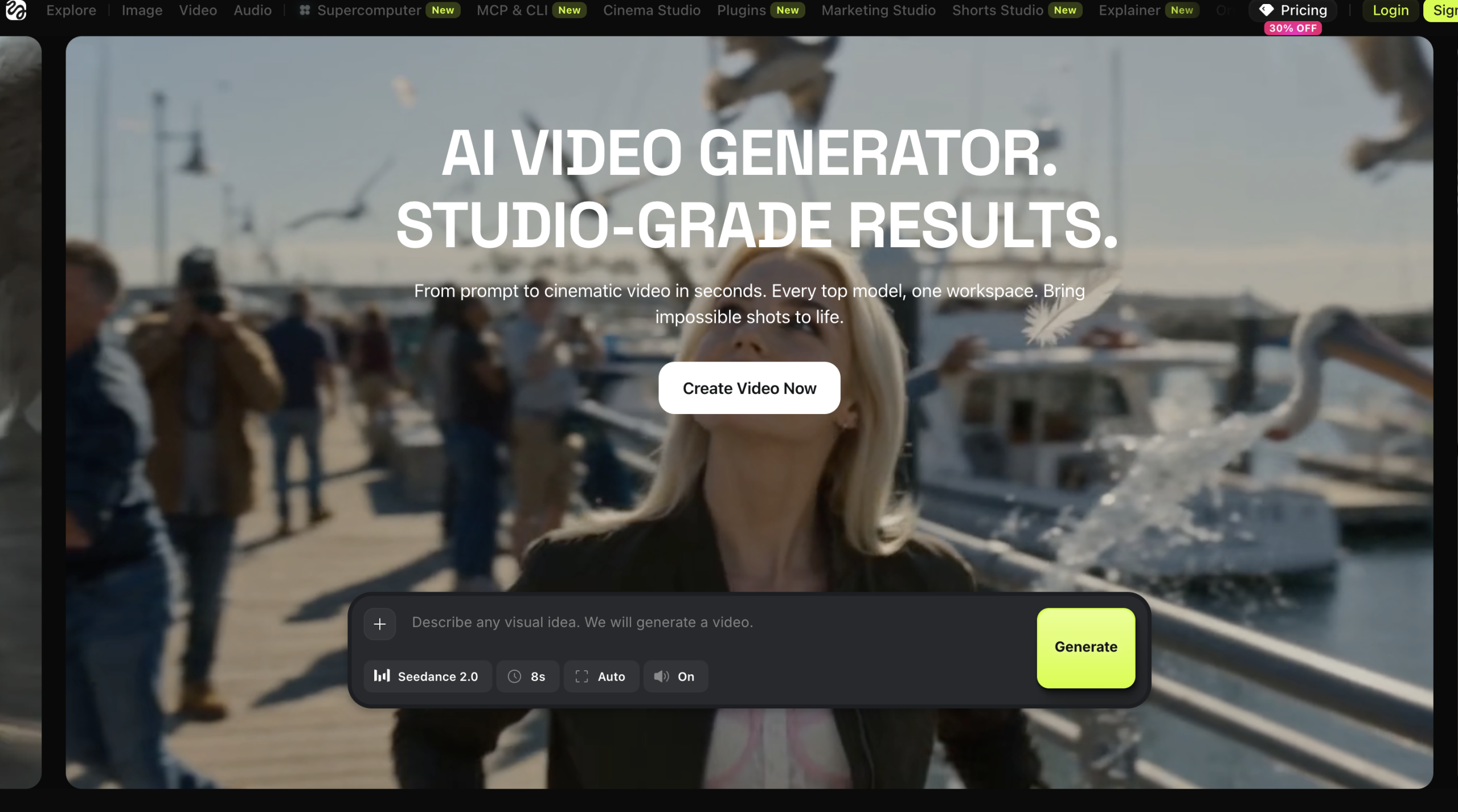
HIggsfield AI video generator specializes in creating cinematic, high-quality videos from text or image prompts with advanced camera movements and realistic visual effects.
Best for: Social media content, product advertisements, brand campaigns, and cinematic marketing videos
Highlights:
- AI-powered cinematic camera movements
- Text-to-video and image-to-video generation
- High-quality visual effects and realistic motion
- Fast creation of promotional and marketing videos
It’s a powerful AI video generator for creators, marketers, and businesses looking to produce professional-quality videos without traditional filming or complex editing.
How Creators Are Actually Using AI Video Makers
It’s one thing to know what these tools can do, but it’s far more useful to see how creators are actually using them in real life. Once you understand the use cases, it becomes much easier to see where an AI video maker fits into your workflow.
- Faceless YouTube Channels
Many creators use an AI video maker to run YouTube channels without ever showing their faces. They generate scripts, create videos, and publish consistently, all without being on camera. - Short-Form Content (Reels & TikToks)
For creators focused on short videos, a single session with the best AI video maker can produce multiple reels or TikToks, making it easier to stay consistent. - Affiliate Marketing Videos
Instead of relying only on written reviews, marketers use an AI video maker to turn content into engaging videos that drive more clicks and conversions. - Educational & Business Content
Educators and businesses often create presenter-style videos for training or explanations. Tools like Synthesia make this process simple and professional without needing a full setup.
Also Read:
Advanced Insight: Why AI Video Tools Alone Won’t Make You Go Viral
An AI video maker can make creating videos faster and easier, but it doesn’t guarantee success. What actually drives results goes beyond just using the tool.
When everyone has access to the same AI video-maker, the real difference comes from how you use it.
- Competition is higher than ever.
Since these tools are widely available, more creators are producing content. Standing out now requires more than just speed. - Distribution matters more than creation.
Posting strategy, timing, and platform understanding often have a bigger impact than the tool you use. - Content quality still wins.
Even with an AI video-maker, your ideas, storytelling, and value determine whether people keep watching. - The first few seconds are critical.
No video maker can fully replace human creativity when it comes to grabbing attention instantly.
Conclusion: Just Start Creating
At the end of the day, tools are only helpful if you actually use them.
There will always be more features to compare, more platforms to explore, and more “better options” to consider. But waiting for the perfect choice often slows you down more than anything else.
The creators who grow are the ones who start, experiment, and improve along the way.
Pick one tool that feels right for you. Create something simple. Learn from it. Then keep going.
Because progress doesn’t come from planning, it comes from creating.
FAQ
- What is the easiest way to create videos using AI?
The easiest way is to use a tool that turns your idea or script into a complete video automatically. You just enter a topic or text, and the tool adds visuals, voiceovers, and captions for you. This removes the need for manual editing and makes the whole process much faster, especially for beginners.
- Can I create videos from text or images using AI?
Yes, most modern tools allow you to create videos from both text and images. You can paste a script, upload a blog post, or even add pictures, and the tool will turn them into a video with matching visuals and audio. This is useful for repurposing content without starting from scratch.
- Are there free AI video-makers available?
There are free options available, but they usually come with some limitations. For example, you might see watermarks on your videos, fewer customization options, or limits on how many videos you can create. Paid plans generally offer better quality, more features, and greater flexibility.
- Which AI video-maker is best for YouTube or social media?
The best tool depends on what kind of content you want to create. For YouTube, tools that support longer videos and storytelling work better. For social media like Instagram or TikTok, tools that create short, engaging clips with captions are more effective. Choosing the right tool depends on your content style and goals.
- Do AI video tools work without editing skills?
Yes, most tools are designed for people with no editing experience. They handle things like cutting clips, adding transitions, and syncing audio automatically. However, learning basic storytelling and structure can still help you create better and more engaging videos.
MOST POPULAR