Trying to create an ad without a clear process often leads to confusion and poor results. It’s rarely about the tools themselves. Most platforms are designed to be user-friendly. The real issue is not knowing what decisions to make and why they matter.
Many beginners jump straight into campaign setup. They choose a platform, set a budget, and write something quickly just to get the ad live. On the surface, it feels productive. In reality, it often leads to wasted spend and little insight into what went wrong.
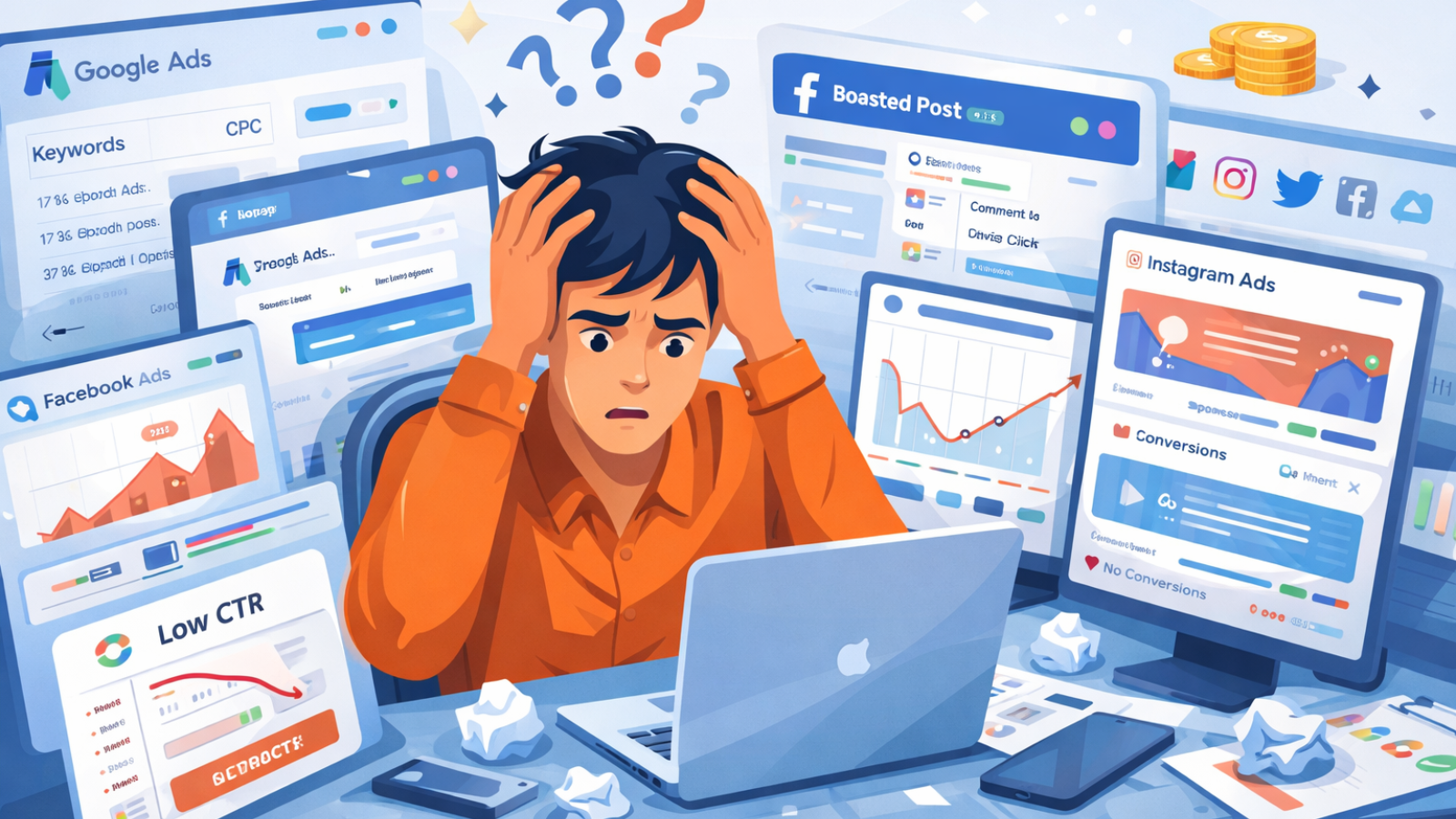
Most guides don’t help much either. They walk you through buttons and settings, but skip the thinking behind them. You end up following the steps without understanding how they connect. That gap is exactly where most ads fail.
A strong ad is not built in one step. It’s the result of several small decisions working together. Your goal shapes your message. Your audience shapes your tone. Your platform influences how you present everything.
This guide takes a different approach. Instead of just showing you how to create an ad, it explains how each step fits into the bigger picture, so you can make better decisions from the start.
Read Aloud!
Who This Guide Is For
This guide is built for beginners who want clarity, not theory. It’s especially useful if you are:
- Small business owners running ads for the first time
- Freelancers learning paid campaigns
- Startups or creators testing a new offer
If you’ve been unsure where to begin, this will give you a structured way to create an ad without second-guessing every step.
Step 1: Define Your Goal Before Creating an Ad
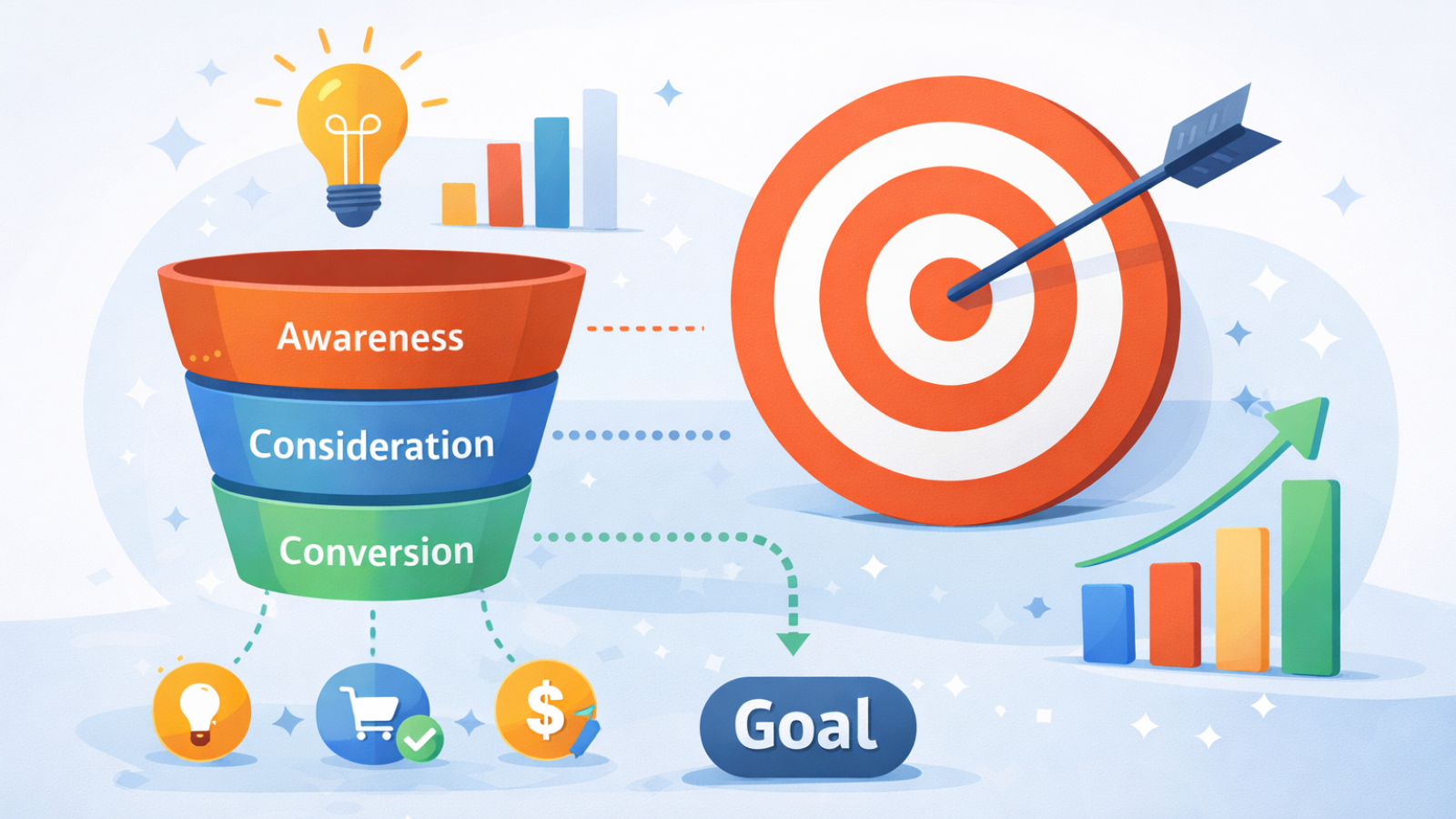
Every campaign needs a clear purpose. Without it, decisions become random. Before you create an ad, ask yourself one question: what should happen after someone sees it?
You might want:
- More website visits
- Leads or sign-ups
- Direct sales
- Brand awareness
Each goal changes how your ad is written and designed.
For example, an awareness campaign focuses on grabbing attention. A sales-focused ad needs urgency and clarity. Mixing both often weakens the message. Keep your goal specific. “Get more customers” is unclear. “Get 20 sign-ups this week” gives you something measurable.
Step 2: Know Your Target Audience

Before you write a single line, understand who you’re speaking to. A common mistake when you create an ad is targeting too broadly. That leads to generic messaging that people scroll past. Instead, define your audience with context:
- What problem are they dealing with?
- What result are they looking for?
- What is stopping them right now?
Here’s a simple example.
If you’re promoting a calorie tracking app, your audience might struggle with consistency. They want to lose weight but feel overwhelmed by tracking. Now your message has direction. It speaks to a real situation instead of a vague group.
Step 3: Choose the Right Platform
Where your ad appears shapes how it performs. Different platforms reflect different intent levels. When you create ads, this decision affects everything from copy to format.
On Google Ads, users are actively searching. They already want a solution, so your job is to connect them to it.
On Facebook Ads or Instagram, people are browsing. Your ad needs to catch attention first, then build interest. If your product solves an immediate problem, search ads are often a strong starting point. If your product needs discovery, social platforms usually perform better. Start with one platform. Learn how it behaves, then expand once you see results.
Step 4: Set a Simple, Controlled Budget
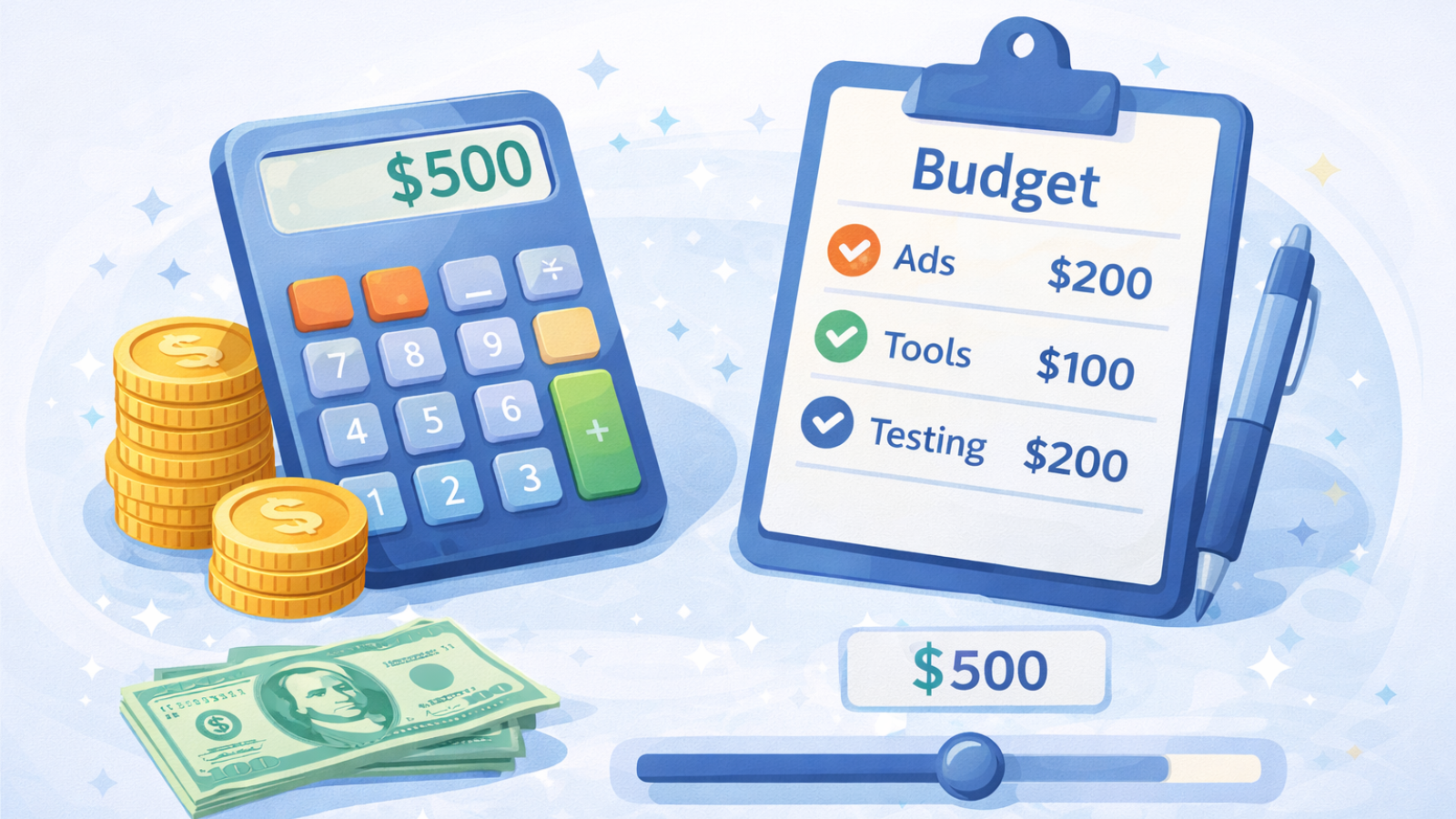
Budget concerns stop many people from even trying. The truth is, you don’t need a large budget to create an ad and test an idea. You need a controlled one. Start small and focus on learning.
A practical approach:
- Set a daily budget you’re comfortable spending
- Run the ad for a few days
- Watch how people respond
This gives you useful data without unnecessary risk. Avoid increasing your budget too quickly. First, confirm that your message is working.
Step 5: Choose the Right Ad Format
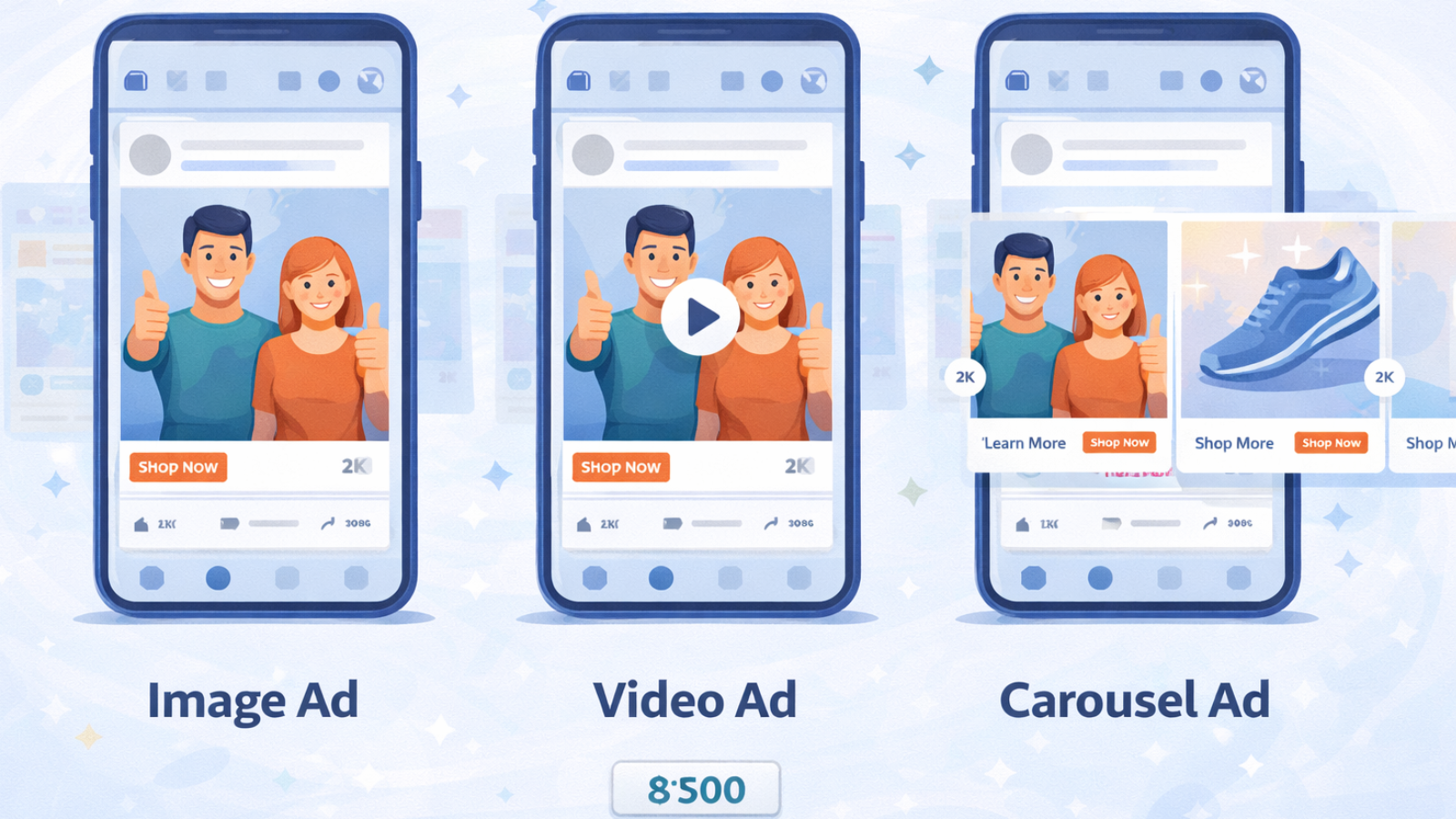
Not every ad looks or works the same way. When you create an ad, the format you choose affects how quickly people understand your message.
Common options include:
- Search ads, which are text-based and intent-driven
- Image ads, which are quick and visual
- Video ads, which help explain or demonstrate
If your offer is simple, text or image ads are usually enough. If it needs explanation, a video can help. The key is alignment. Choose a format that supports your goal, not one that just looks appealing.
Step 6: Write Ad Copy That Connects
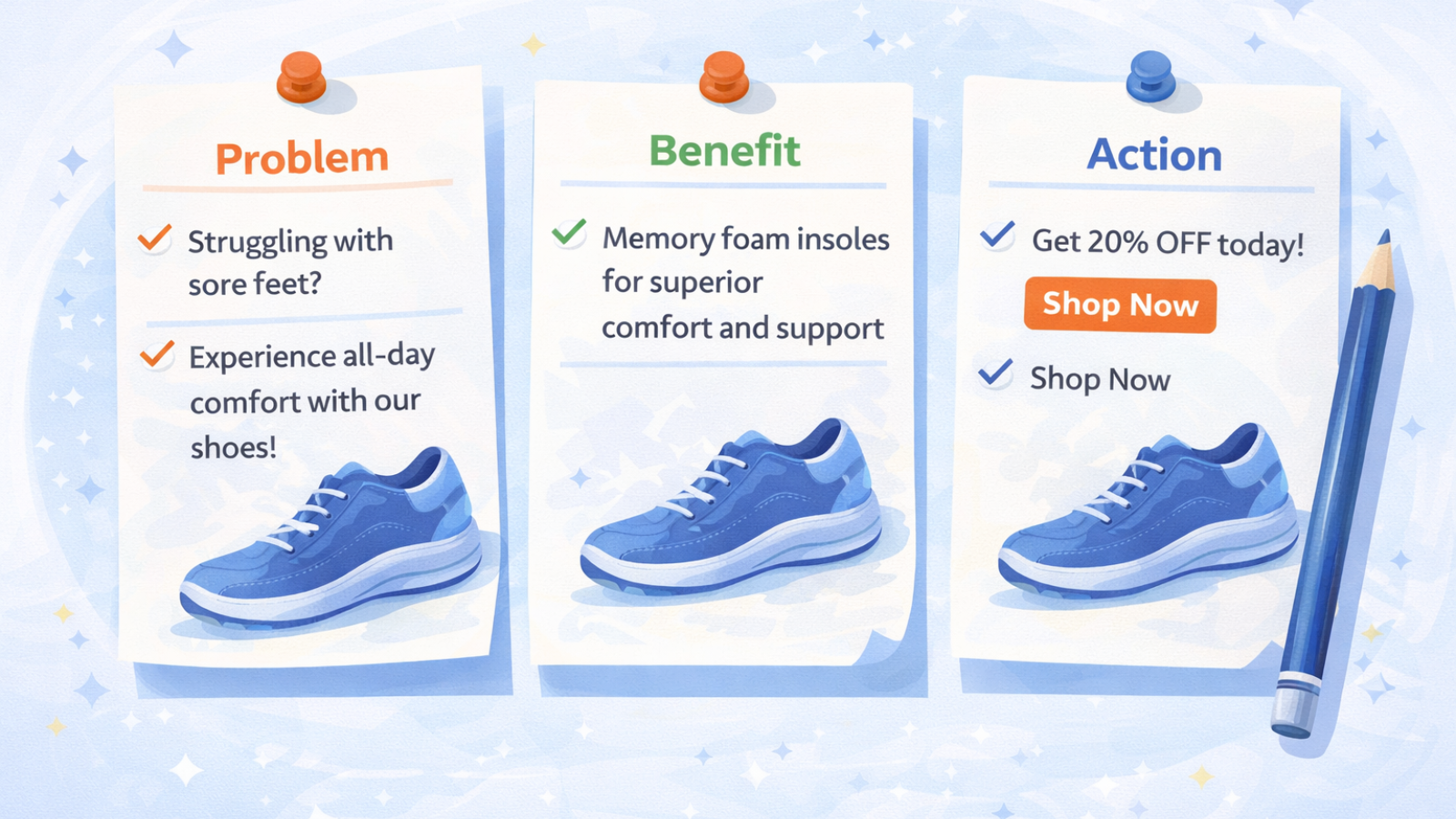
This is where many ads fall apart. Not because of design, but because the message feels unclear or generic. When you create an ad, your copy needs to do three things:
- Grab attention
- Show relevance
- Encourage action
A simple structure works well: problem, solution, action.
For example:
“Tired of guessing your calorie intake?
Track your meals in seconds and stay consistent.
Start today.”
It feels specific because it reflects a real situation. Avoid vague phrases like “best product” or “high quality.” They don’t give the reader a reason to care. Clear messaging almost always beats clever wording. You can also create an ad with AI if you’re struggling with writing.
Tools like AdsGPT can generate headlines, variations, and ideas based on your product and audience, helping you move faster without starting from scratch.
Step 7: Set Targeting and Keywords
Now it’s time to connect your ad with the right people. This step ensures your message reaches those who actually need it.
On Google Ads, you’ll focus on keywords your audience is searching for. On Meta Ads Manager, you define interests, behaviors, and demographics.
Keep it simple at the start. Overcomplicating targeting often leads to confusion without improving results. A clear audience definition makes this step much easier.
Step 8: Launch Your Ad Without Overthinking

At some point, planning needs to turn into action. Before you create an ad and launch it, check the basics:
- Is your goal clear?
- Does your message match your audience?
- Does the ad lead to the right page?
If everything aligns, go live. Waiting for perfection slows progress. Real insights come after your ad is running.
Step 9: Track What Actually Matters
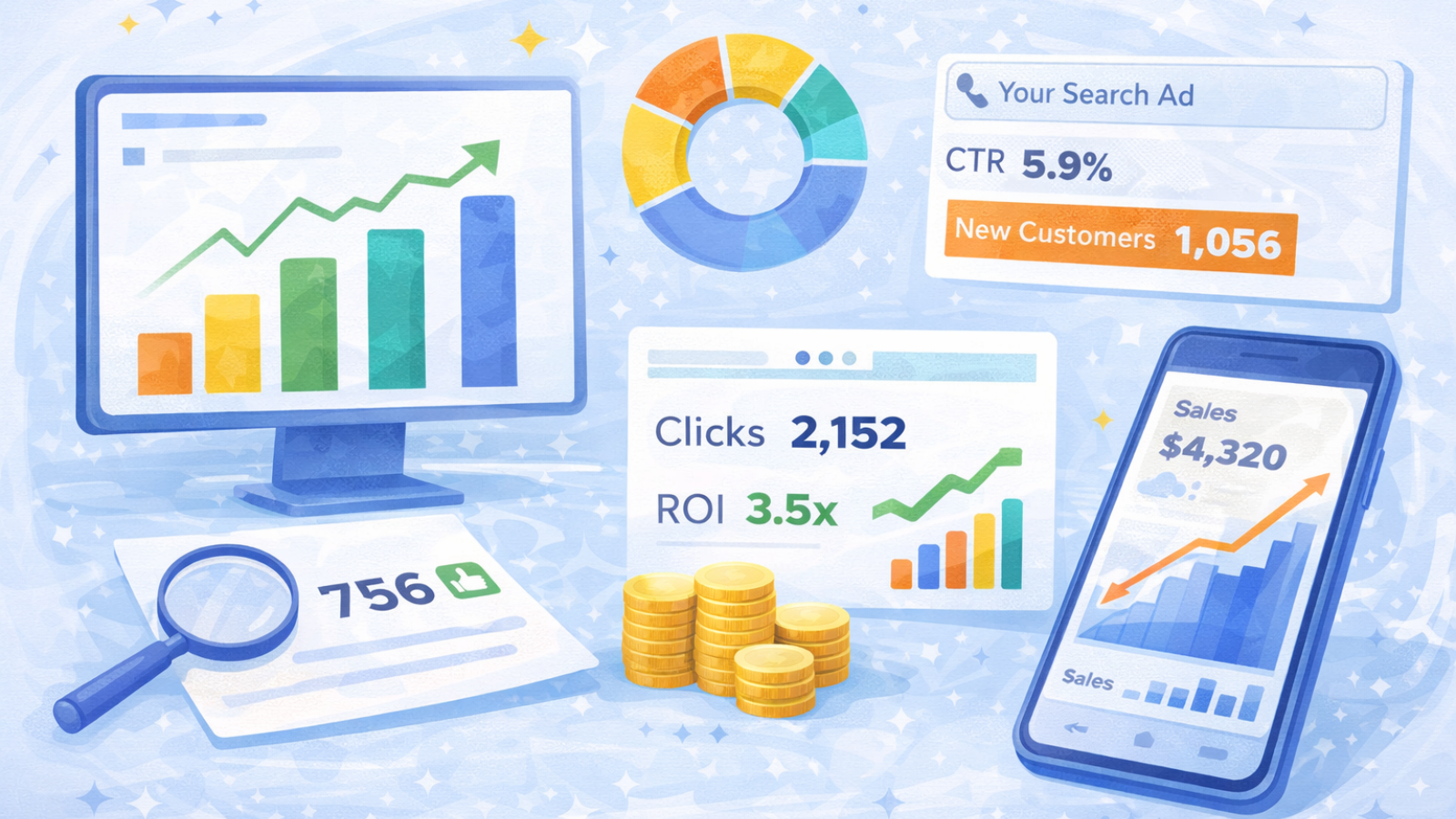
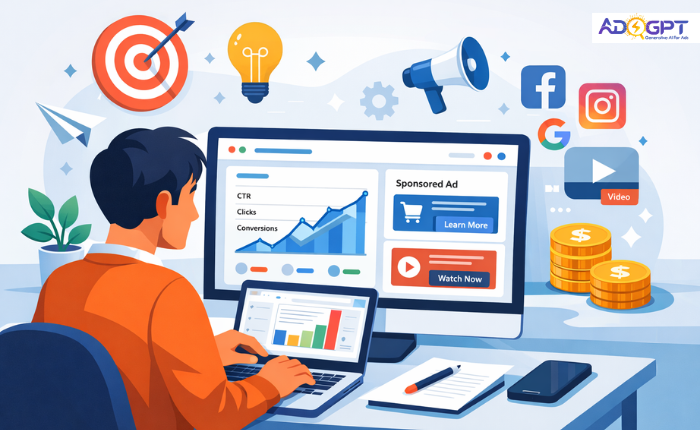
Once your campaign is live, focus on a few key signals. You don’t need to track everything when you create an ad. Just watch what indicates performance. Key metrics include:
- Click-through rate, which shows interest
- Cost per click, which reflects efficiency
- Conversions, which show actual results
If people click but don’t take action, the issue may not be the ad. Often, the landing page needs improvement. This is where many beginners misjudge performance.
Step 10: Improve Through Small Changes
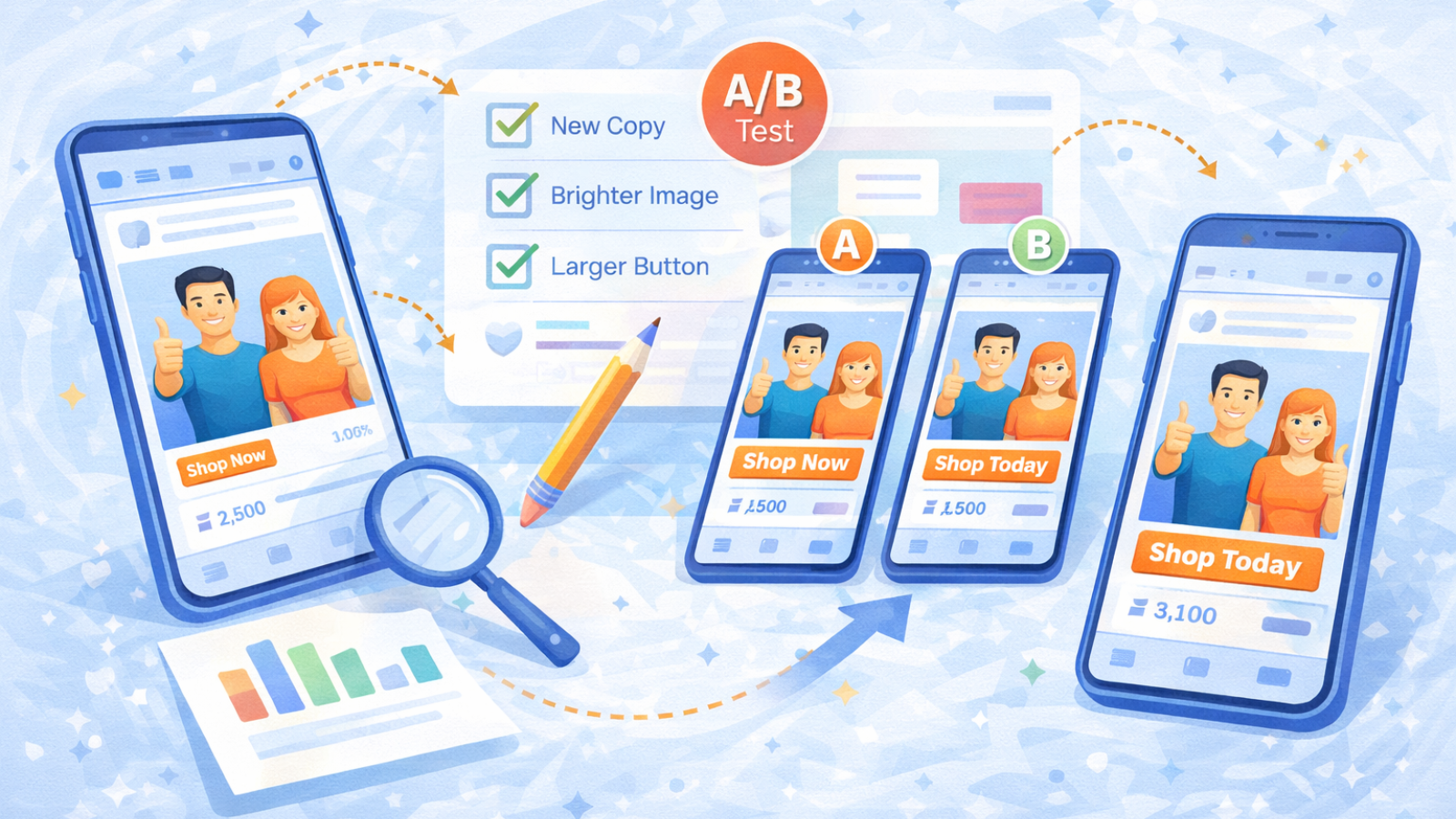
No campaign works perfectly from the start. After you create an ad, the goal is to improve it step by step.
Try small adjustments:
- Change the headline
- Test a different visual
- Refine your audience
This process is called iteration. It’s how strong campaigns are built over time. Avoid changing too many elements at once. Otherwise, you won’t know what made the difference.
Read More!
AI Ad Copy Generator: How to Create High-Converting Ads Faster
How To Create High-Converting Ads With A Video Ad Generator?
A Smarter Way to Start: The $5/Day Test
If spending feels risky, start with a small experiment. When you create an ad, treat your first version as a test, not a final campaign. Run it with a low daily budget for a few days. Focus on learning how people respond.
Ask yourself:
- Are people clicking?
- Does the message feel relevant?
If the answer is yes, you can scale. If not, adjust and try again. This approach builds confidence while keeping risk low.
Create an Ad Faster with AI Using AdsGPT
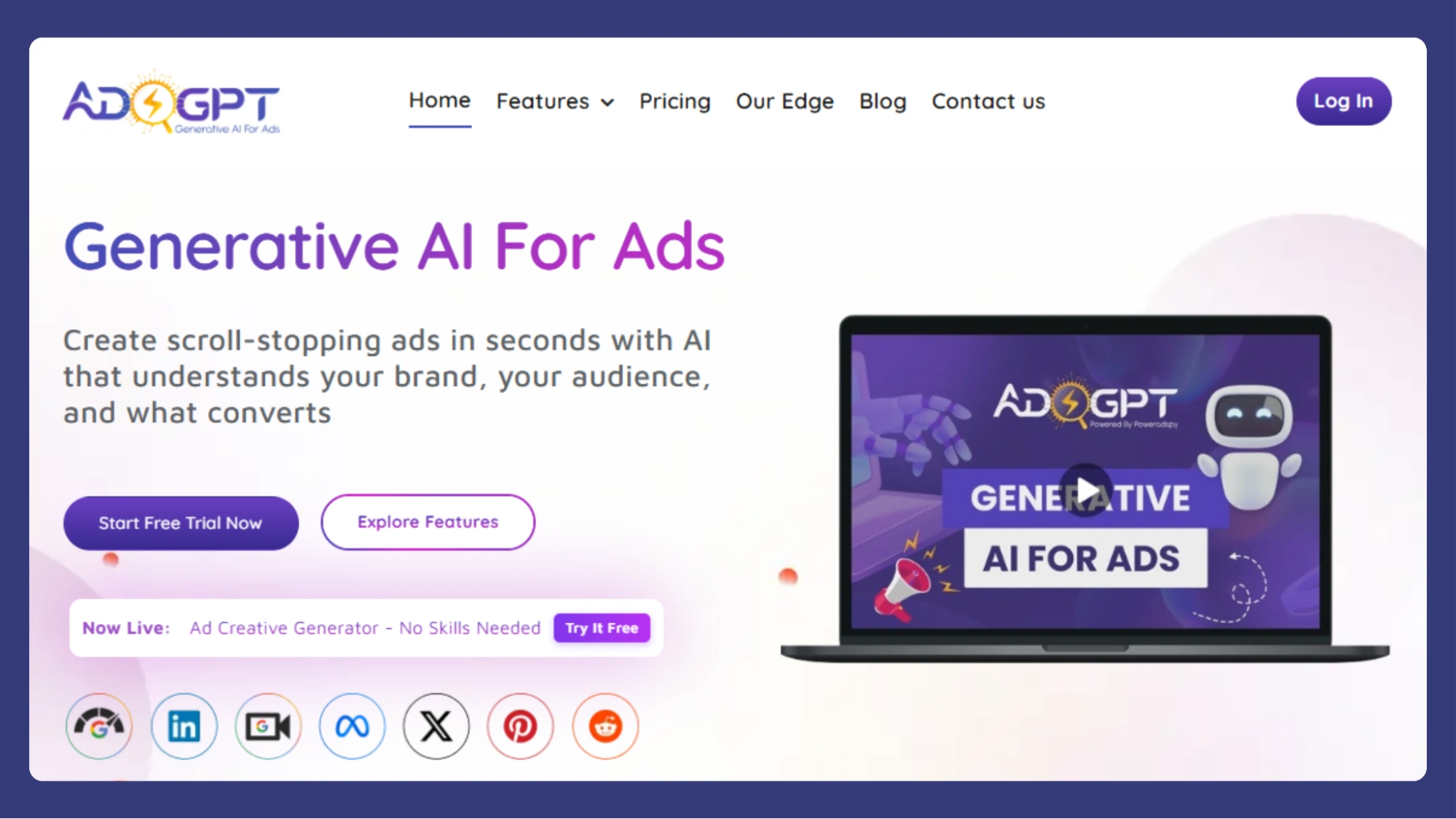
Writing ad copy and designing creatives can take time, especially if you’re starting from scratch. If you want to create an ad with AI, AdsGPT helps speed up the process without compromising quality.
Instead of brainstorming endlessly, you can generate ad copy, headlines, and creative variations based on your product and audience in minutes.
Why Use AdsGPT?
- Generate multiple ad creatives quickly for testing
- Create platform-ready ads for Google, Meta, LinkedIn, and Pinterest
- Get competitor-inspired ideas to improve positioning
- Customize visuals with different styles and formats
- Keep your branding consistent across all ads
AI works best when your goal and audience are already clear. Once that’s set, tools like AdsGPT help you move faster, test more ideas, and improve results efficiently.
Common Mistakes to Avoid
Some mistakes show up repeatedly, especially for beginners.
Watch for these when you create an ad:
- Targeting too broad an audience
- Writing vague or generic copy
- Choosing the wrong platform
- Sending traffic to a weak page
- Expecting results without testing
Each one can quietly reduce your performance.
Final Thought
Learning to create an ad is less about tools and more about understanding people. When your message fits the right audience on the right platform, results follow more naturally.
Start simple. Test consistently. Improve as you learn. That’s how effective ads are built over time.
Frequently Asked Questions
1. How do you create ads for a product?
To create ads for a product, define your goal, understand your target audience, choose the right platform, and write clear, benefit-focused copy. Use simple visuals and include a strong call to action.
2. How do you create ads on Instagram?
To create ad for Instagram, switch to a business account, go to Meta Ads Manager, select your objective, define your audience, set a budget, and publish your ad.
3. How do you create an ad on Google?
To create an ad on Google Ads, set up an account, choose a campaign goal, select keywords, write your ad copy, set your budget, and launch your campaign.
4. How do you create ads on Pinterest?
To create ads on a Pinterest account, open a business account, go to Ads Manager, choose your campaign objective, target your audience, set a budget, and publish your promoted pin.
5. How can AdsGPT help you create an ad faster?
AdsGPT helps you by quickly generating ad copy, headlines, and ideas based on your product and audience, reducing the time spent on brainstorming and writing.

MOST POPULAR