You are aware that being active on social media is important. Posting fresh and interesting content helps people notice your brand, visit your website, and become customers. However, creating content repeatedly is no longer an easy task. Thinking of new post ideas, writing captions, and planning what to post can take a lot of time and effort. However, this can also be confusing. If you have ever wondered, “What should I post today?” You are definitely not alone in this regard. That way, an AI content generator is a game-changer for every social media manager.
In this guide, you will learn how to generate social media content using AI step by step. We will cover how these tools work, how to choose the best AI content outline generator, how to write prompts, and how to improve the content that you receive.
Whether you run a business page or a personal account, this article will help you create better social media content.
Listen to this blog:
What Is An AI Content Generator?
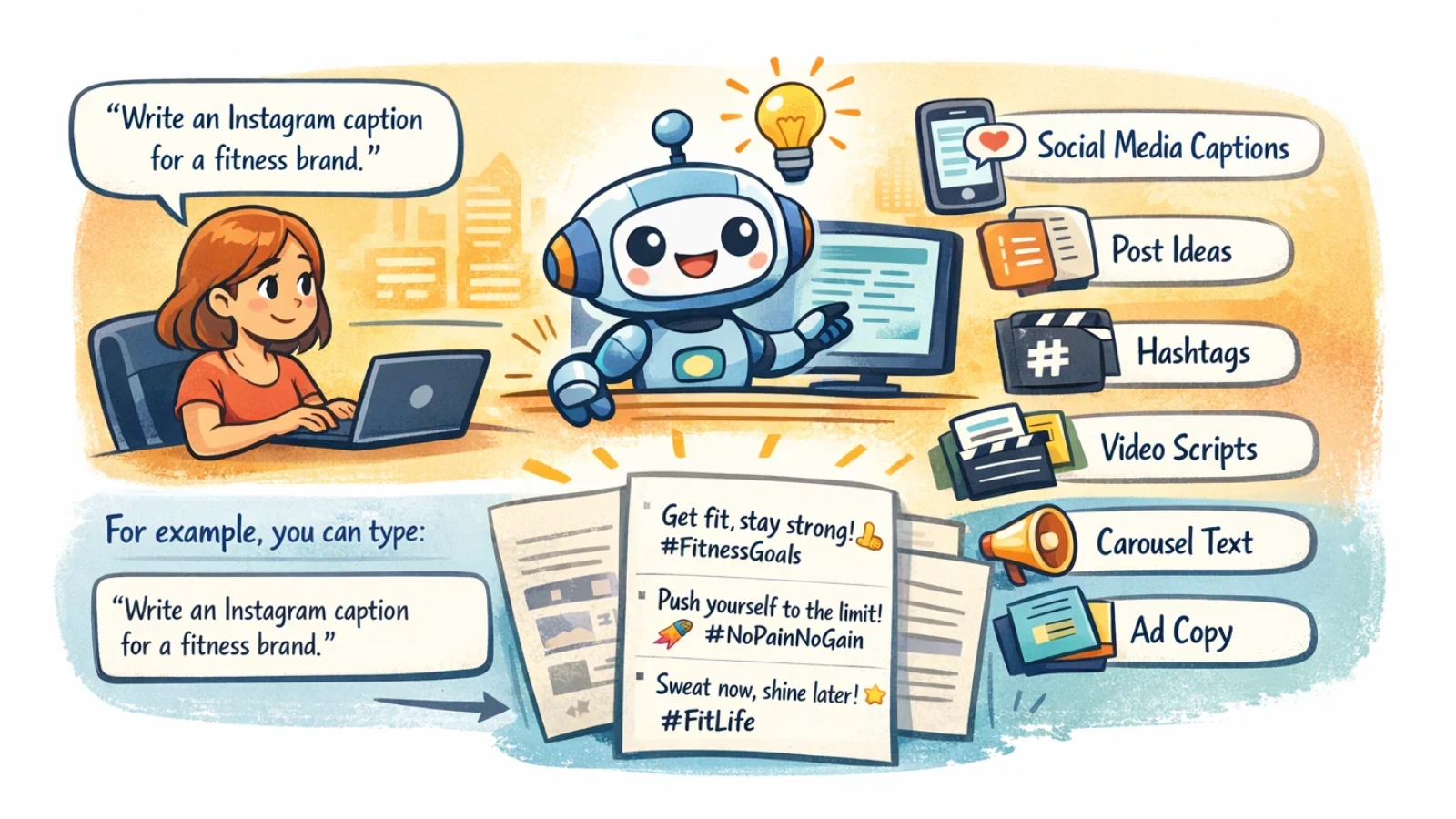
An AI content generator is a tool that uses artificial intelligence to create written content for you. You give the tool a topic or instruction, and it generates content within seconds. This content can include:
- Social media captions
- Post ideas
- Hashtags
- Video Ads scripts
- Carousel text
- Ad copy
For example, you can type:
“Write an Instagram caption for a fitness brand.”
The AI will instantly create multiple caption options you can use or edit.
An AI social media content generator is specially designed for platforms like Instagram, LinkedIn, Facebook, and X (Twitter). It understands the tone, length, and style that work best on each platform.
These tools are powered by advanced language technology trained on large amounts of online content. This allows them to understand topics, writing styles, and user intent.
It is important to remember that AI generates drafts, not final content.
You still need to review, edit, and add your personal or brand voice before publishing.
An AI content generator can save hours of work and make social media content creation much easier.
Benefits Of Using An AI Social Media Content Generator
Using an AI social media content generator can make content creation much easier and less stressful.
Here are some of the biggest benefits:
Saves a Lot of Time
Creating social media content daily takes time, especially when you manage multiple platforms.
AI tools can generate captions, ideas, and even full content calendars in seconds. It helps you focus more on strategy, design, or engagement instead of just writing.
Removes Creative Block
We all face days when we don’t know what to post.
An AI content generator gives you instant ideas. You can generate multiple post options and pick the one you like best.
Helps You Stay Consistent
Consistency is key on social media, but it’s hard to maintain.
AI makes it easier to plan and create content in batches. You can generate a week or even a month of posts in one sitting.
Cost-Effective for Businesses
Hiring writers or agencies for daily posts can be expensive.
AI tools offer a more affordable option, especially for small businesses, startups, and creators who want to scale content without increasing costs.
Supports Multiple Platforms
Different platforms need different writing styles.
An AI social media content generator can create:
- Professional posts for LinkedIn
- Engaging captions for Instagram
- Short posts for X (Twitter)
- Scripts for Reels or TikTok
This makes cross-platform posting much easier.
Explore More Articles
How To Generate Social Media Content With AI
Using an AI content generator is not complicated. But to get the best results, you need to follow the right process.
Here’s a simple step-by-step workflow you can use to create social media content faster and better.
Step 1: Define Your Content Goals
Before generating anything, be clear about your goal.
Ask yourself:
- Do I want more engagement?
- Do I want website traffic?
- Do I want leads or sales?
- Do I want brand awareness?
When you give clear goals, AI creates more relevant content.
For example:
“Write an Instagram post to promote a new product launch.”
This works better than just saying:
“Write a post.”
Step 2: Identify Your Target Audience
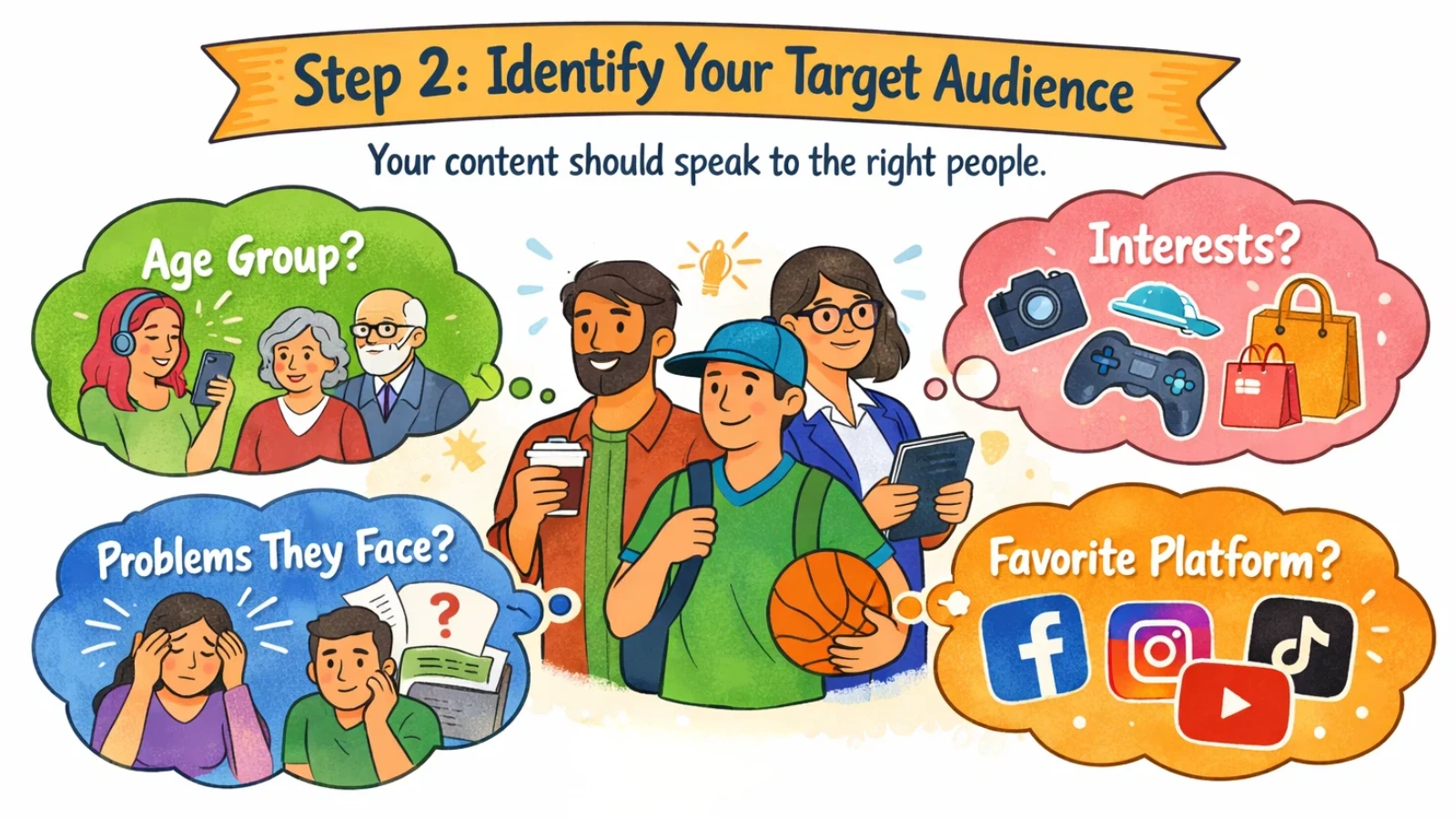
Your content should speak to the right people.
Think about:
- Age group
- Interests
- Problems they face
- The platform they use most
When you include audience details in your prompt, the output feels more personal and relatable.
Example:
“Write a LinkedIn post for small business owners about saving marketing time.”
Step 3: Choose the Right Platform
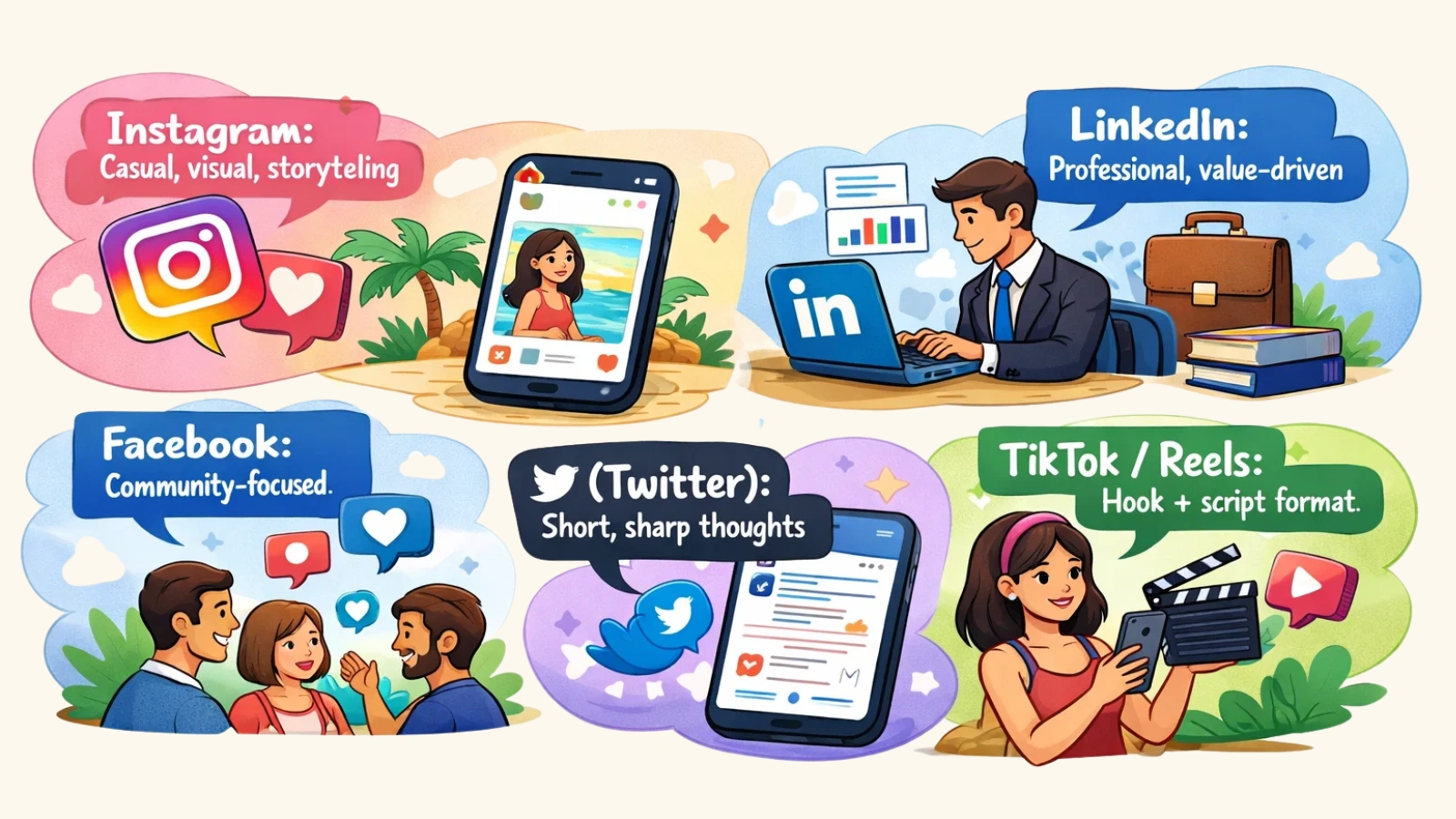
Every platform has a different tone and style.
For example:
- Instagram: Casual, visual, storytelling
- LinkedIn: Professional, value-driven
- Facebook: Community-focused
- X (Twitter): Short, sharp thoughts
- TikTok/Reels: Hook + script format
Most AI social media content Ads generator tools can adjust content based on the platform; you just need to mention it.
Step 4: Select the Best AI Content Generator
There are many AI tools available today.
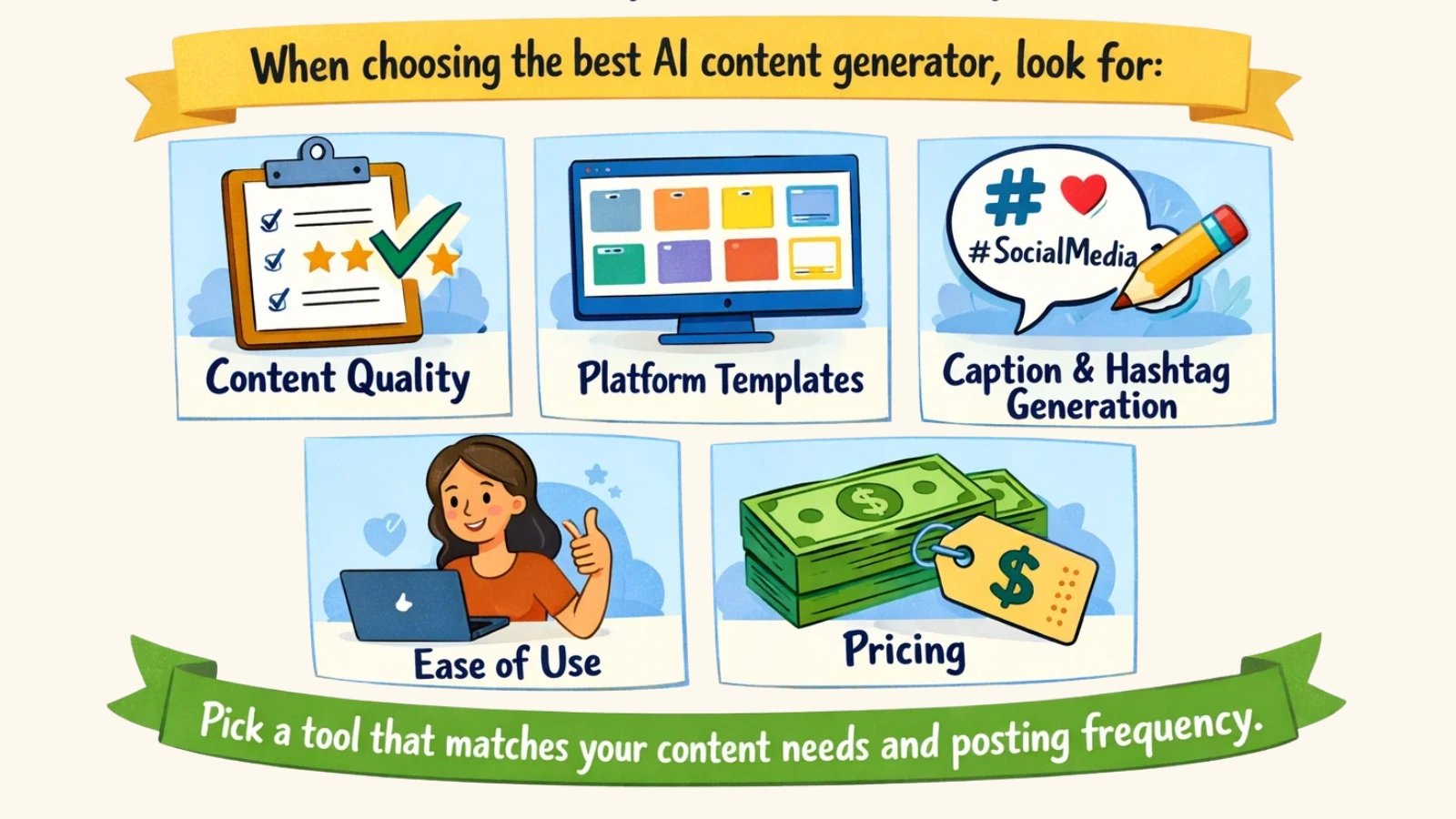
When choosing the best AI content generator, look for:
- Content quality
- Platform templates
- Caption & hashtag generation
- Ease of use
- Pricing
Pick a tool that matches your content needs and posting frequency.
Step 5: Write Clear Prompts
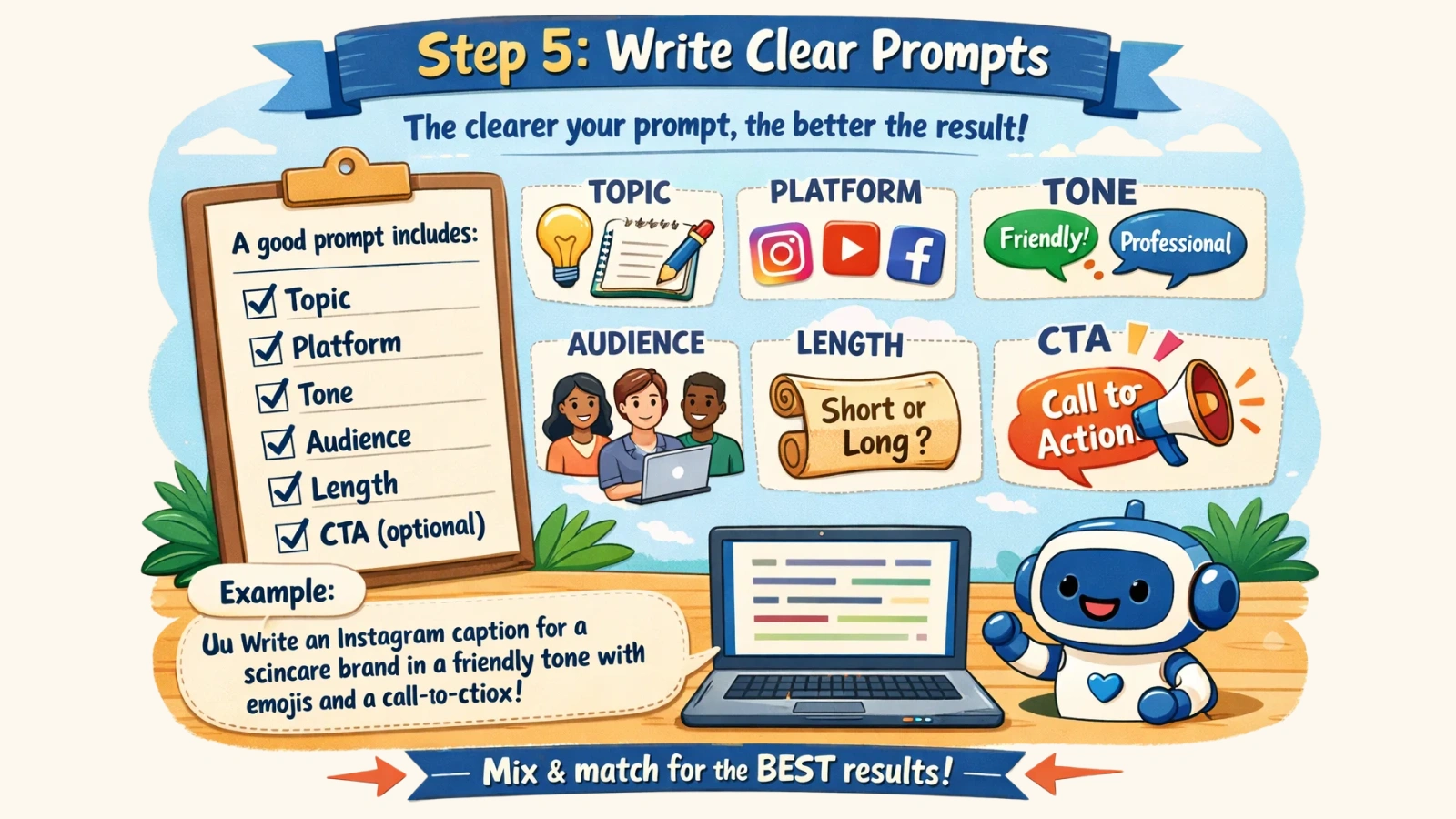
Prompts are the instructions you give AI.
The clearer your prompt, the better the result.
A good prompt includes:
- Topic
- Platform
- Tone
- Audience
- Length
- CTA (optional)
Example prompt:
“Write an Instagram Ad caption for a skincare brand in a friendly tone with emojis and a call-to-action.”
You can generate multiple versions and choose the best one.
Step 6: Generate and Refine Content
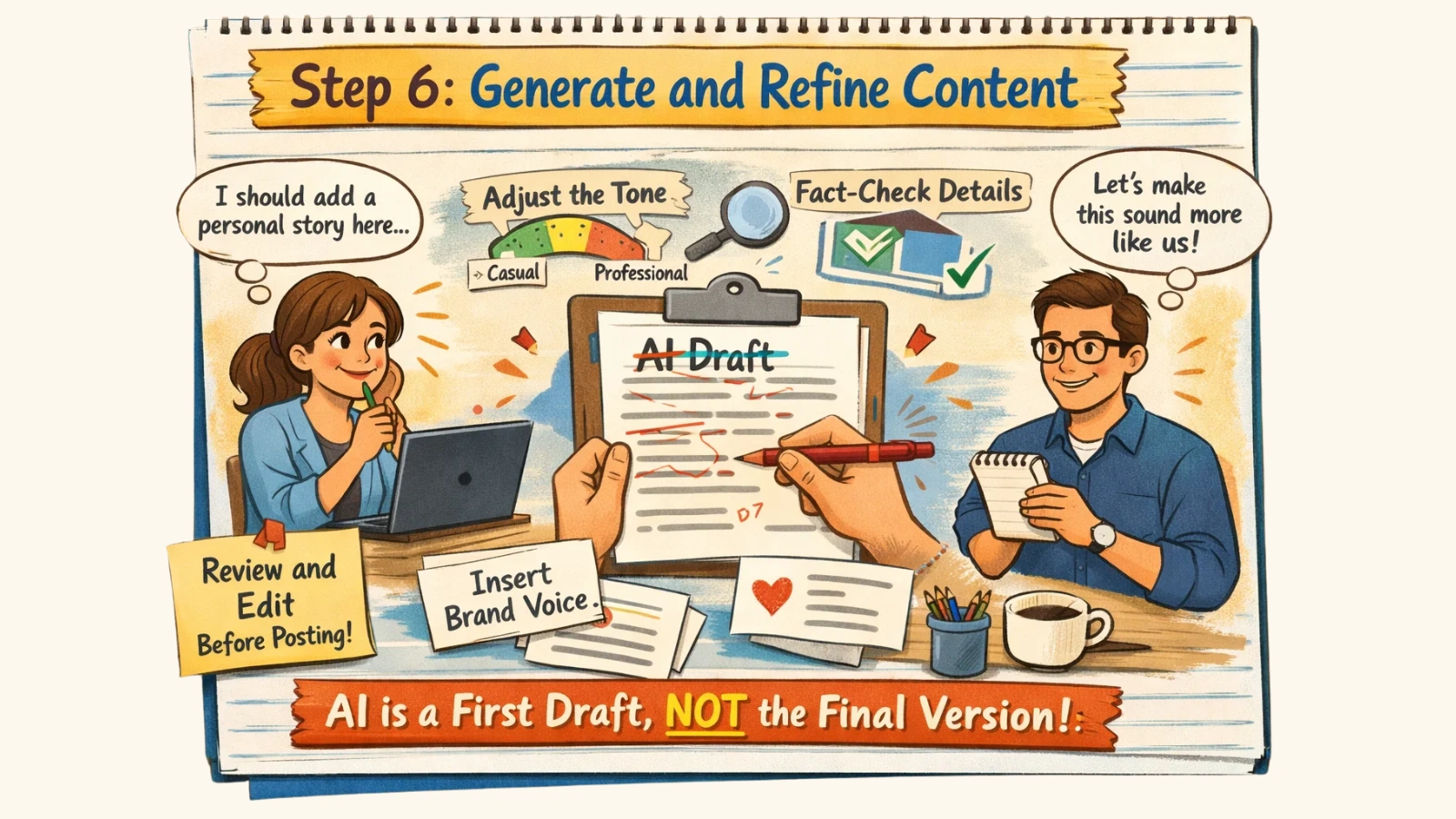
Once AI creates the content, don’t post it immediately.
Always review and edit.
You can:
- Add personal stories
- Adjust tone
- Insert brand voice
- Fact-check details
Think of AI output as a first draft, not the final version.
Step 7: Schedule and Publish
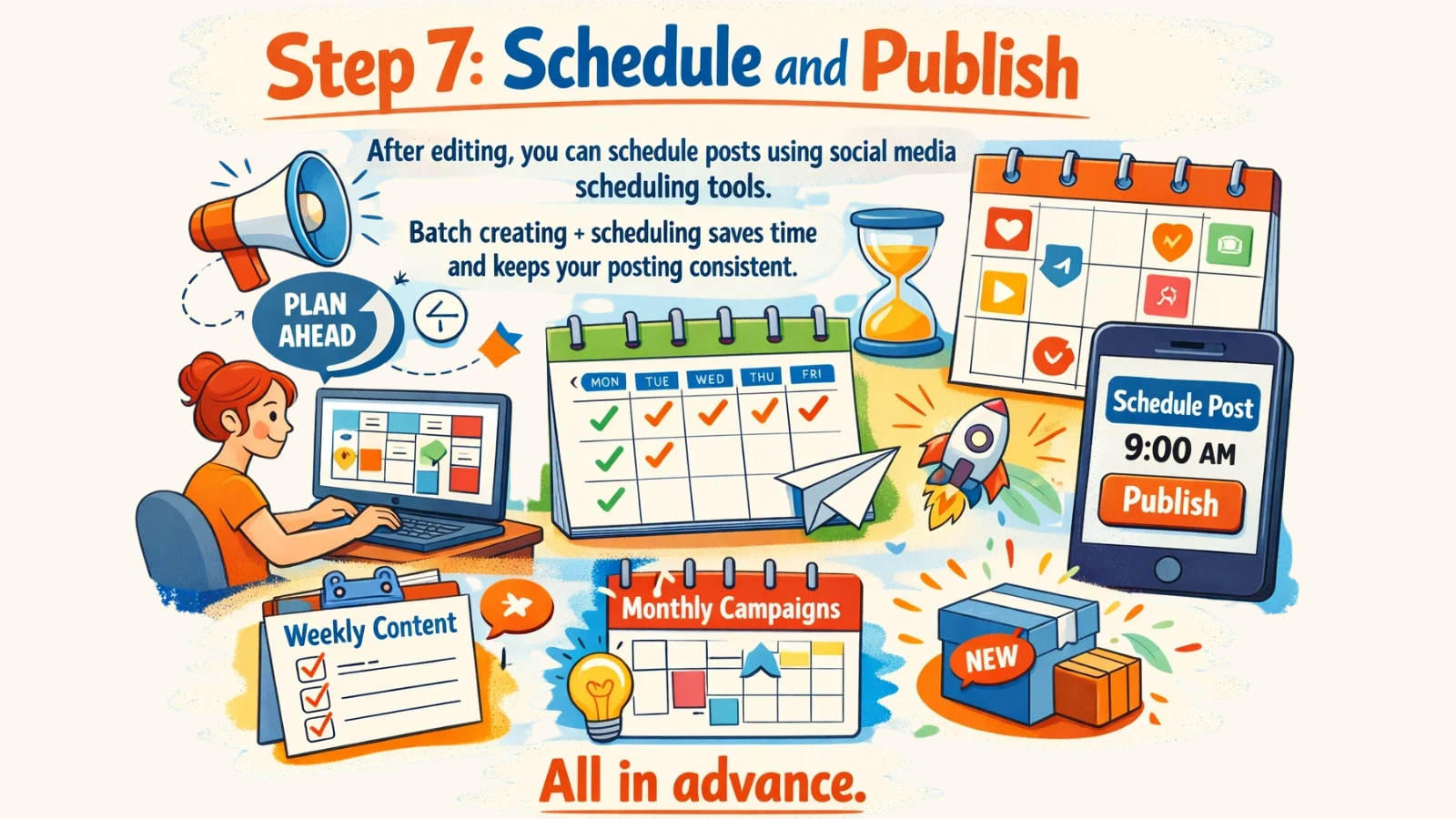
After editing, you can schedule posts using social media scheduling tools.
Batch creating + scheduling saves time and keeps your posting consistent.
You can plan:
- Weekly content
- Monthly campaigns
- Product launches
All in advance.
Step 8: Track Performance
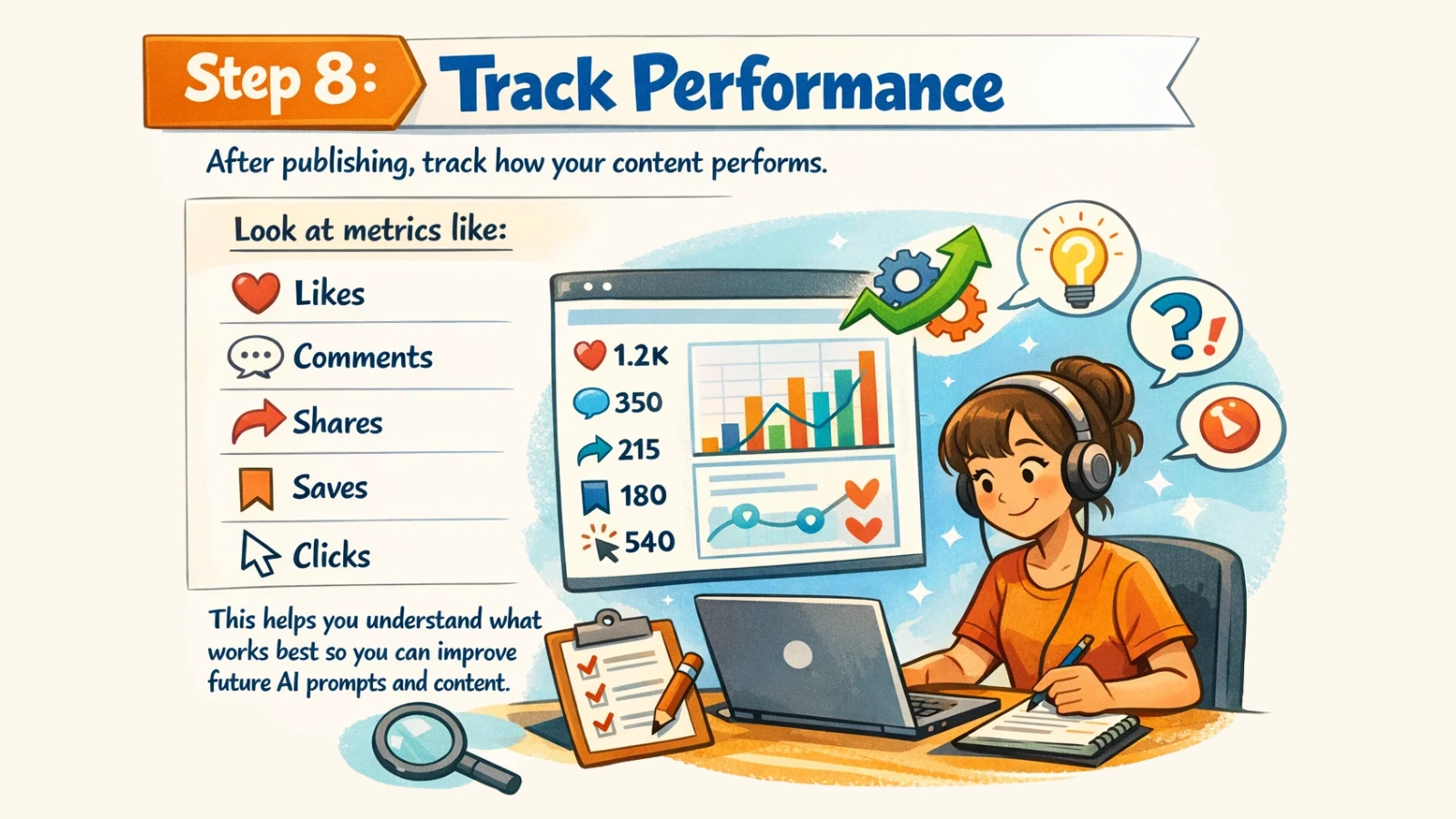
After publishing, track how your content performs.
Look at metrics like:
- Likes
- Comments
- Shares
- Saves
- Clicks
This helps you understand what works best so you can improve future AI prompts and content.
Best Use Cases For An AI Content Generator In Social Media
An AI content generator can be useful for many different people and businesses. Here are some of the most common ways people use AI for social media:
Small Business Marketing
Small business owners often handle everything themselves: marketing trends, sales, customer service, and content.
AI helps them:
- Create promotional posts
- Announce offers or discounts
- Share product updates
- Educate customers
This saves time and reduces the need to hire extra help.
Social Media Managers & Agencies
Agencies manage multiple client accounts at the same time.
Using an AI social media content generator, they can:
- Generate bulk post ideas
- Create captions faster
- Maintain posting consistency
- Scale content production
It helps teams deliver more work in less time.
Personal Brands & Creators
Influencers, coaches, and creators use AI to stay active online.
They generate:
- Daily post ideas
- Story content
- Reel scripts
- Engagement captions
This makes it easier to grow their audience without burnout.
E-commerce Brands
Online stores need constant content to promote products.
AI helps create:
- Product captions
- Launch announcements
- Customer testimonials
- Seasonal campaign posts
This keeps their social feeds active and sales-focused.
Startups & Lean Teams
Startups usually work with small teams and tight budgets.
Instead of hiring full content teams, they use AI to:
- Plan content calendars
- Write posts
- Test messaging
- Promote features
It’s a cost-effective way to scale marketing.
10 AI Prompts to Generate Social Media Content Instantly
One of the best things about using an AI social media content generator is how it works, but the results depend on your prompts.
A prompt is simply the instruction you give to the AI.
The clearer your prompt, the better the content you get.
Here are 10 simple prompts you can copy, paste, and use right away:
1. Caption Prompt
“Write an Instagram caption about [topic] in a friendly tone with emojis and a call-to-action.”
Use for: Product posts, lifestyle content, brand updates.
2. Educational Post Prompt
“Create a LinkedIn post teaching 3 tips about [topic] in a professional tone.”
Use for: Thought leadership and value posts.
3. Engagement Post Prompt
“Write a Facebook Ads post that asks an engaging question about [topic] to encourage comments.”
Use for: Community interaction.
4. Reel / Short Video Script Prompt
“Write a 30-second Instagram Reel script about [topic] with a strong hook and ending CTA.”
Use for: Video content planning.
5. Carousel Post Prompt
“Create a 5-slide Instagram carousel about [topic] with a hook on slide 1 and CTA on the last slide.”
Use for: Educational carousels.
6. Promotional Post Prompt
“Write a promotional social media post for [product/service] highlighting benefits and urgency.”
Use for: Sales and launches.
7. Story Post Ideas Prompt
“Give me 5 Instagram Story content ideas for a [niche] brand.”
Use for: Daily story planning.
8. Hashtag Prompt
“Generate 20 relevant hashtags for a post about [topic] in the [niche] industry.”
Use for: Reach and discoverability.
9. Content Calendar Prompt
“Create a 7-day social media content plan for a [business type].”
Use for: Weekly planning.
10. Audience Pain Point Prompt
“Write a social media post addressing a common problem faced by [target audience].”
Use for: Relatable, high-engagement posts.
You can reuse these prompts inside any AI content generator and customize them based on your niche, platform, and audience.
Once you start experimenting, you will discover which prompt styles generate the best results for your content.
Best AI Content Generator Tool
One of the best tools you can use to create social media content is AdsGPT.
It’s a generative AI tool that helps you create marketing and brand advertising content quickly. If you struggle with writing captions, ads, or post ideas, this tool makes the process much easier.
Instead of spending hours thinking and writing, you can generate ready-to-use content in minutes.
Key Features
Here are some of its main features in simple words:
Social Media Content Creation: Generate captions, posts, and content ideas for platforms like Instagram, Facebook, LinkedIn, and X (Twitter).
Ad Copy Generation: Create high-converting ad headlines, primary text, and CTAs for paid campaigns.
Multiple Content Variations: Get different versions of the same content so you can choose the best one.
Fast Content Generation: Create posts and ads in seconds instead of hours.
Easy Prompt-Based System: Just type your requirement, and the AI generates content instantly.
Conclusion
AI for law is not just a trend; it’s becoming a practical part of how legal work gets done. From speeding up research to simplifying document creation, it helps reduce the time spent on repetitive tasks and allows professionals to focus on more meaningful work.
At the same time, it’s important to use these tools with the right expectations. AI can assist, guide, and improve efficiency, but it still requires human oversight for accuracy and judgment. The real value comes from combining technology with legal expertise.
As tools continue to improve, they will become more accessible and easier to use for both professionals and individuals. Whether you are a lawyer, a startup founder, or someone looking for quick legal help, AI makes legal support more approachable than ever.
FAQs
Can AI tools help with legal document customization?
Yes, many AI tools allow you to customize documents based on your specific needs, such as adding clauses, adjusting tone, or tailoring agreements for different situations.
Is AI for law suitable for beginners with no legal background?
Yes, many platforms are designed to be user-friendly and can guide beginners through basic legal tasks, though complex matters should still involve a professional.
How do AI legal tools improve productivity for lawyers?
They automate repetitive tasks like research, drafting, and document review, allowing lawyers to focus more on strategy and client communication.
Are AI legal tools useful for startups?
Absolutely. Startups can use AI tools to create basic legal documents, understand compliance requirements, and reduce early-stage legal costs.
Do AI lawyer tools work in different countries’ legal systems?
Some tools support multiple jurisdictions, but accuracy can vary. It’s important to check whether the tool is tailored to your specific country’s legal framework.


MOST POPULAR