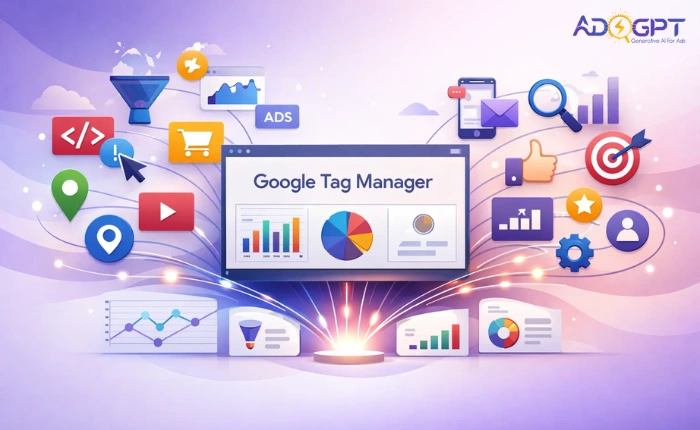
Data plays a major role in shaping successful marketing decisions. When businesses understand how users interact with their websites, they can fine-tune campaigns, boost conversions, and spend budgets more wisely. Managing multiple tracking codes, however, often turns into a complicated and error-prone task. This is exactly why Google Tag Manager has become an essential tool for marketers and website owners.
Instead of manually editing website code every time tracking needs change, Google Tag Manager offers a centralized, efficient, and flexible solution. It empowers marketing teams to deploy tracking tags quickly while maintaining accuracy and performance.
In a hurry? Listen to the blog instead!
What Is Google Tag Manager?
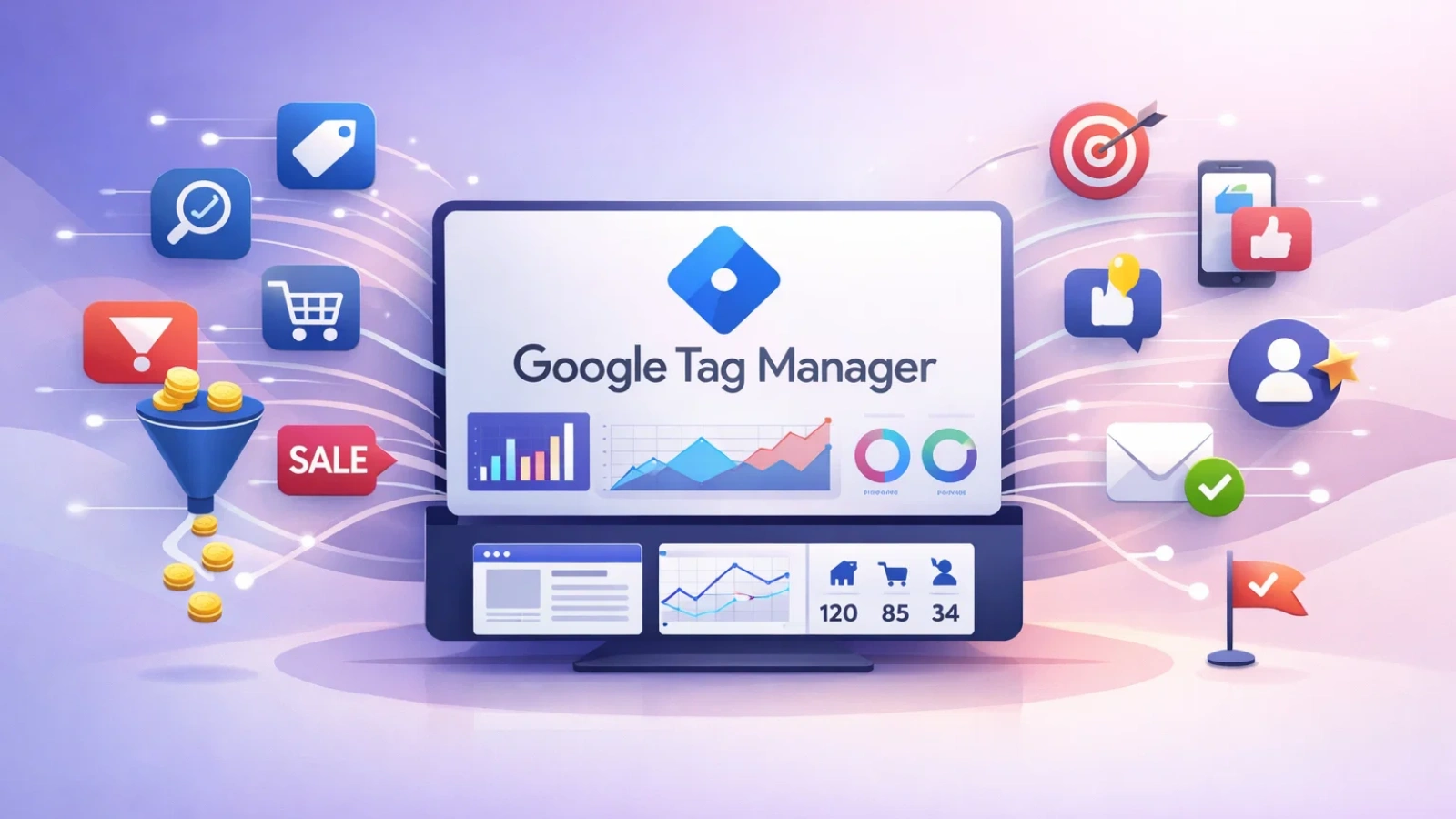
It is a tag management system that allows you to add, update, and manage tracking codes without modifying website code repeatedly.
With Google Tag Manager, you install a single container on your site. This container then handles all analytics, marketing, and tracking scripts. From conversion tracking to remarketing pixels, everything runs through one dashboard.
This approach reduces dependency on developers and gives marketers direct control over data collection.
How Google Tag Manager Works?
The logic behind Google Tag Manager remains simple yet powerful. Once the container code is installed, all tags live inside it. These tags activate based on triggers you define.
For example:
- A tag fires when a page loads
- Another action occurs when a user clicks a button
- A third triggers when a form submission completes
Each trigger ensures the right data gets captured at the right time. This system helps teams track user interactions precisely without disrupting site performance.
Key Components Inside Google Tag Manager
To use Google Tag Manager effectively, it helps to understand the core elements that make tracking work smoothly. Each component plays a specific role in collecting and sending data accurately, including integrations with platforms like google ads.
Tags:
Tags are small pieces of code that send information from your website to third-party tools like analytics platforms, advertising networks, or marketing software. These tags help track actions such as page visits, conversions, purchases, and user engagement. Without tags, no data would be sent or recorded.
Triggers:
Triggers control when a tag should activate. They respond to user actions or page events such as page loads, button clicks, form submissions, scroll depth, or video plays. Triggers ensure that tags fire only under the right conditions, keeping your data clean and relevant.
Variables:
Variables store and pass dynamic information needed for tracking. They can capture details like page URLs, click text, form values, or user behavior data. Variables make tracking more precise by providing context to both tags and triggers.
Together, these components create a flexible and reliable tracking system that adapts easily to changing marketing goals and website behavior.
Also Read:
Why Should Businesses Use Google Tag Manager?
Using Google Tag Manager offers more than basic convenience. It helps businesses improve tracking accuracy, speed up execution, and scale marketing efforts more efficiently by managing all tags from one place.
- Faster Deployment: Marketing teams can update or add tracking tags quickly without waiting for code changes, making campaign adjustments faster and easier.
- Improved Data Accuracy: Centralized tag control reduces tracking errors, duplicate tags, and missing data, leading to more reliable analytics insights.
- Better Website Performance: Tags load without slowing down the website, ensuring a smooth user experience while still collecting essential data.
- Cost Efficiency: Less dependence on developers saves time and operational costs, especially for frequent tracking updates.
These benefits make google tag manager a reliable foundation for efficient and scalable digital marketing.
How Do You Set Up Google Tag Manager Correctly?
Implementing Google Tag Manager follows a straightforward process.
- Create an account and container
- Install the container code on your website
- Add tags based on your tracking needs
- Define triggers and variables
- Test using preview mode
- Publish changes
Once set up, your website becomes fully equipped for detailed tracking and analysis.
How Can Google Tag Manager Improve Ad Campaign Tracking?
Accurate tracking plays a critical role in campaign optimization and performance analysis. Google Tag Manager helps marketers clearly identify which channels, actions, and user behaviors drive results and which areas need improvement. Instead of relying on assumptions, teams gain access to real, actionable data.
With the right setup, you can track meaningful user interactions such as:
- Button clicks: Understand which calls to action attract attention and drive engagement across landing pages.
- Form submissions: Measure lead generation performance and identify which forms convert best.
- File downloads: Track interest in resources like ebooks, guides, or product catalogs.
- Video interactions: Monitor how users engage with video content, including play, pause, and completion actions.
- Purchase completions: Capture successful transactions to evaluate campaign ROI and sales performance.
This level of insight allows marketing teams to optimize campaigns based on actual user behavior rather than guesswork.
While accurate tracking provides clarity, strong campaign performance also depends on effective ad messaging. This is where AdsGPT fits naturally into the workflow. AdsGPT is an AI-powered ad copy generation tool that helps marketers create high-quality ads in seconds.
Instead of struggling with wording or creative blocks, teams can generate tailored ad copies instantly. When paired with Google Tag Manager, AdsGPT makes it easier to track how different ad messages perform, identify what resonates most with users, and confidently optimize campaigns for better results.
How Does AdsGPT Simplify Ad Copy Creation For Marketers?
AdsGPT transforms how marketers approach ad creation. It removes guesswork and replaces it with data-driven creativity powered by artificial intelligence.
Instant Ad Copy Generation:
AdsGPT creates compelling ad copy in seconds. Marketers no longer need advanced writing skills or hours of brainstorming to launch campaigns efficiently within an ads manager.
AI-Powered Creativity:
The platform uses proven industry practices to generate engaging ads that align with user intent and platform standards.
Platform-Specific Optimization:
AdsGPT produces ad copies optimized for platforms like Google, Meta, LinkedIn, Twitter, and more. Each version fits the platform’s unique format and audience expectations.
Competitor Ad Inspiration:
Marketers can analyze competitor ads, select the most appealing ones, and generate similar high-performing copies instantly.
With AdsGPT, marketers can craft compelling and high-performing ad creatives with ease. When paired with Google Tag Manager, it becomes even more powerful—giving you clear, data-backed insights into how those ads perform. You can accurately track clicks, conversions, and engagement, helping you understand which ad copies resonate most with your audience and make optimization decisions based on real numbers, not assumptions.
What Are The Common Use Cases For Google Tag Manager?
Businesses across industries rely on Google Tag Manager to manage and scale their tracking needs efficiently. It supports a wide range of use cases that help teams gain deeper insights and improve marketing performance.
Website Analytics:
Track page views, sessions, and custom events to better understand how users interact with your website and where engagement drops or improves.
Conversion Tracking:
Measure leads, purchases, and sign-ups accurately across different campaigns to evaluate performance and return on investment.
Remarketing Campaigns:
Build precise audience segments based on real user actions, making retargeting efforts more relevant and effective.
A/B Testing:
Monitor how different versions of landing pages or campaign elements perform, helping teams make data-driven optimization decisions.
These use cases demonstrate how flexible and valuable Google Tag Manager is for businesses focused on growth and performance optimization.
Also Read:
AI Ads Manager: Optimize Your Ads With Artificial Intelligence
Best Practices For Managing Google Tag Manager
To get the most out of Google Tag Manager, follow these best practices:
- Use clear naming conventions
- Test all changes before publishing
- Remove unused tags regularly
- Document major updates
- Review triggers for accuracy
A clean setup improves long-term efficiency and reduces tracking issues.
Google Tag Manager vs Traditional Tracking
Traditional tracking depends on manually adding or updating code directly on a website whenever changes are required. This approach increases the risk of errors, slows down campaign execution, and often requires developer involvement for even small updates.
Google Tag Manager addresses these challenges by providing a centralized system to manage all tracking tags in one place. It allows faster updates, safer deployments, and better control over tracking without repeatedly editing website code.
This flexibility makes it a preferred choice for agile marketing teams that need speed, accuracy, and scalability.
What Common Mistakes Should You Avoid In Google Tag Manager?

Even powerful tools like Google Tag Manager require thoughtful setup and ongoing management. Small mistakes can lead to inaccurate data or tracking gaps, which can affect decision-making.
Avoid the following common issues:
Overloading containers with unnecessary tags:
Too many unused or duplicate tags can slow performance and make troubleshooting difficult.
Skipping preview testing:
Failing to test changes before publishing increases the risk of broken or misfiring tags.
Creating vague trigger conditions:
Poorly defined triggers can cause tags to fire incorrectly or miss important user actions.
Ignoring version history:
Not tracking changes makes it harder to roll back errors or understand what was modified.
Staying organized and reviewing your setup regularly helps maintain reliable and accurate data collection.
Conclusion
In a competitive digital landscape, data clarity defines success. Google Tag Manager empowers marketers to track user behavior accurately, optimize campaigns efficiently, and deploy changes with confidence. When paired with tools like AdsGPT, businesses can not only measure performance but also create high-impact ads that convert.
From understanding user actions to refining ad messaging, Google Tag Manager remains a cornerstone of modern marketing success. With the right setup and smart integrations, it becomes more than a tracking tool, it becomes a growth engine.
FAQs
1. Is Google Tag Manager suitable for small businesses?
Yes, Google Tag Manager works well for small businesses because it reduces the need for constant developer involvement. Even small teams can manage tracking updates efficiently from a single dashboard.
2. Can tag management tools work without Google Analytics?
Yes, tag management systems can function independently. They support various third-party tools such as advertising platforms, heatmaps, CRM systems, and marketing automation software.
3. Does using a tag management system affect website security?
When configured correctly, tag management does not create security risks. Proper user permissions and controlled publishing help maintain a safe tracking environment.

MOST POPULAR